
Standardizing multiple AI providers through a single proxy simplifies your stack. Here’s what you need to know:
- LiteLLM matters because it unifies dozens of providers under one OpenAI-compatible API, cutting integration time significantly.
- Developers often struggle with proxy setup and configuring the right API format for OpenClaw compatibility.
- You will learn how to start the LiteLLM proxy and connect it to OpenClaw using both interactive and manual methods.
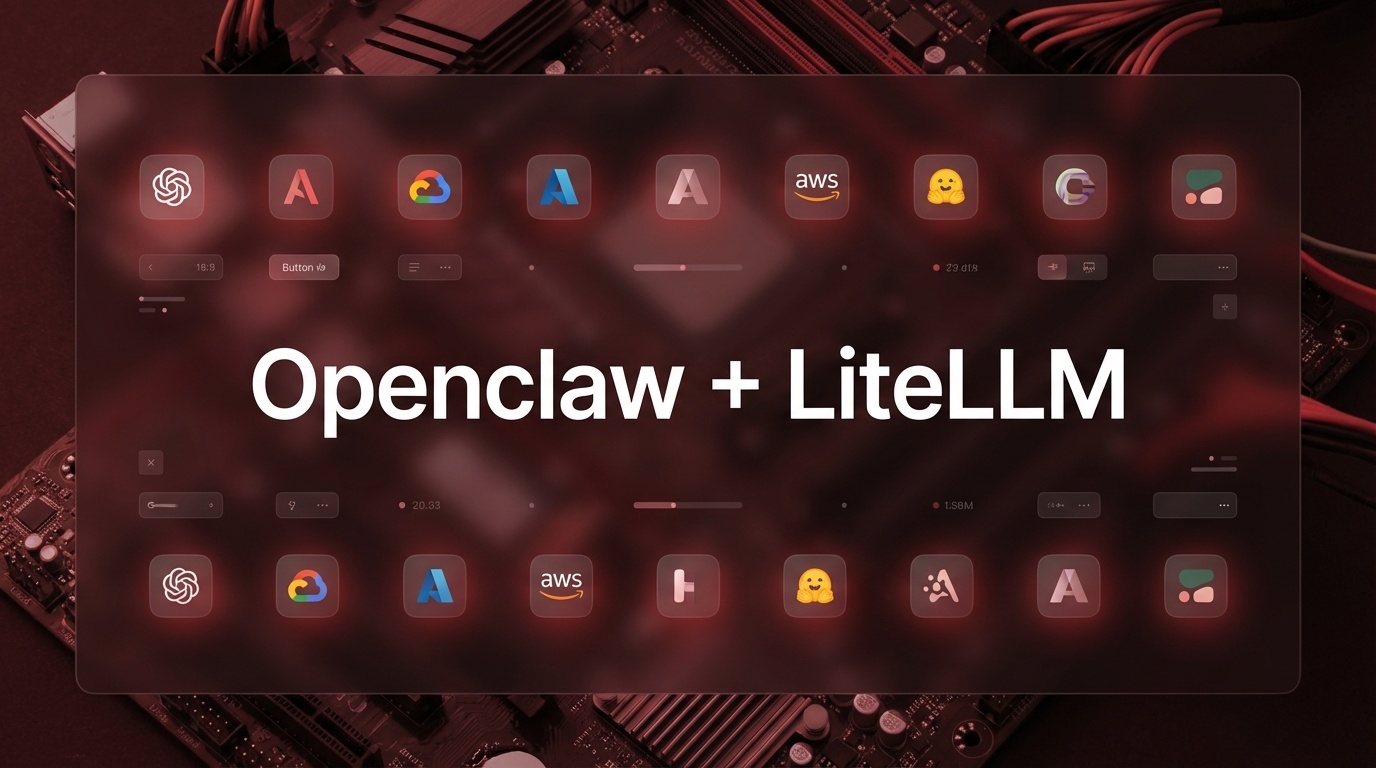
LiteLLM acts as a universal translator between your application and various AI providers. It exposes an OpenAI-compatible endpoint that OpenClaw can consume seamlessly.
Start by installing and running the LiteLLM proxy locally:
pip install 'litellm[proxy]'

litellm --model claude-opus-4-6
The proxy runs on http://localhost:4000 by default. Now configure OpenClaw using the interactive wizard:
openclaw onboard --auth-choice litellm-api-key
For manual configuration, define your models in openclaw.json:
{

  "models": {

    "providers": {

      "litellm": {

        "baseUrl": "http://localhost:4000",

        "apiKey": "${LITELLM_API_KEY}",

        "api": "openai-completions",

        "models": [

          {

            "id": "claude-opus-4-6",

            "name": "Claude Opus 4.6",

            "reasoning": true,

            "input": ["text", "image"],

            "contextWindow": 200000,

            "maxTokens": 64000

          }

        ]

      }

    }

  },

  "agents": {

    "defaults": {

      "model": { "primary": "litellm/claude-opus-4-6" }

    }

  }

}
Restart OpenClaw and your proxy becomes the single entry point for all model requests.