
Openclaw has been getting a lot of attention lately, but nearly half a million lines of code and 70-plus dependencies is a tough foundation to trust with full access to your life and work. These five alternatives are leaner, more auditable, and completely free to deploy. Some are built for specific hardware constraints, others for security, and a few take entirely different approaches to what an AI agent should even be.
| Agent | Language | RAM | Binary | Best For |
|---|---|---|---|---|
| NanoClaw | TypeScript | ~Node.js | n/a | Customizable, Claude SDK users |
| ZeroClaw | Rust | under 5 MB | 8.8 MB | Edge hardware, low-cost deployment |
| Clawdboss | Node.js stack | 2 GB recommended | n/a | Teams, multi-agent security setups |
| memU | Python | n/a | n/a | 24/7 proactive memory, long-running agents |
| NoClaw | C | 324 KB | 88 KB | Absolute minimal footprint, embedded systems |
1. NanoClaw
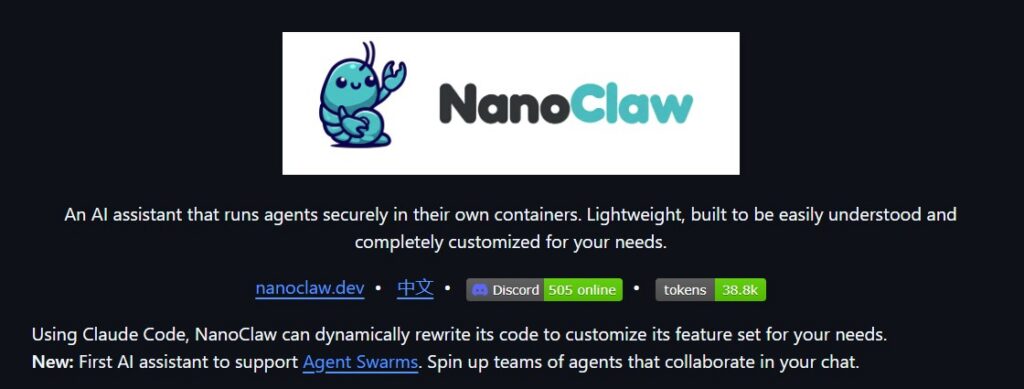
Container-isolated, Claude Agent SDK, Agent Swarms support. Works on macOS and Linux. MIT License.
The person who built NanoClaw put it plainly: they wouldn’t have been able to sleep giving complex software they didn’t understand full access to their life. OpenClaw official installation runs nearly half a million lines of code in a single Node process with shared memory, secured at the application level through allowlists and pairing codes. NanoClaw rebuilds that core functionality in a codebase small enough to read in an afternoon.
The security difference is architectural, not cosmetic. Claude agents run inside Linux containers with explicit filesystem mounts. Apple Container on macOS, Docker on Linux. There is no shared memory between the agent process and your host. When you give the agent bash access, those commands run inside the sandbox. That is a fundamentally different model from permission checks.
The other thing that sets NanoClaw apart is that it runs on Anthropic’s Claude Agent SDK directly, which means you get Claude Code’s reasoning and coding capabilities baked in. The intended workflow is forking the repo and asking Claude to modify the code to fit your needs. No config sprawl, no feature flags. The codebase is small enough that this is actually safe to do.
Agent Swarms is a newer addition and worth calling out. You can spin up teams of specialized agents that collaborate inside your chat, each with its own memory file, isolated filesystem, and dedicated container. NanoClaw claims to be the first personal AI assistant to ship this.
Quick start:
gh repo fork qwibitai/nanoclaw –clone
cd nanoclaw
claude
Then inside the Claude CLI prompt, run /setup. Claude handles dependencies, authentication, container setup, and service configuration. You do not run a separate installer.
Channel integrations like WhatsApp, Telegram, Discord, Slack, and Gmail are added through skills rather than being baked into the core. You run something like /add-whatsapp and it transforms your fork to include that channel cleanly.
What it supports: multi-channel messaging across WhatsApp, Telegram, Discord, Slack, and Gmail, per-group isolated memory and filesystem, scheduled tasks that can message you back, web search and content fetch, Agent Swarms for collaborative multi-agent work, and compatibility with any Claude API-compatible endpoint including Ollama and hosted open-source models.
Best for people already using Claude Code who want a genuinely auditable, container-isolated assistant they can customize by changing code rather than editing config files.
2. ZeroClaw
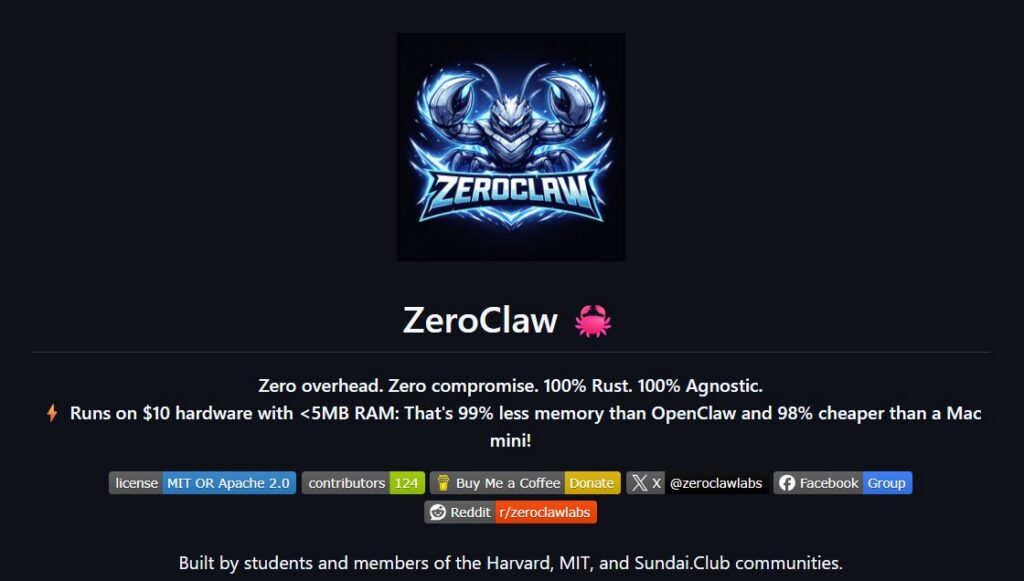
Rust runtime, under 5 MB RAM, runs on $10 hardware. Works on macOS, Linux, Windows, and ARM. Dual licensed MIT and Apache 2.0. Built by people connected to Harvard, MIT, and Sundai Club.
The pitch is simple: zero overhead, zero lock-in, deploy anywhere. The Rust binary is 8.8 MB and runs on under 5 MB of RAM, which makes it viable on $10 ARM boards where Node.js or Python simply cannot run. Cold start is under 10 milliseconds.
Every subsystem is a swappable trait. You can switch from OpenAI to Anthropic to a local Ollama instance by changing a config value. You can swap SQLite for PostgreSQL for memory storage the same way. No code changes required. The project ships support for over 15 messaging channels including Telegram, Discord, Slack, Mattermost, iMessage, Matrix, Signal, WhatsApp, IRC, Nostr, Lark, DingTalk, and QQ.
Quick start:
brew install zeroclaw
# or clone and bootstrap
git clone https://github.com/zeroclaw-labs/zeroclaw.git
cd zeroclaw
./install.sh –onboard –api-key “sk-…”
zeroclaw agent -m “Hello, ZeroClaw!”
zeroclaw daemon
The memory system has no external dependencies. No Pinecone, no Elasticsearch, no LangChain. It combines SQLite vector storage with BM25 full-text search and a custom weighted merge function. Everything runs in process.
Security is layered throughout. The gateway binds to 127.0.0.1 by default and refuses to bind to 0.0.0.0 without an active tunnel or an explicit override. Pairing requires a six-digit one-time code. Filesystem access is scoped to your workspace with 14 system directories and sensitive dotfiles blocked. Channel allowlists are deny-by-default, meaning an empty allowlist blocks all inbound messages rather than allowing them.
What it supports: over 15 messaging channels, hybrid memory with SQLite plus BM25 plus optional vector embeddings, providers including OpenAI, Anthropic, OpenRouter, Ollama, llama.cpp, vLLM, and custom endpoints, optional Docker sandboxing for agent execution, over 1,000 integrations through opt-in Composio support, systemd and OpenRC service management, an OpenClaw migration tool, AIEOS v1.1 identity format for portable AI personas, and a Python companion package for consistent tool calling across providers with poor native support.
Best for anyone who wants a production-ready runtime that runs on cheap hardware, supports a large number of messaging channels, and lets you swap every component without writing code.
3. Clawdboss
Pre-hardened multi-agent setup by NanoFlow. Supports Discord and Telegram. Runs on Ubuntu VPS. MIT License.
Clawdboss is not trying to be minimal. It is an opinionated, security-hardened multi-agent configuration built on top of OpenClaw, and its assumption is that the hard part of running an AI assistant is not installing the software. It is configuring security, memory persistence, multi-agent routing, and context recovery correctly. The setup script handles all of that.
The wizard asks about you and your intended use, your agent’s name and personality, your API credentials, and which optional tools you want. It generates config files with environment variable references so your API keys never appear in plain text JSON. It offers integrations including Playwright for browser automation, GitHub for issues and pull requests, Graphthulhu for knowledge graph memory, OCTAVE for token compression in multi-agent handoffs, and a web dashboard called ClawSuite Console. A fresh Ubuntu VPS goes from zero to running in one session.
Quick start:
apt-get update && apt-get install -y git
git clone https://github.com/NanoFlow-io/clawdboss.git
cd clawdboss && ./setup.sh
The setup script installs Node.js 22, Python, build tools, and OpenClaw automatically.
Context persistence is the standout feature. The WAL Protocol (Write-Ahead Log) has agents write important details to a SESSION-STATE.md file before they respond. A Working Buffer kicks in around 60 percent context usage and logs every exchange. When the context resets, the agent reads those files and picks up where it left off without asking you to recap. Memory is organized in three layers: L1 is loaded every turn, L2 is searched semantically, and L3 is opened on demand. Each workspace file is budgeted at 500 to 1,000 tokens to prevent agents from skimming.
Security is built into every workspace from the start: prompt injection defense with content isolation and pattern detection, rules to prevent looping attacks that burn tokens, external content treated as data rather than instructions, and a Verify Before Reporting rule. The optional ClawSec tool adds file integrity monitoring, an advisory feed, and malicious skill detection.
What it supports: main agent plus optional Comms, Research, and Security specialist agents, Discord with channel-per-agent routing, Telegram with DM and group topic support, ClawSuite Console web dashboard with chat and cost analytics, SQLite plus FTS5 hybrid memory with LanceDB semantic search, 3 to 20 times token compression via OCTAVE for multi-agent handoffs, Graphthulhu knowledge graph memory, GitHub integration, Playwright browser automation, real-time observability through Clawmetry, and a Self-Improving Agent that captures errors and lessons across sessions.
Best for teams or power users who want a fully configured multi-agent system with production-grade context persistence and security, and do not want to build any of it from scratch.
4. memU
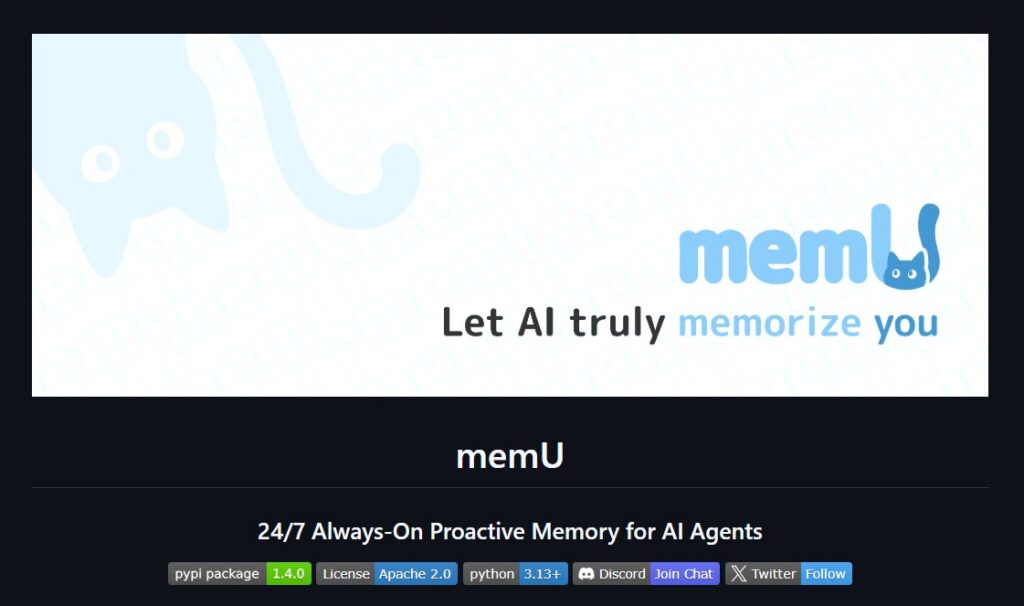
24/7 proactive memory framework. Self-hosted Python. PostgreSQL plus pgvector for persistent storage. OpenRouter compatible. Apache 2.0 License.
memU is doing something different from everything else on this list. It is not a messaging runtime or a deployment tool. It is a memory framework designed for agents that run continuously, learn from interactions without being told to, and act on what they anticipate you will need before you ask.
The design metaphor is a file system. Categories are folders, memory items are files, and cross-references between memories work like symlinks. You navigate from broad topic areas down to specific facts the way you would browse directories. New knowledge mounts immediately when conversations or documents are processed, and the system cross-links related memories automatically as it builds up context over time.
The runtime runs two agents in parallel. The main agent handles your requests and executes tasks. The memU bot monitors every interaction in the background, extracts insights, updates your memory, predicts what you will need next, and pre-fetches context before you ask for it. Retrieval works in two modes: RAG mode uses embeddings and returns results in milliseconds, while LLM mode does deeper reasoning and refines its own queries as it goes.
The cost claim is that token usage runs at roughly one-tenth of comparable always-on setups because the system caches insights and avoids redundant calls. On the Locomo long-context memory benchmark, memU scores 92.09 percent average accuracy.
Quick start (self-hosted):
pip install -e .
export OPENAI_API_KEY=your_api_key
python tests/test_inmemory.py
# With PostgreSQL and pgvector for persistence
docker run -d –name memu-postgres -e POSTGRES_DB=memu -p 5432:5432 pgvector/pgvector:pg16
python tests/test_postgres.py
Provider support is flexible. You can configure separate profiles for LLM and embedding providers, and OpenRouter is supported natively which gives you access to Claude, GPT-4, Gemini, and many others through one API key. Voyage AI embeddings, Alibaba DashScope, and any OpenAI-compatible endpoint all work. A hosted version is available at memu.so for those who do not want to self-host.
What it supports: hierarchical memory navigable like a filesystem, dual retrieval modes (RAG for speed, LLM for depth), proactive intent prediction without explicit commands, multimodal inputs including conversations, documents, images, audio, and video, 92 percent accuracy on the Locomo benchmark, OpenRouter for model-agnostic deployment, companion server and UI packages for backend sync and visual monitoring, and an enterprise tier with custom proactive workflows.
Best for agents that need to stay genuinely always-on, like inbox monitoring, trading alerts, research surfacing, or any workflow where the agent should be acting continuously rather than waiting for prompts. It complements rather than replaces the other tools on this list.
5. NoClaw
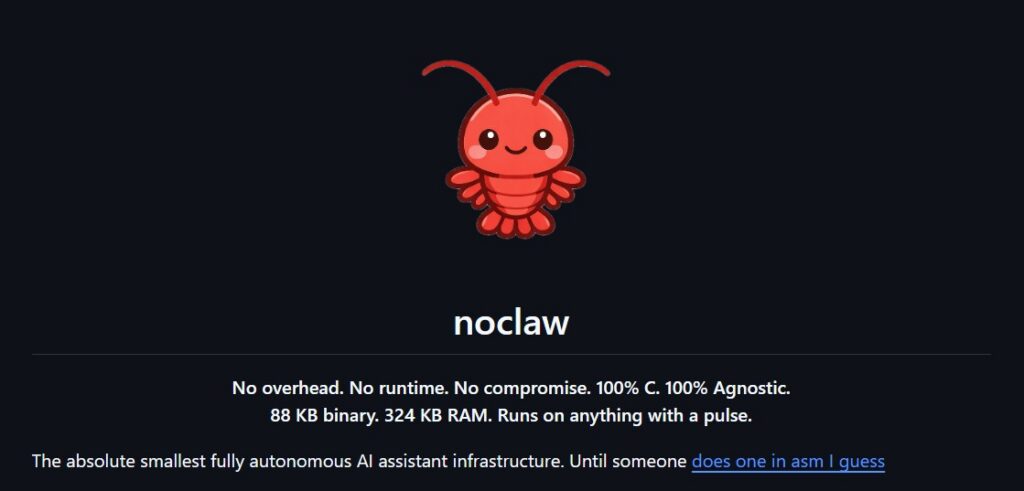
88 KB binary, 324 KB peak RAM, written in C, zero runtime dependencies. Works on Linux and macOS. MIT License.
NoClaw is the end of the “how small can this go” question. C11, 88 KB dynamic binary on macOS arm64, 270 KB static musl binary on Linux, peak RSS of 324 KB. No runtime dependencies with the static build, not even libc. The project describes it as less memory than a favicon, which is accurate.
The static musl build is the engineering achievement worth understanding. glibc costs roughly 1.3 MB of RSS before any application code runs because of dynamic linker overhead, locale data, and malloc arena pre-allocation. musl costs around 200 KB. When your entire program fits in 324 KB of RAM, which libc you use matters as much as what your code does. The static binary runs on any Linux kernel version 2.6.39 or later. You copy the file to a machine and run it.
TLS is handled in-process through BearSSL on Linux and SecureTransport on macOS. The nullclaw project, which holds the 678 KB record in Zig, shells out to curl for every HTTP request, which means its memory numbers do not include TLS overhead since that runs in the child process. NoClaw does not work that way.
Memory management uses a chunk-based arena allocator. Linked list of chunks, old chunks never move, pointers stay valid across turns. nc_arena_reset() rewinds the allocator without freeing memory so the next turn reuses the same pages. An earlier realloc-based approach worked on glibc but segfaulted on musl because musl relocates instead of extending in place.
Quick start:
git clone https://github.com/noclaw/noclaw.git
cd noclaw
make release
make musl
./noclaw onboard –api-key sk-… –provider openrouter
./noclaw agent -m “Hello, noclaw!”
./noclaw gateway
The architecture is function-pointer vtables throughout, which is C’s version of trait objects or interfaces. A provider is a struct with a chat function pointer. A tool is a struct with an execute function pointer. Adding a new provider means filling in a vtable struct. There are currently two providers (OpenAI-compatible and Anthropic), four channels (CLI, Telegram, Discord, Slack), and five tools (shell, file_read, file_write, memory_store, memory_recall).
Memory is flat-file keyword search. No SQL engine, no embeddings, no vector database. The LLM acts as the ranker. It is intentionally simple and the tradeoffs are obvious.
Security mirrors ZeroClaw’s model: 127.0.0.1 by default, six-character pairing codes, workspace-scoped filesystem with absolute paths rejected and path traversal blocked. The test suite has 87 tests across 14 source files totaling about 5,350 lines of code.
What it supports: two providers including any OpenAI-compatible API, four messaging channels, five tools with more addable via vtable, flat-file memory with keyword search, HTTP gateway with health check, pairing, and webhook endpoints, static musl binary for zero-dependency Linux deployment, in-process TLS, arena-based memory management, and 87 passing tests.
Best for situations where hardware is the real constraint, a 50-cent board, an ancient ARM device, or any environment where runtime dependencies are not an option. Also worth considering for anyone who wants to read every single line of code their agent runs before trusting it with anything.
NanoClaw and ZeroClaw are the closest to drop-in OpenClaw alternative replacements in terms of general-purpose functionality. Clawdboss is the right call if you want everything configured and hardened from day one without doing it yourself. memU is solving a different problem, proactive continuous memory, and works well alongside any of the others. NoClaw is for the cases where nothing else physically fits.
All five are free, all five are open source, and none of them require a Mac Mini. What are you using? Anything worth adding to the list?
- How to Make AI Song for Free
Have you ever wanted to create your own music but felt that it was too hard, too expensive, or required..
- How to Make Professional Infographics Using AI for Free
Making good-looking infographics used to be hard. You needed design skills and expensive software. Now, with AI, anyone can create..
- How to Make Custom AI for Free
AI is no longer just for tech experts. Today, anyone can create their own AI assistant for free. You can..