
E2ECP is a peer-to-peer file transfer tool that works from the web or the CLI. It enables direct, end-to-end encrypted transfers between peers without accounts, cloud storage, or trusting an intermediary. You can share large files by simply creating a room and having your peer join.
The system uses P-256 key exchange and AES-GCM for authenticated encryption. Relays assist with NAT traversal but never see the decrypted content. If you frequently handle sensitive documents in the browser, tools like PDFcraft provide a browser-based PDF toolkit for private documents with similar privacy-first principles.
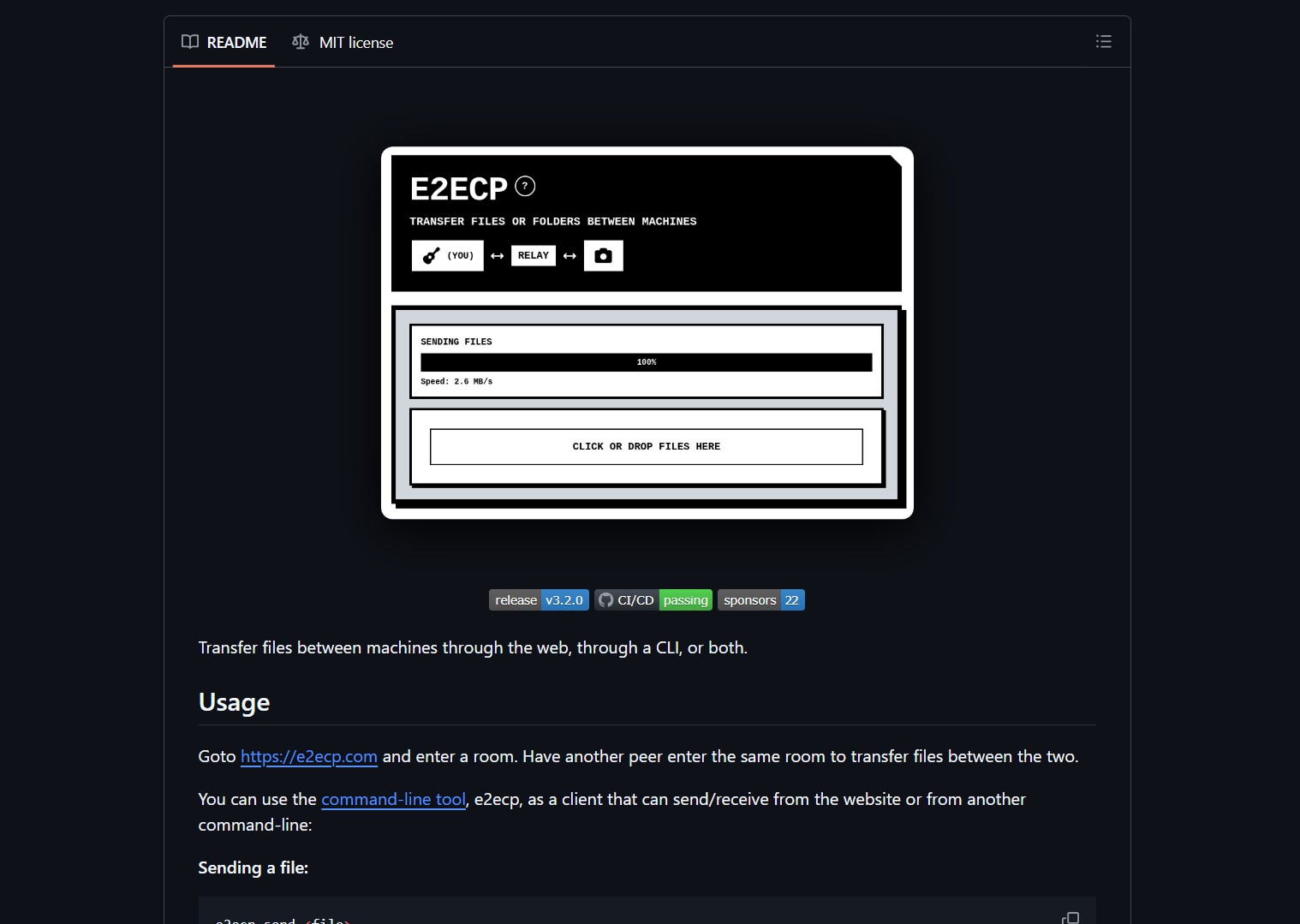
How It Works
Peers join the same room via the website or CLI. A short P-256 key exchange establishes shared secrets, then files stream encrypted with AES-GCM. The workflow is simple: open the site or run the client, create or enter a room, then send or receive files.
Project link:
https://github.com/schollz/e2ecp
For higher assurance, confirm a short room fingerprint or share the room code over an authenticated channel before transferring sensitive files. The same principle applies to remote development setups where you might pair this tool with a mobile coding workflow like coding on your phone with doom-coding for secure file transfers between devices.
Pros
- End-to-end encrypted, relay cannot view your data
- Web and CLI clients cover casual and scripted use
- No accounts or persistent cloud storage required
Cons
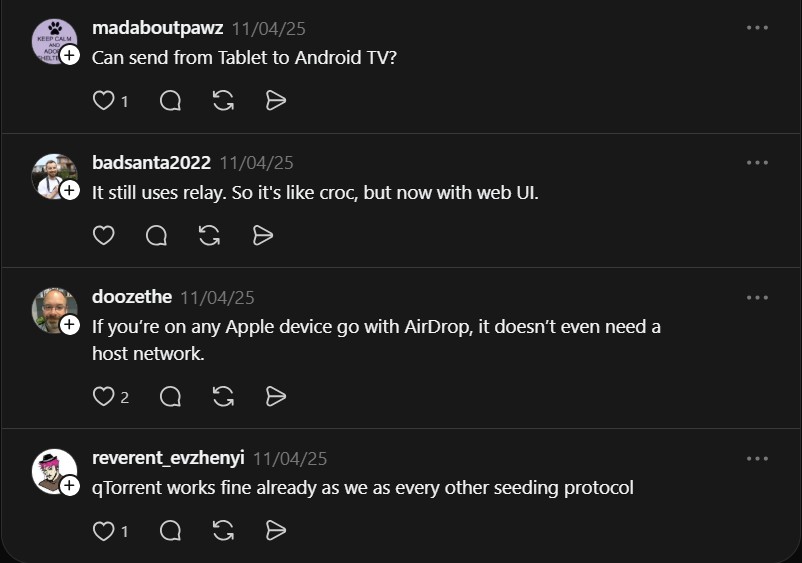
- Still relies on relays for NAT traversal, availability depends on relay uptime
- Both peers must join the same room within the connect window
- Not a replacement for managed enterprise transfer solutions with auditing or long-term storage
Try it now: open https://e2ecp.com and create or join a room. Have your peer enter the same room to begin a transfer. Or clone the repo and run the CLI client. Even with end-to-end encryption, always verify room codes and avoid pasting room links in public places when sending sensitive material.

