
Doom-Coding is a practical workflow for writing code from your phone. It replaces doom-scrolling with productive programming sessions by using a Tailscale VPN, a terminal app like Termius, and Claude Code running on a persistent home machine you SSH into.
The setup lets you prototype and ship projects from cafes, trains, or anywhere with a phone connection. The approach pairs mobile remote access with AI-assisted coding, similar to how you can set up real-time communication between Claude Code instances for a distributed coding workflow.
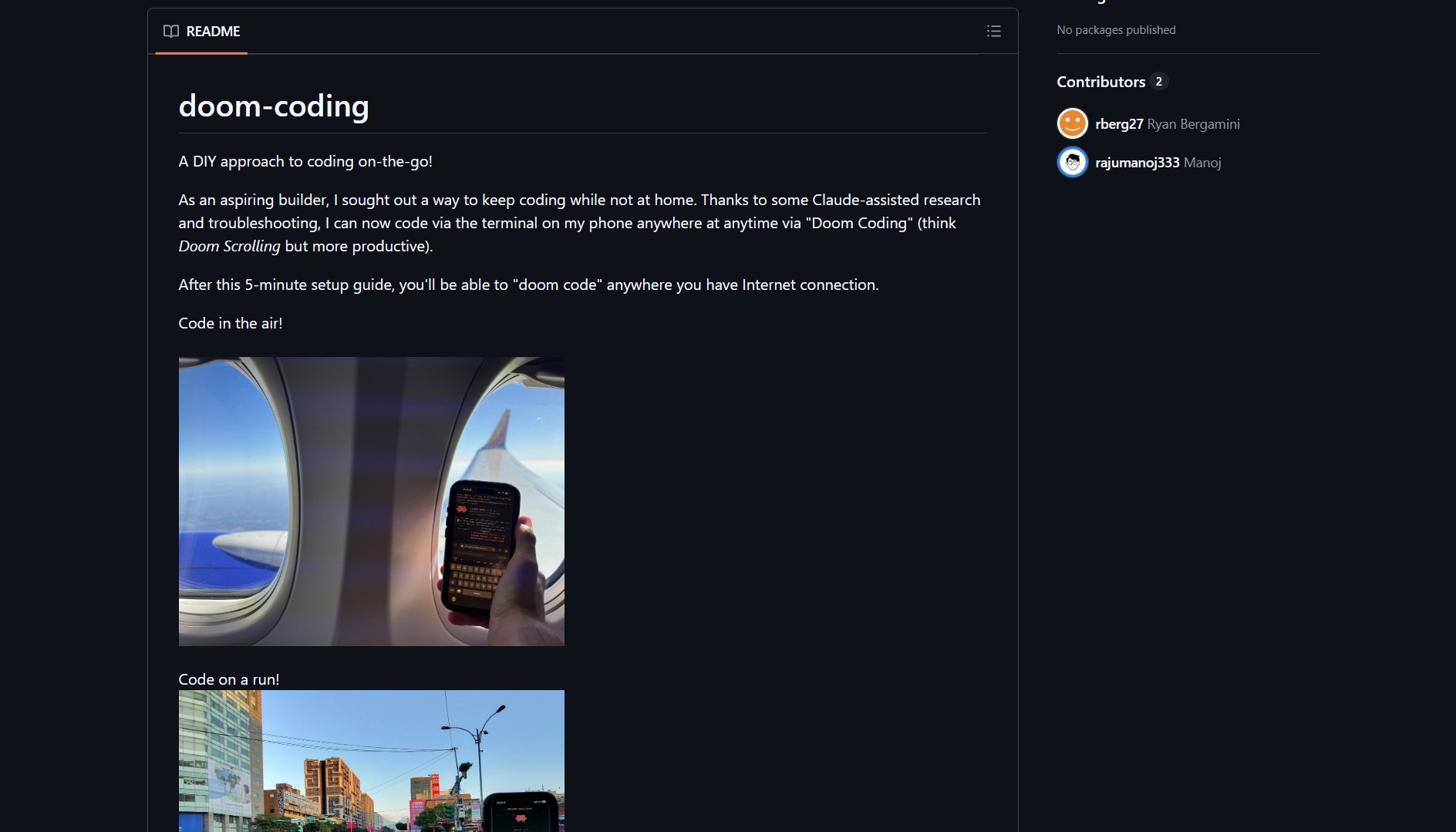
How to Set It Up
Clone the doom-coding repository from GitHub. Install Tailscale on both your phone and home machine for secure, zero-config networking. Set up a terminal app like Termius on your phone, configure SSH access to your home machine, and attach a tmux session to keep development state across disconnects.
Project link:
https://github.com/rberg27/doom-coding
Run Claude Code inside the tmux session for AI-assisted coding in the terminal. You can write, build, and debug as if you were at your desk. You can also use this approach with other AI coding assistants like Cline as an AI coding assistant for CLI and editor for a similar remote workflow.
The Catch
This workflow depends on a reliable home machine and network. Mobile typing remains limiting for heavy sessions. Security needs careful attention, SSH keys must be locked down and services should not be exposed unnecessarily. The quality and latency of your connection determines how usable the setup feels.
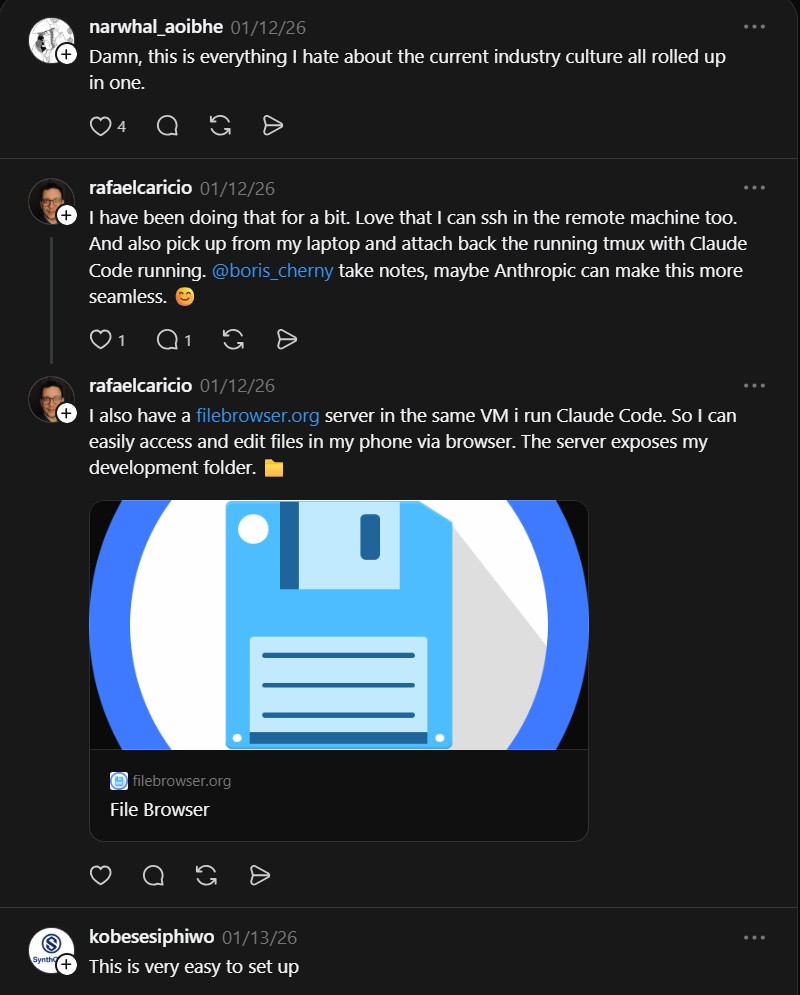
The project has received mixed reactions. Some developers love the productivity boost. Others criticize it as an unhealthy extension of work culture. Evaluate your own needs and constraints before building this setup. For occasional use or emergency fixes, it fills a real gap.
- Code Review Graph: Add Local Project Context to Claude Code
Code Review Graph builds a local dependency graph of your entire codebase for AI coding assistants like Claude Code. It..

