The 3 app signing limit on iOS is one of the most frustrating walls for sideloading users. Every time you want to try a new app, something has to give. LiveContainer solves that by letting iOS apps run inside a single container without a traditional install, which is a real breakthrough for power users, sideloading enthusiasts, and developers who have hit the ceiling of Apple’s signing system.
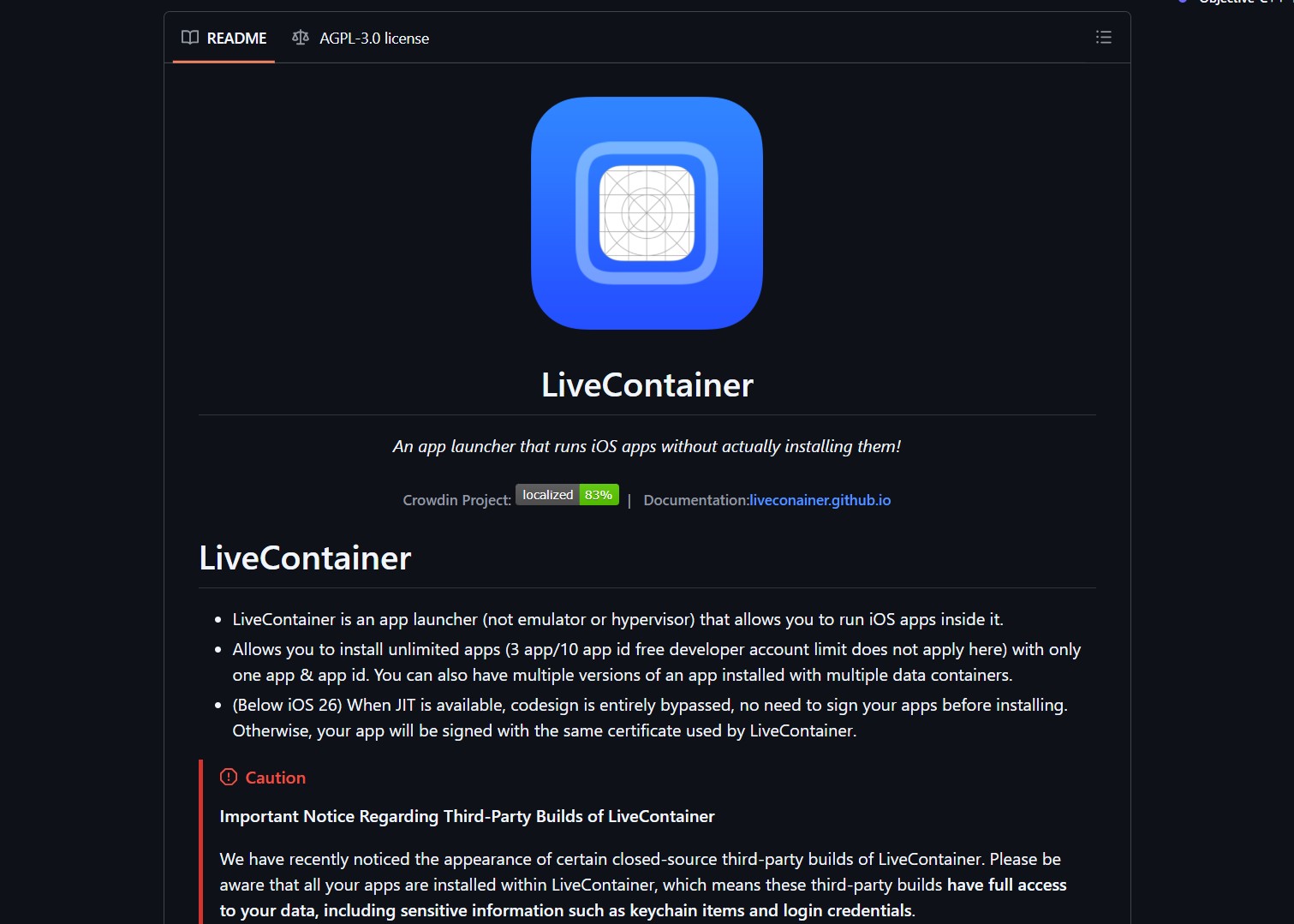
The repository lives at https://github.com/LiveContainer/LiveContainer and it changes how sideloaded apps can be managed on a non jailbroken device.
Why the 3 App Signing Limit is a Real Problem
Apple caps free developer accounts at 3 simultaneously installed sideloaded apps. Paid accounts get more, but they still expire and require re signing on a regular cycle. For a power user who wants to test 10, 15, or 20 sideloaded apps, the limit forces a constant rotation, which kills any serious workflow.
The common workarounds all have downsides:
- Re signing tools like Sidestore or AltServer work, but the rotation still wastes time.
- Multi app bundles exist but compromise on isolation and update flexibility.
- Custom signing services reduce friction but add cost and trust concerns.
- Jailbreaking removes the limit entirely, but it is not realistic for most users and breaks with every iOS update.
A clean, no jailbreak, no constant re signing solution is what the community has been asking for, and that is what LiveContainer delivers.

What LiveContainer Actually Does
LiveContainer is a runtime that lets you launch iOS applications without installing them in the traditional sense. Apps are packaged and executed inside the container, which means they share a single signing slot while staying isolated from each other.
The core benefits:
- Multiple Apps Per Slot: Several apps can run from one container, effectively removing the 3 app limit for the workflow you actually use.
- Reduced Re Signing: Since the container holds the signing slot, individual apps do not need their own resigning cycle.
- Multiple App Versions: Older and newer versions of the same app can coexist, each with its own data container, which is huge for QA and testing.
- Separate Data Containers: Apps stay isolated. Uninstalling or updating one does not corrupt the data of another.
- Open Source: The whole project is open source on GitHub, which means it is auditable, improvable, and not dependent on a single developer keeping it alive.
For a power user running daily drivers, this is the closest thing to jailbreak level flexibility without leaving the stock iOS environment.
Who This is Really for
LiveContainer is not for casual users. It is for a specific audience that already understands sideloading and is willing to put in a small amount of setup.
- iOS Power Users: People who want more than 3 sideloaded apps at a time and are tired of juggling slots.
- Sideloading Enthusiasts: The community that already uses AltStore, Sidestore, or similar tools, and wants to push the system further.
- Developers and Testers: Anyone who needs to test multiple builds or versions of the same app in isolation, which is a common QA pain point.
- Tinkerers: Users who like to experiment with iOS internals without taking the jailbreak route.
If you have ever hit the 3 app wall and lost a slot right when you needed an app the most, this tool is built for you.
Real World Trade Offs
LiveContainer is powerful but not magic. A few practical things to know before adopting it:
- Setup Requires Sideloading: You still need a tool like Sidestore to install the container itself. The benefit is that you only need to do that once.
- App Compatibility Varies: Some apps behave perfectly, others may have quirks because of entitlements or expected installation paths. Expect to test a few.
- Refresh Behavior: Some apps that rely on refresh on open, like a sideloaded App Store clone, may need the host app to be opened to trigger the refresh. This is a known pattern, not a bug.
- Storage and Data: Each app keeps its own container, so storage usage scales with the number of apps you keep in the container. Plan disk space accordingly.
These are not dealbreakers. They are the kind of trade offs any power user already manages with their current setup.
What Users are Saying
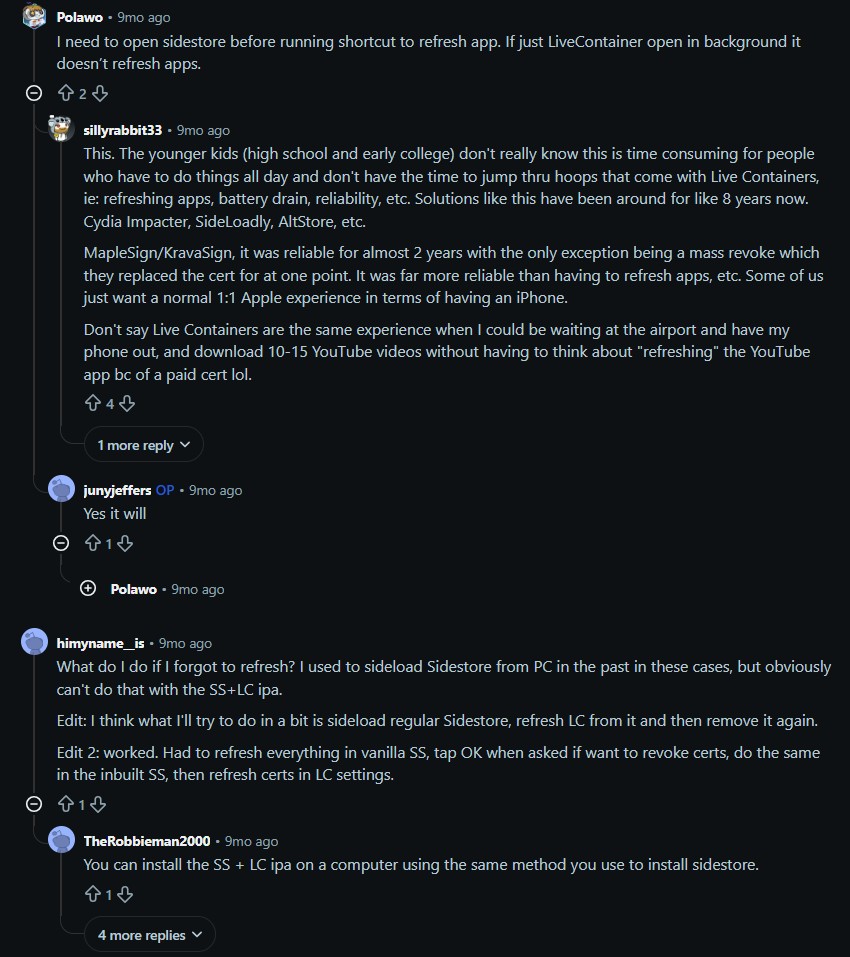
The reaction from the community is positive and practical, which is a good sign for a tool that targets experienced users.
wowitisreallyhard (u/wowitisreallyhard) said:
“This works like a charm. Since we have two more slots left with this method, is there any way to add more than 2 LiveContainer apps?”
This is the most common follow up question, and it is also the best endorsement the project can get. A user confirming it works and immediately asking how to push it further means the tool is doing its job and creating demand for more capacity.
Polawo (u/Polawo) said:
“I need to open Sidestore before running shortcut to refresh app. If just LiveContainer open in background it does not refresh apps.”
This is a useful clarification about a real workflow constraint. The user is describing a known interaction between the refresh mechanism of certain sideloaded apps and the LiveContainer background state. It is a minor friction point, not a blocker, and it tells new users what to expect during onboarding.
Final Take
LiveContainer is one of the most meaningful open source iOS tools in 2026. It does not jailbreak your device, it does not require a paid Apple account, and it removes the single most annoying limit of the sideloading workflow. If you are an iOS power user tired of the 3 app ceiling, install the container once, load your apps, and enjoy a workflow that finally has enough room to breathe.

