
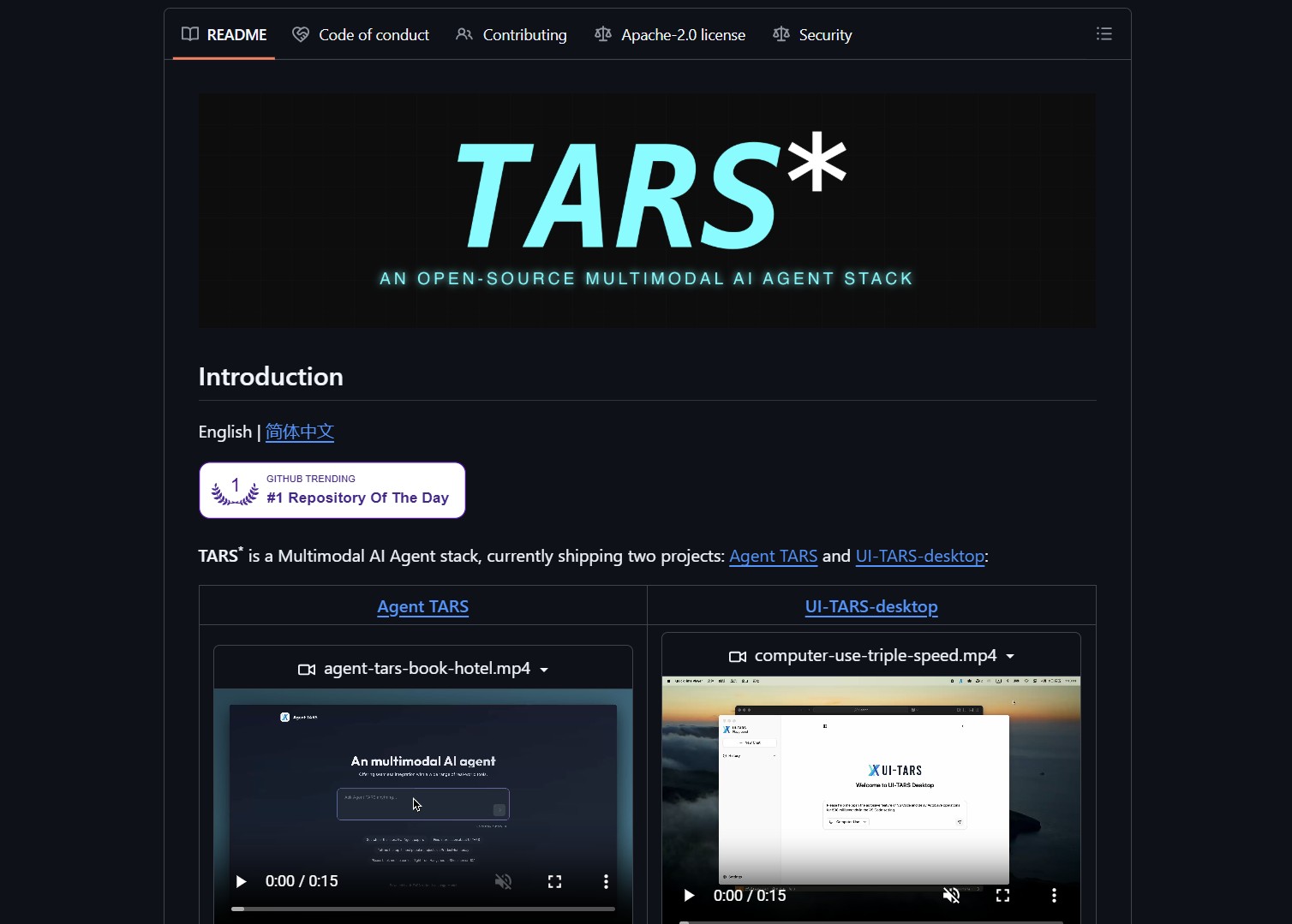
UI-TARS Desktop is a native GUI Agent from Bytedance that runs locally. It can operate desktop apps, open files, browse websites, and automate multi-step tasks without sending data to the cloud. The repo is 100% open source under Apache 2.0 license.
UI-TARS Desktop is the desktop-focused piece of the broader TARS multimodal agent stack. It provides a native GUI Agent based on the UI-TARS model, with operators for local machines, remote machines, and the browser. If you are exploring desktop automation agents, you might also check out how to run Hermes Agent Desktop as a native Windows AI agent — another approach to local agent automation.
How It Works
UI-TARS Desktop exposes a set of operators that can interact with graphical elements on screen, simulate input, and combine vision with LLM reasoning to perform tasks that mimic human interaction. It ships with a CLI and a Web UI for control and debugging.
git clone https://github.com/bytedance/UI-TARS-desktop.git
cd UI-TARS-desktop
# follow the README to install dependencies and run the desktop app locally
| Feature | Notes |
|---|---|
| Local automation | Runs offline, no cloud dependency |
| GUI operators | Click, type, detect UI elements via vision models |
| Browser operators | Open pages, fill forms, download artifacts |
| Extensible | CLI, Web UI, and plugin-style operators |
Key Considerations
- Data isolation — Run in a sandboxed environment or dedicated VM since it requires broad desktop access
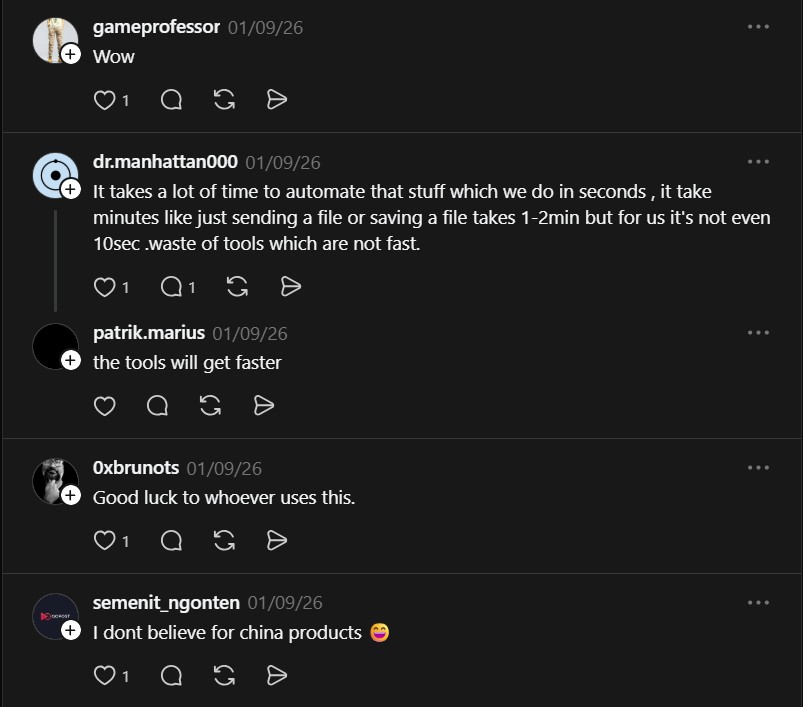
- Performance — Automation speed can be slower for trivial tasks versus native scripts
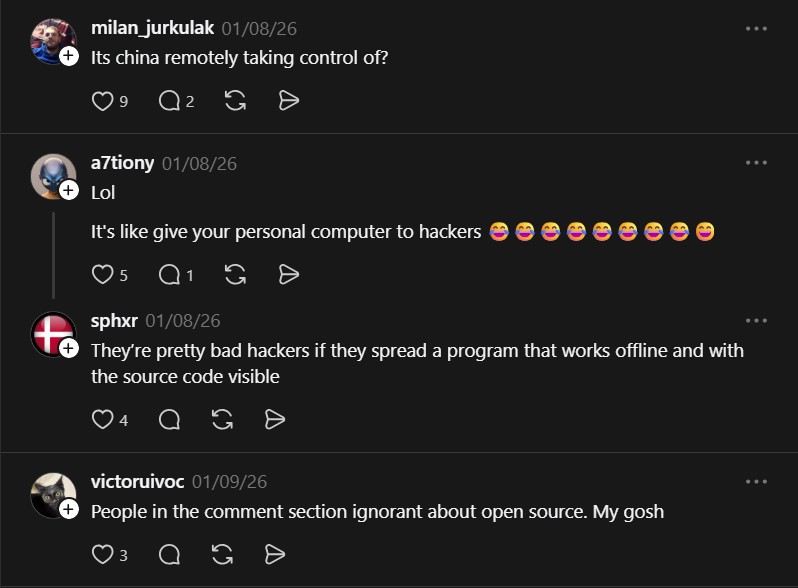
- Security — A local agent controlling your desktop is equivalent to giving someone programmatic access to your machine
For hardening agent environments, also see how to harden AI agent runtimes with NVIDIA NemoClaw — a complementary tool for securing agent deployments.
What the Community Says
“It’s like give your personal computer to hackers” — @a7tiony
“It takes a lot of time to automate that stuff which we do in seconds, it takes minutes like just sending a file or saving a file takes 1-2min” — @dr.manhattan000
Quick Start
git clone https://github.com/bytedance/UI-TARS-desktop.git
ls UI-TARS-desktop
# open the README and follow platform-specific install steps
Running a local agent that controls your desktop is powerful but requires trust and careful sandboxing. Treat it like physical access and lock it down accordingly.
Project link:
https://github.com/bytedance/UI-TARS-desktop
- How to Automate the Ticket-to-PR Cycle with Symphony
Symphony is an orchestration layer for autonomous engineering runs. It hooks into Linear, spawns isolated workspaces, and assigns an AI..
- How to Automate Academic Illustration with PaperBanana
PaperBanana is a multi-agent framework for automated academic illustration generation. It transforms raw scientific content into publication-quality diagrams and plots…
- How to Automate Your Job Search with Career-Ops
I discovered Career-Ops while browsing GitHub for job search automation tools. Its sheer scope caught my attention. This is not..
- How to Automate iOS Screenshot Generation with AI
app-store-screenshots is an AI agent skill that automates App Store screenshot generation for iOS developers. It eliminates manual cropping and..

