
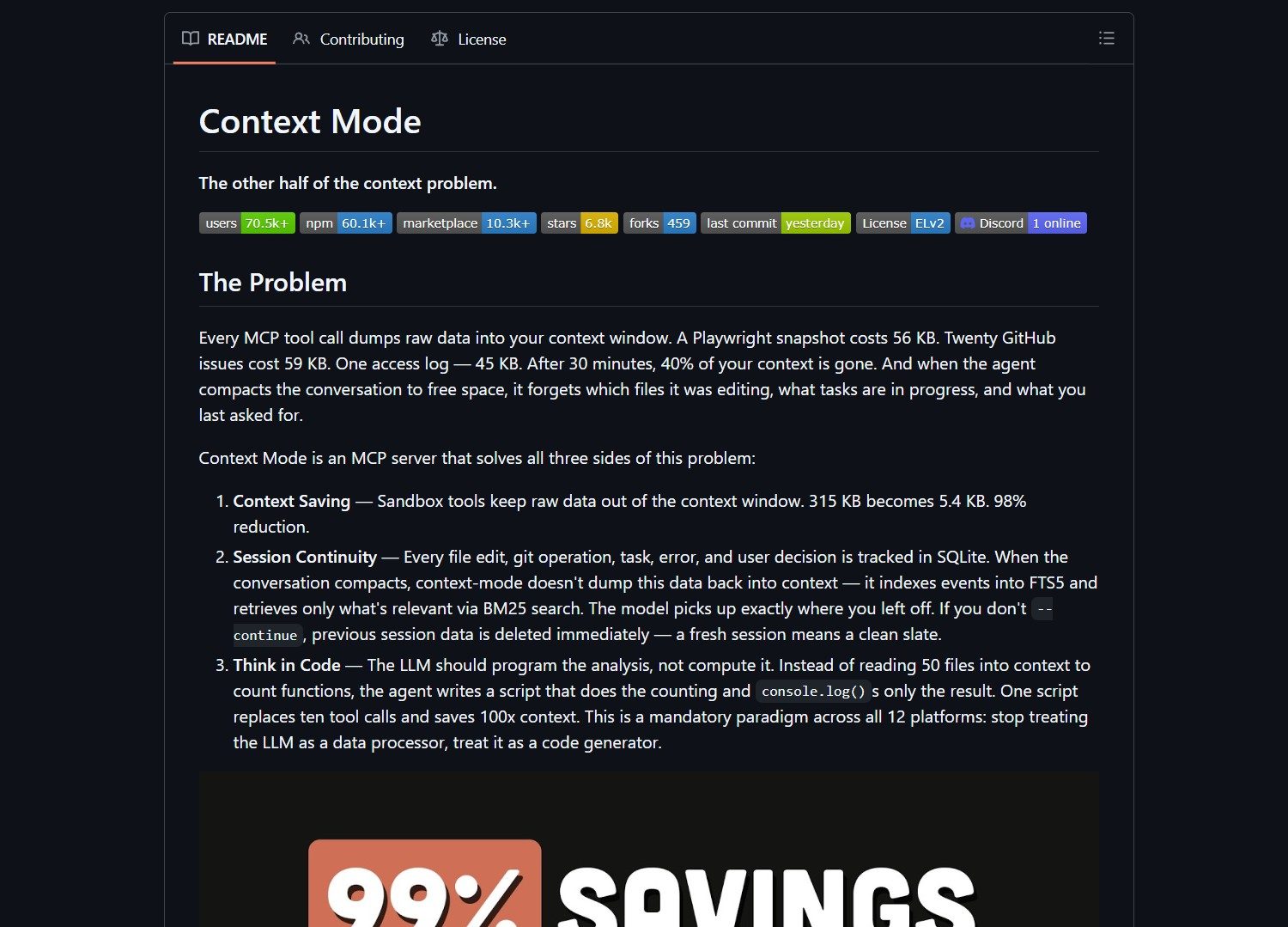
Context Mode is a lightweight middleware that reduces Claude Code's context consumption by 98 percent. It intercepts large tool outputs and feeds the model only what it needs. This compression extends session length and lowers token costs for developers using AI assistants.
What Context Mode Does
Context Mode sits between tool outputs and Claude Code. It chunks large payloads and summarizes relevant sections. The middleware prevents unnecessary data from entering the context window. This approach maintains task fidelity while shrinking token footprint.
Key features include inline interception, semantic chunking, and aggressive compression. No extra API calls are required. The system works within your existing Claude Code pipeline. You can validate savings with a before‑and‑after token audit.
Who Should Use Context Mode
This tool targets developers and teams who rely on long Claude Code sessions. It suits those experiencing context bloat and session degradation. Technical users comfortable with middleware integration will benefit most. Casual users may find the setup process too involved.
Project link:
https://github.com/mksglu/context-mode
How to Integrate Context Mode
Start by cloning the repository with git clone. Navigate into the directory and follow the README instructions. Wire the middleware into your Claude Code pipeline. The integration requires no changes to your existing tooling.
Test the setup with a representative workload. Measure token usage before and after enabling Context Mode. The authors report a reduction from 315 kilobytes to 5.4 kilobytes. That change can extend session duration from 30 minutes to nearly three hours.
Market Context
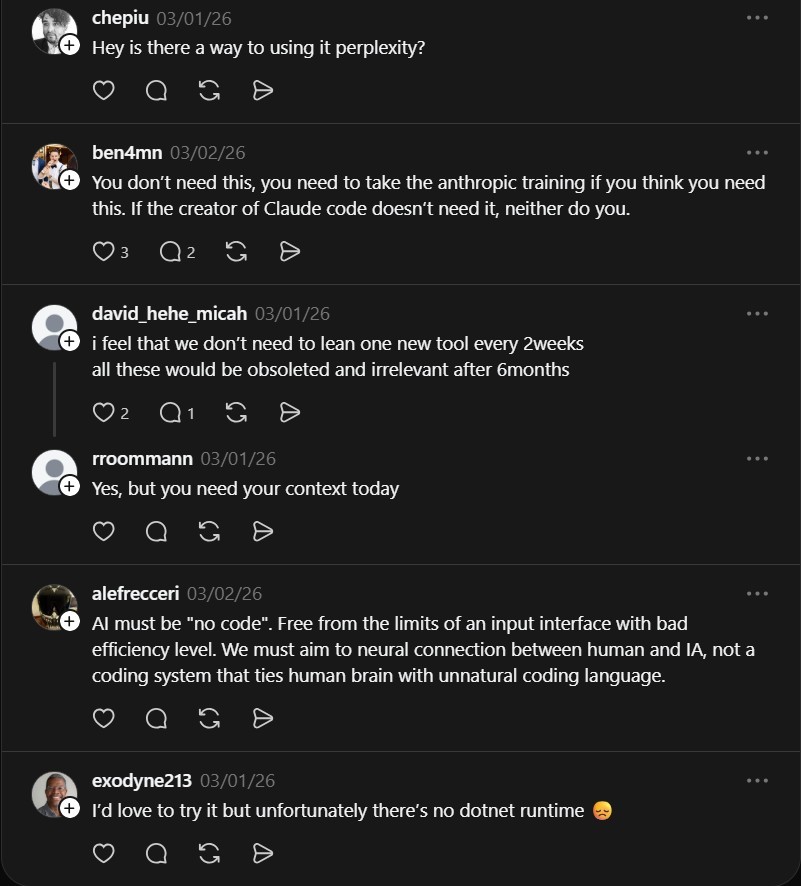
AI context optimization tools are emerging as models handle larger inputs. Solutions like Claude‑peers‑MCP focus on real‑time communication between Claude Code instances. Other coding assistants such as Cline also face context‑management challenges.
Many developers now seek ways to reduce API costs without sacrificing functionality. Context Mode addresses this need directly with a transparent, open‑source approach. The project fills a gap in the toolchain for teams scaling AI‑assisted development.
Advertising Section
If you need help deploying AI middleware or optimizing Claude workflows, consider consulting with a specialist. Some service providers offer integration support for open‑source tools like Context Mode.
The Verdict
Context Mode delivers a pragmatic solution to context bloat. It cuts token consumption dramatically and extends useful session length. The setup requires technical effort but pays off in cost savings. Try a small pilot first to verify compression results match your workload.
- Claude HUD: The Real-Time Dashboard for Claude Code
Claude HUD turns Claude Code into a live terminal dashboard. It exposes session data that usually stays hidden during work…
- How To Use Claude Anthropic Model On Openclaw
Want to integrate Anthropic models into your OpenClaw setup? Here’s what you need to know: This matters because Anthropic offers..

