
Hermes Agent is an open-source, terminal-first AI assistant from Nous Research that lives in your terminal or on a server. It connects to Telegram, Discord, WhatsApp, Signal, and email, remembers context across conversations, ships with 40+ tools for coding and research, and supports multiple LLM providers so you bring your own API key.
It is intentionally lightweight and capable of running on a $5 VPS. The agent includes long-term memory, tool use, and an internal learning loop that lets it create and refine skills from experience. If you want a persistent assistant that remembers across sessions, Acontext provides open skill memory for AI agents with a similar persistence model.
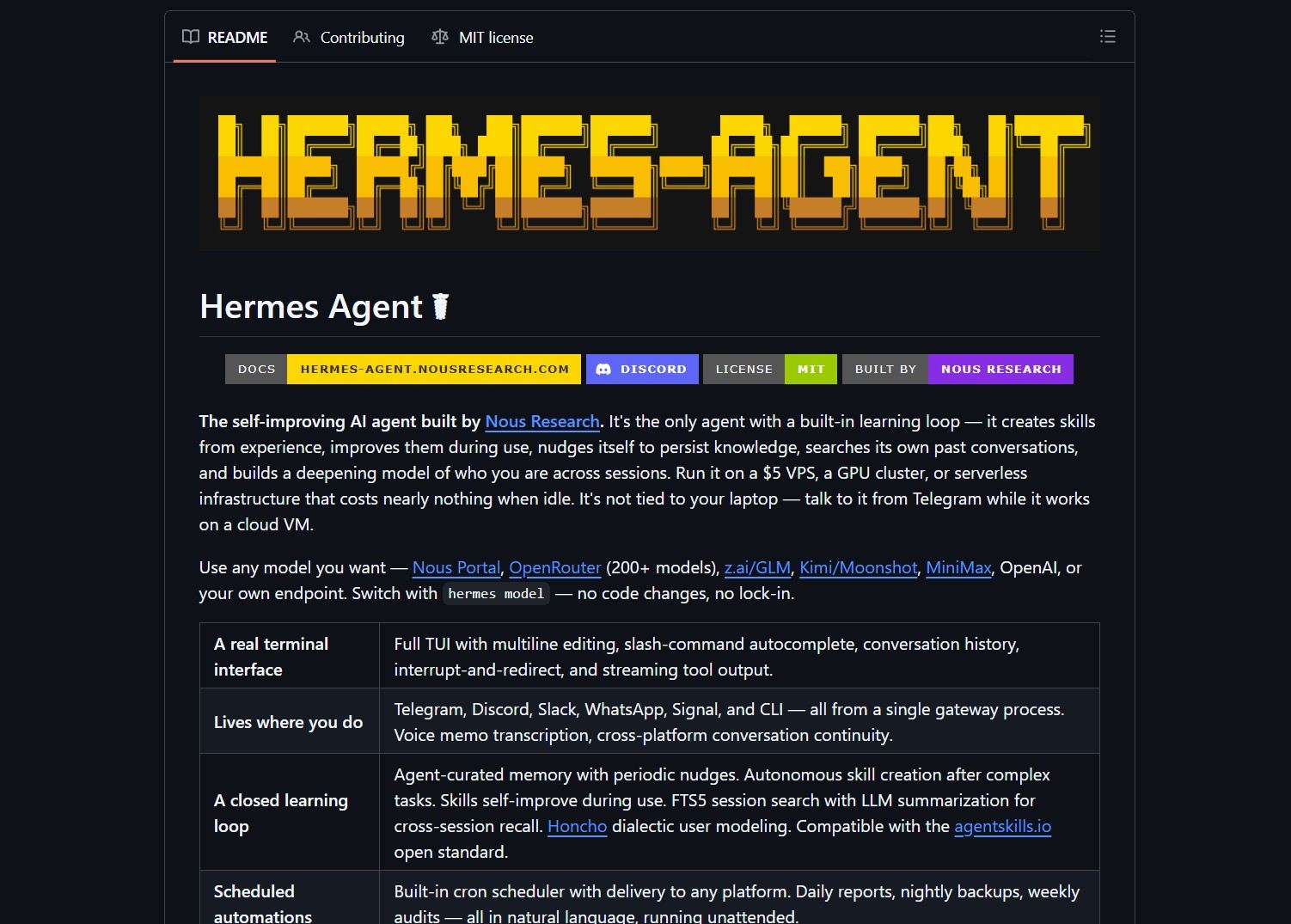
How It Works
Hermes runs as a CLI agent or a background server. You connect from chat clients or email, send tasks, and the agent uses tools and skills to complete work. The built-in learning loop stores outcomes, synthesizes skills, and persists useful knowledge across sessions.
Quick start:
git clone https://github.com/NousResearch/hermes-agent.git
cd hermes-agent
# read the README for installation, then run the agent in your terminal
| Feature | Notes |
|---|---|
| Interfaces | Terminal, Telegram, Discord, WhatsApp, Signal, email |
| Tools | 40+ built-in tools for coding, searching, file ops, and more |
| Providers | Works with many LLM providers, switchable with hermes model |
| Memory | Long-term memory and a self-improving learning loop |
Run Hermes on a small always-on VM for persistent availability. Use provider selection to route heavier tasks to a more capable model when needed. The agent can also handle complex workflow automation — Symphony automates the ticket-to-PR cycle with a similar agent-driven approach.
Pros
- Lightweight — runs on a $5 VPS
- Persistent memory and skill creation for long-term use
- Provider agnostic, no single vendor lock-in
Cons
- Running a persistent agent requires attention to credentials and security
- Small local models may limit capacity for complex tasks
- Some integrations, like WhatsApp gateways, need extra setup

Try It Locally
- Clone the repo and follow the README to configure providers and keys.
- Start the agent on a small VPS, then connect from Telegram or another supported channel.
A persistent agent can access tools and remote resources, so secure SSH keys, API credentials, and messaging gateways. Treat the host like an important server and apply least privilege.
Project link:
https://github.com/NousResearch/hermes-agent
- How to Run PicoClaw as an Ultra-Lightweight AI Assistant
PicoClaw is a Go-based AI assistant that runs on $10 hardware with under 10MB of RAM PicoClaw is an ultra-lightweight..
- How to Run GLM-OCR for Local Multimodal OCR on Ollama
Badge GLM-OCR is a multimodal OCR model designed for complex document understanding, and the maintainers provide an Ollama friendly workflow..
- How to Run Hermes Agent Desktop as a Native Windows AI Agent
Hermes Agent Desktop by RedWoodOG wraps the NousResearch Hermes Agent in a WinUI 3, .NET 10 desktop app. It gives..
- How to Run 1-Bit LLMs on CPU with BitNet.cpp
BitNet.cpp is Microsoft’s official inference framework for 1-bit LLMs. It enables running very large quantized models on standard CPUs without..
- How to Run Moltbot AI Assistants in Cloudflare Workers
Moltworker is a serverless deployment pattern that runs Moltbot AI assistants inside Cloudflare Workers. It uses R2 for memory storage..
- How to Run Durable Autonomous Agents in Production with Gobii
Gobii is an open-source platform for running durable autonomous agents in production. It solves the problem of unreliable, ephemeral AI..

