
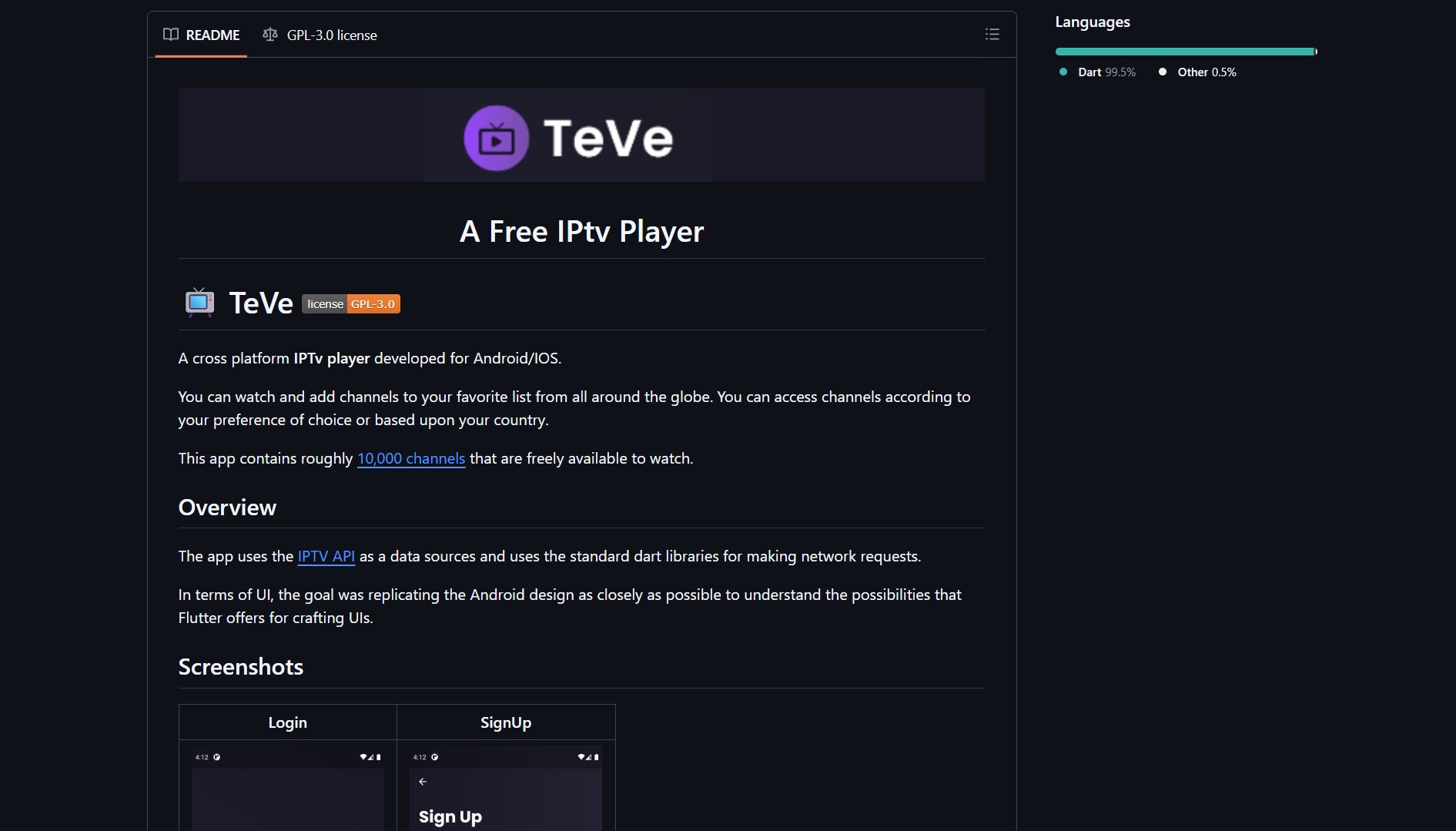
TeVe is an open-source IPTV player built with Flutter and Dart that gives you access to over 10,000 free TV channels from around the world on both Android and iOS.


- Project link: github.com/7-USH/TeVe
How It Works
TeVe uses the IPTV API from iptv-org as its data source. This API provides a JSON feed of roughly 10,000 publicly available channels from broadcasters worldwide. The app fetches the channel list via standard Dart HTTP libraries and presents them in a native Android-style UI built with Flutter.
| Component | Technology |
|---|---|
| Frontend | Flutter (Dart) |
| API source | iptv-org.github.io |
| Backend | FastAPI + SQLite |
| Platform | Android and iOS |
Backend
The project includes a FastAPI backend with SQLite for user accounts and favorites. The backend is hosted separately and handles authentication and user preferences. You can check the TeVe-Backend repository for details.
Features
| Feature | Description |
|---|---|
| Live streaming | Watch channels from 10,000+ global sources |
| Favorites | Save and organize preferred channels |
| Country sorting | Browse channels by country |
| Login/Sign up | User account for personalized experience |
| Cross-platform | Works on both Android and iOS |
Installation
TeVe does not provide pre-built APK or IPA binaries on GitHub. You need to build the app from source using Flutter.
Building from Source
Prerequisites:
- Flutter SDK installed
- An IDE (IntelliJ, Android Studio, VSCode)
- Basic knowledge of Dart and Flutter
git clone https://github.com/7-USH/TeVe.git
cd TeVe
flutter pub get
flutter run
For Android, this produces an APK. For iOS, it builds an IPA via Xcode.
Community Discussion
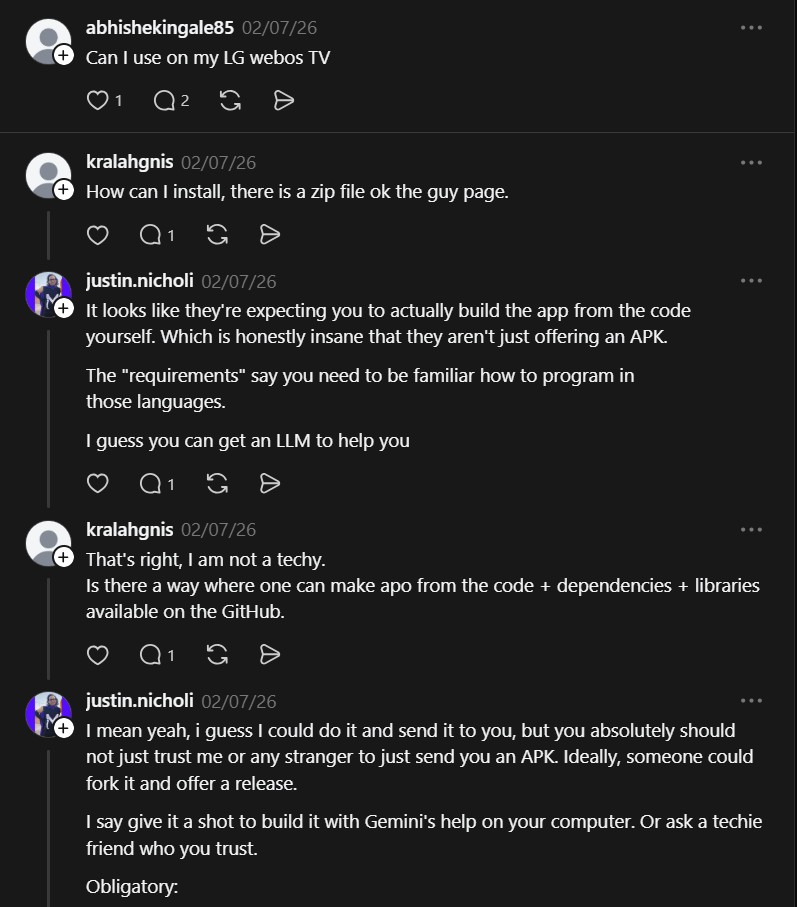
The installation process sparked debate on Threads:
“How can I install, there is a zip file on the guy page.” — @kralahgnis
“It looks like they’re expecting you to actually build the app from the code yourself. Which is honestly insane that they aren’t just offering an APK. The requirements say you need to be familiar how to program in those languages. I guess you can get an LLM to help you.” — @justin.nicholi
The developer expects users to build from source, which is a barrier for non-technical users. However, with Flutter’s toolchain, the build process is straightforward once the SDK is set up. An LLM like Claude or ChatGPT can also guide you through the process step by step.
API Reference
TeVe fetches channels from the iptv-org API:
GET /api/channels.json
| Parameter | Type | Response |
|---|---|---|
| none | none | List of channels |
The API returns a JSON array of channel objects with stream URLs, names, logos, and country data.
Channel data format
Each channel in the JSON response includes fields like name, logo URL, stream URL, country code, language, and category. The app parses this data and renders it in a scrollable list with country-based filtering.
UI Design
The UI aims to replicate the Android Material Design language as closely as possible. The developer built it specifically to explore Flutter’s capabilities for crafting native-feeling interfaces. The result is a clean, familiar layout with channel cards, category tabs, and a favorites section.
What the Community Is Saying
The main point of contention in the Threads discussion was the lack of pre-compiled binaries. Building from source requires Flutter knowledge, which limits the audience to developers. However, for those willing to compile it themselves, TeVe delivers a functional IPTV player with thousands of free channels, an open-source codebase, and a clean Material Design interface.
TeVe by 7-USH is for users who want a free, open-source IPTV player. It solves the problem of limited or paid streaming apps by providing access to thousands of channels in one cross-platform app.
If you’re tinkering with open-source media tools, PhotoGIMP shows how to patch GIMP into a Photoshop-like layout for content creation. And for managing desktop AI agents that could assist with media tasks, OpenWork provides a desktop interface for DeepAgents.
If you enjoy articles about top GitHub repositories like this, don’t forget to subscribe to Technolati.com.

