
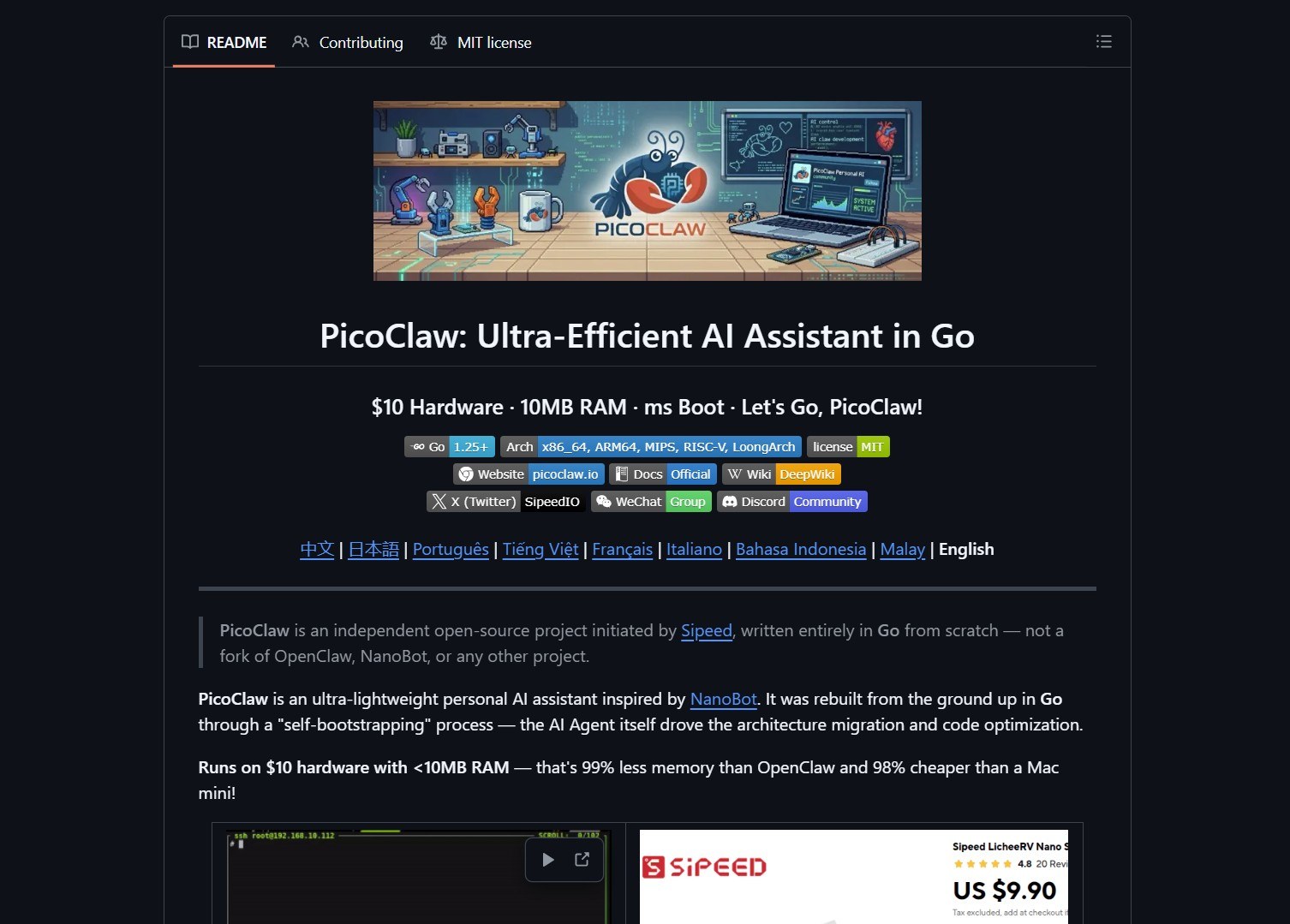
PicoClaw is an ultra-lightweight personal AI assistant by Sipeed, rebuilt from the ground up in Go through a self-bootstrapping process where the AI Agent itself drove the architecture migration and code optimization. 95% of the core code was generated by an Agent and fine-tuned through human-in-the-loop review. It runs on $10 hardware with under 10MB of RAM, making it one of the most resource-efficient AI assistants available.


- Project link: github.com/sipeed/picoclaw
- Official site: picoclaw.io
Resource Comparison
The headline numbers speak for themselves. PicoClaw achieves a 99% memory reduction compared to OpenClaw and runs on hardware that costs 98% less than a Mac Mini.
| Metric | OpenClaw | NanoBot | PicoClaw |
|---|---|---|---|
| Language | TypeScript | Python | Go |
| RAM usage | >1 GB | >100 MB | <10 MB |
| Boot time (0.8 GHz) | >500 s | >30 s | <1 s |
| Hardware cost | Mac Mini $599 | Linux boards ~$50 | Any Linux board from $10 |
The boot speed advantage is the most practical benefit. On a 0.6 GHz single-core RISC-V processor, PicoClaw starts in under one second — 400x faster than the alternatives.
Architecture
PicoClaw is written entirely in Go with a single-binary deployment model. The same binary runs on RISC-V, ARM, MIPS, and x86 architectures with no modifications.
| Component | Description |
|---|---|
| Core engine | Go binary, <10 MB RAM at idle |
| Web UI | React-based launcher at localhost:18800 |
| Memory | JSONL-based memory store |
| MCP support | Native Model Context Protocol integration |
| Vision | Automatic base64 encoding for multimodal LLMs |
| Model routing | Rule-based routing — simple queries go to lightweight models |
Memory Architecture
PicoClaw uses a JSONL-based memory store that persists conversation history and agent state across sessions. The architecture is designed for minimal resource consumption by keeping the core memory footprint under 10 MB during idle operation.
Model Routing
The smart routing system directs simple queries to lightweight models, saving API costs. This is configurable in the provider configuration under the model_list section.
Supported Hardware
PicoClaw runs on virtually any Linux device. The project maintains a hardware compatibility list with tested boards:
| Device | Price | Use Case |
|---|---|---|
| LicheeRV-Nano | $9.90 | Minimal home assistant (Ethernet or WiFi 6) |
| NanoKVM | $30-50 | Automated server operations |
| MaixCAM | $50 | Smart surveillance |
| Raspberry Pi Zero 2 W | $15 | General-purpose AI assistant |
| Old Android phone | Free | Repurpose as smart assistant |
| Any Linux server | Varies | Full-featured agent deployment |
Android Support
PicoClaw now runs on Android through an APK download available at picoclaw.io. You can turn an old phone into a dedicated AI assistant with no Termux required. A Termux-based installation is also available for custom setups.
Quick Start
WebUI Launcher (Recommended)
Download from picoclaw.io and double-click picoclaw-launcher (or picoclaw-launcher.exe on Windows). Your browser opens automatically at http://localhost:18800.
For remote access, add the -public flag to listen on all interfaces:
picoclaw-launcher -public
Docker
git clone https://github.com/sipeed/picoclaw.git
cd picoclaw
docker compose -f docker/docker-compose.yml --profile launcher up -d
The WebUI will be available at http://localhost:18800.
Terminal (Minimal Environments)
For headless or resource-constrained devices:
picoclaw onboard   # Initialize config
picoclaw agent -m "What is 2+2?"  # One-shot question
picoclaw agent     # Interactive mode
picoclaw gateway   # Start gateway for chat app integration
Configuration is stored in ~/.picoclaw/config.json with sensitive data in .security.yml.
Provider Support
PicoClaw supports 30+ LLM providers through a unified configuration format:
| Provider | Protocol | Models |
|---|---|---|
| OpenAI | openai/ | GPT-5.4, GPT-4o, o3 |
| Anthropic | anthropic/ | Claude Opus 4.6, Sonnet 4.6 |
| Google Gemini | gemini/ | Gemini 3 Flash, 2.5 Pro |
| DeepSeek | deepseek/ | DeepSeek models |
| Zhipu (GLM) | zhipu/ | GLM-4.7, GLM-5 |
| OpenRouter | openrouter/ | 200+ models unified |
| AWS Bedrock | aws-bedrock/ | Various |
Security Configuration
PicoClaw uses a separate .security.yml file for sensitive data like API keys. The main config.json stores only non-sensitive configuration. This split prevents accidental credential exposure when sharing config files.
[!NOTE]
PicoClaw has not issued any official tokens or cryptocurrency. All claims on pump.fun or other trading platforms are scams. The only official domain is picoclaw.io and company site is sipeed.com.
Key Features
| Feature | Details |
|---|---|
| Ultra-lightweight | Core footprint <10 MB RAM |
| Minimal cost | Runs on $10 hardware |
| Lightning-fast boot | Under 1 second on 0.6 GHz single-core |
| Truly portable | Single binary across RISC-V, ARM, MIPS, x86 |
| MCP support | Native Model Context Protocol integration |
| Vision pipeline | Send images and files to the Agent |
| Smart routing | Rule-based model routing for cost efficiency |
| Android support | Native APK available |
git clone https://github.com/sipeed/picoclaw.git
cd picoclaw
make deps
make build
make install
Building from source
Prerequisites: Go 1.25+, Node.js 22+, and pnpm 10.33.0+.
For Raspberry Pi Zero 2 W: make build-pi-zero or make build-linux-arm for 32-bit.
What the Community Is Saying
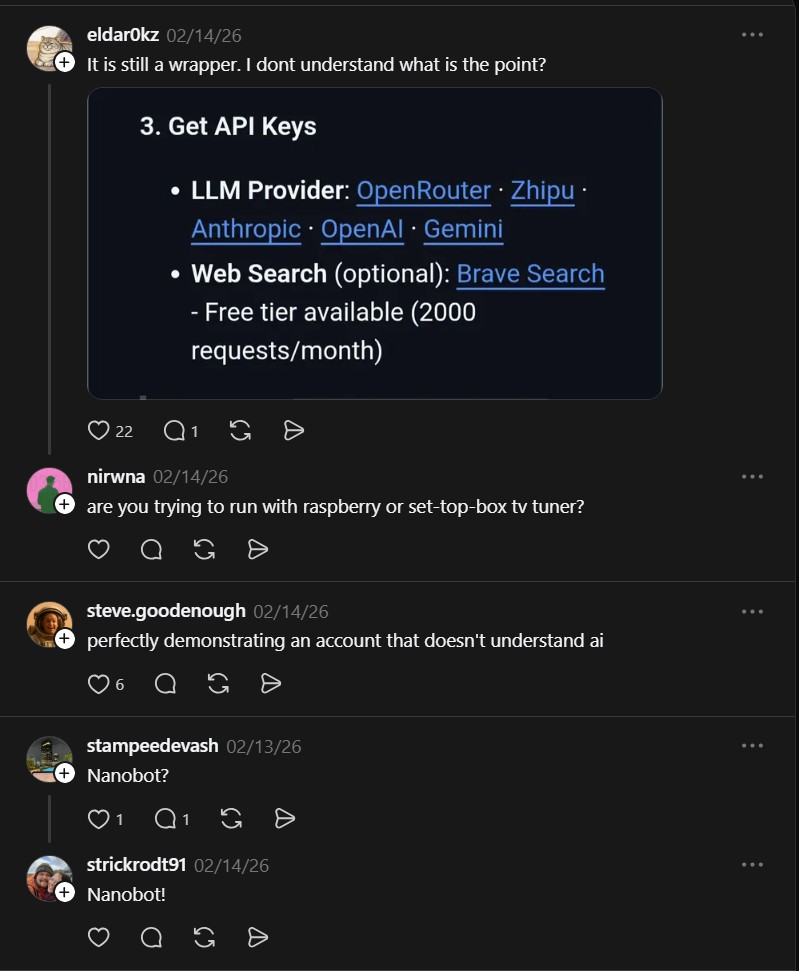
The Threads post sparked discussion about the utility of lightweight AI assistants:
“It is still a wrapper. I dont understand what is the point?” — @eldar0kz
The skepticism is fair — PicoClaw is an LLM wrapper at its core. But the point is the distribution model: a fully functional AI agent that can run on a $9.90 board with under 10 MB of RAM. That opens up embedded use cases that were previously impossible. For developers and hobbyists who need AI at the edge, PicoClaw solves the high resource requirement problem by enabling AI to run on minimal hardware with a memory footprint 99% smaller than existing solutions.
For persistent terminal-based AI assistants, Hermes Agent runs as a local CLI agent on any Linux machine. And if you need to harden agent runtimes in production, NVIDIA NemoClaw secures AI agent deployments with runtime guardrails.
If you enjoy articles about top GitHub repositories like this, don’t forget to subscribe to Technolati.com.
- How to Run GLM-OCR for Local Multimodal OCR on Ollama
Badge GLM-OCR is a multimodal OCR model designed for complex document understanding, and the maintainers provide an Ollama friendly workflow..
- How to Run Hermes Agent Desktop as a Native Windows AI Agent
Hermes Agent Desktop by RedWoodOG wraps the NousResearch Hermes Agent in a WinUI 3, .NET 10 desktop app. It gives..
- How to Run Hermes Agent as a Persistent Terminal AI Assistant
Hermes Agent is an open-source, terminal-first AI assistant from Nous Research that lives in your terminal or on a server…
- How to Run 1-Bit LLMs on CPU with BitNet.cpp
BitNet.cpp is Microsoft’s official inference framework for 1-bit LLMs. It enables running very large quantized models on standard CPUs without..
- How to Run Moltbot AI Assistants in Cloudflare Workers
Moltworker is a serverless deployment pattern that runs Moltbot AI assistants inside Cloudflare Workers. It uses R2 for memory storage..
- How to Run Durable Autonomous Agents in Production with Gobii
Gobii is an open-source platform for running durable autonomous agents in production. It solves the problem of unreliable, ephemeral AI..

