
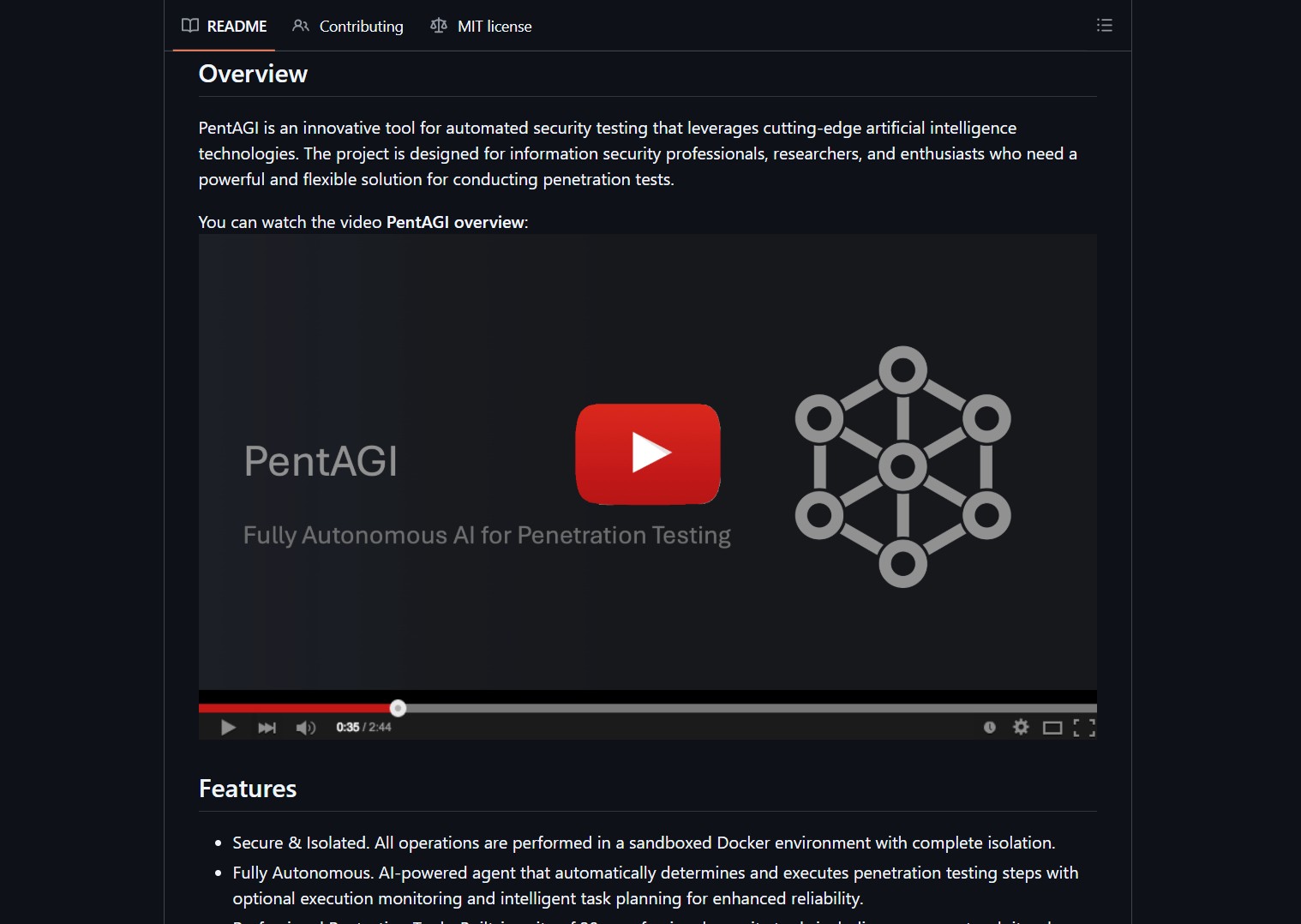
PentAGI is a fully autonomous AI agents system by vxcontrol that performs complex penetration testing tasks using multiple coordinated AI agents that talk to each other to hack a target. No human input required after initialization. While Eigent coordinates multi-agent teams for general automation, PentAGI specializes in security testing with dedicated orchestrator, researcher, developer, and executor agents.


- Project link: github.com/vxcontrol/pentagi
How PentAGI Works
PentAGI runs a team of specialized AI agents inside an isolated Docker environment. Three agent types collaborate to execute a penetration test from reconnaissance to exploitation.
| Agent | Role | Responsibility |
|---|---|---|
| Orchestrator | Commander | Assigns tasks, coordinates workflow, manages state |
| Researcher | Intelligence | Scans targets, gathers OSINT, identifies vulnerabilities |
| Developer | Planner | Designs attack chains, selects exploits, plans execution |
| Executor | Operator | Runs tools, executes payloads, documents results |
The flow follows a classic penetration testing lifecycle:
Orchestrator assigns target
     ↓
Researcher performs reconnaissance (nmap, OSINT, web scraping)
     ↓
Developer analyzes findings and plans attack vectors
     ↓
Executor runs exploits (Metasploit, sqlmap, custom payloads)
     ↓
Results stored in vector database for future reference
     ↓
Chain summarization prevents token overflow across long sessions
Architecture
PentAGI is built as a microservices architecture running on Docker Compose. Each component is horizontally scalable. For production deployments, NVIDIA NemoClaw hardens agent runtimes against escape attempts that could leak sensitive data.
Core Components
| Component | Technology | Purpose |
|---|---|---|
| Frontend UI | React + TypeScript | Web dashboard for system management |
| Backend API | Go + GraphQL | Core logic, agent orchestration, data layer |
| Vector Store | PostgreSQL + pgvector | Persistent storage of commands, outputs, embeddings |
| AI Agents | Multi-agent Go system | Specialized agent orchestration |
| Knowledge Graph | Graphiti + Neo4j | Semantic relationship tracking |
| Security Tools | 20+ tools sandboxed | nmap, Metasploit, sqlmap, etc. |
| Web Scraper | Isolated browser | OSINT gathering from web sources |
Memory System
PentAGI implements a three-tier memory architecture that persists knowledge across sessions:
- Long-term Memory: Vector embeddings of past findings, domain expertise, and tool usage patterns stored in pgvector.
- Working Memory: Current task state, active goals, and system resources tracked in real time.
- Episodic Memory: Historical actions, outcomes, and success patterns that inform future decisions.
The chain summarization system prevents token limits from being exceeded during long penetration tests. It selectively summarizes older messages while maintaining conversation coherence, using configurable parameters like SUMMARIZER_PRESERVE_LAST and SUMMARIZER_MAX_QA_SECTIONS.
Quick Start
Prerequisites
- Docker and Docker Compose installed
- An LLM API key (OpenAI, Anthropic, Ollama, or any supported provider)
- A target system you have permission to test
Deployment
git clone https://github.com/vxcontrol/pentagi.git
cd pentagi
cp .env.example .env
# Edit .env with your LLM API keys and target configuration
docker compose up -d
The web UI will be available at https://localhost:8443 after startup.
API Access
PentAGI exposes both REST and GraphQL APIs with Bearer token authentication for automation and integration:
curl -X POST https://localhost:8443/api/v1/flow \
  -H "Authorization: Bearer YOUR_TOKEN" \
  -H "Content-Type: application/json" \
  -d '{"target": "https://target-system.com", "flow_type": "full_audit"}'
LLM Provider Support
PentAGI supports 10+ LLM providers and aggregators, making it flexible for any deployment:
| Provider | Type | Configuration |
|---|---|---|
| OpenAI | Cloud | API key via environment variable |
| Anthropic | Cloud | API key via environment variable |
| Google Gemini | Cloud | API key via environment variable |
| AWS Bedrock | Cloud | AWS credentials |
| Ollama | Local | Endpoint URL |
| DeepSeek | Cloud | API key |
| GLM (Z.AI) | Cloud | API key |
| Kimi (Moonshot) | Cloud | API key |
| Qwen (Alibaba) | Cloud | API key |
| OpenRouter | Aggregator | API key |
| DeepInfra | Aggregator | API key |
For production local deployments, the project recommends vLLM with Qwen3.5-27B-FP8 for self-hosted inference.
Using Ollama (Local)
# In your .env file
LLM_TYPE=ollama
OLLAMA_ENDPOINT=http://host.docker.internal:11434
LLM_MODEL=llama3.3:70b
[!TIP]
For best results with local models, PentAGI recommends at least a 70B parameter model. The chain summarization system helps smaller models by keeping context within their effective window.
Key Features
- Secure and Isolated: All operations run in sandboxed Docker environments with complete isolation from the host.
- Fully Autonomous: AI-powered agents automatically determine and execute penetration testing steps with optional execution monitoring.
- Professional Tool Suite: Built-in access to 20+ professional security tools including nmap, Metasploit, sqlmap, and more.
- Smart Memory: Long-term storage of research results and successful approaches for future tests.
- Knowledge Graph: Graphiti-powered Neo4j integration for semantic relationship tracking.
- Web Intelligence: Built-in browser scraper for gathering latest information from web sources.
- External Search: Integration with Tavily, Perplexity, DuckDuckGo, Google Custom Search, Sploitus, and Searxng.
- Comprehensive Monitoring: Grafana dashboards, Prometheus metrics, Jaeger distributed tracing, and Loki log aggregation.
- Detailed Reporting: Generates thorough vulnerability reports with exploitation guides.
- Langfuse Integration: LLM observability with ClickHouse analytics and Redis caching.
Langfuse Integration Details
PentAGI integrates Langfuse for LLM observability. This provides:
- Trace-level monitoring of every agent decision
- Cost tracking per task and per model
- Performance metrics for response times and token usage
- ClickHouse-backed analytics for historical queries
- Redis caching for rate limiting and prompt caching
- MinIO S3 storage for trace artifacts
Enable it by setting LANGFUSE_ENABLED=true in your .env file.
What the Community Is Saying
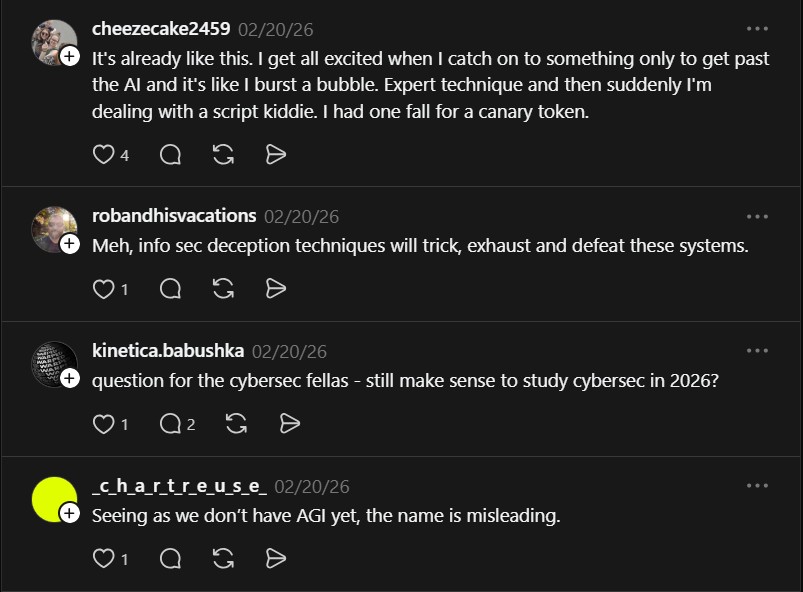
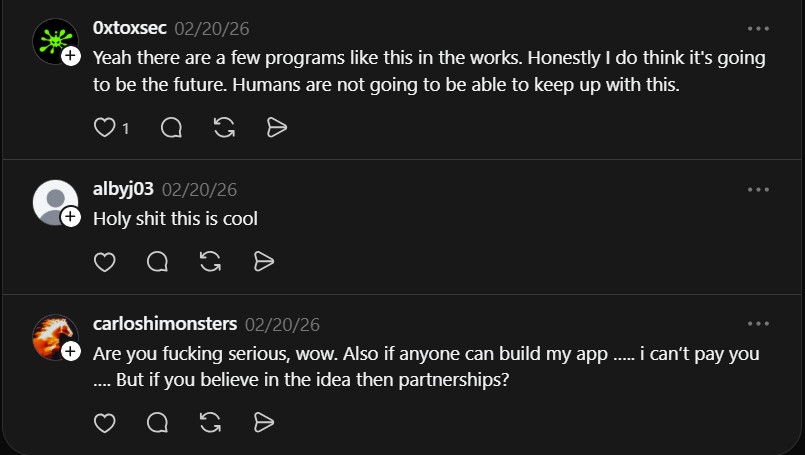
The Threads post ignited a heated discussion about the future of cybersecurity:
“It’s already like this. I get all excited when I catch on to something only to get past the AI and it’s like I burst a bubble. Expert technique and then suddenly I’m dealing with a script kiddie. I had one fall for a canary token.” — @cheezecake2459
“Yeah there are a few programs like this in the works. Honestly I do think it’s going to be the future. Humans are not going to be able to keep up with this.” — @0xtoxsec
“Seeing as we don’t have AGI yet, the name is misleading.” — @c_h_a_r_t_r_e_u_s_e
The sentiment captures the divide: PentAGI is not true AGI, but its autonomous multi-agent approach already outperforms manual testing in speed and coverage. The tool is designed for cybersecurity professionals and researchers who need a powerful, flexible solution for conducting penetration tests at scale. Whether you see it as a force multiplier or a disruptor, the age of AI-driven red teaming has arrived.
If you enjoy articles about top GitHub repositories like this, don’t forget to subscribe to Technolati.com.
- How to Use Velo as a Local-First Desktop Email Client
Velo is a blazing-fast, keyboard-first desktop email client with local SQLite storage Velo is a desktop Gmail client built with..
- How to Use Dexter for Autonomous Financial Research
Dexter is an autonomous financial research agent that plans, executes, and validates its own investment analysis Dexter is an autonomous..
- How to Use PageIndex for Vectorless RAG on Complex Documents
Badge PageIndex argues that similarity is not the same as relevance, and it offers a vectorless, reasoning based approach to..
- How to Use OpenWork as a Desktop Interface for DeepAgents
Badge OpenWork is an opinionated desktop interface for deepagentsjs, it exposes filesystem planning, subagent delegation, and direct tool access so..
- How to Use Lightpanda as a Fast Headless Browser for Agents
Badge Lightpanda Browser is a headless browser written from scratch in Zig, built specifically for AI agents and automation workflows…
- How to Use Activepieces for No-Code AI Agent Automation
Activepieces is an open source alternative to Zapier that provides a visual canvas to build AI agent workflows and exposes..

