

I ran into this project while evaluating desktop-first agent platforms that coordinate many workers in parallel. Eigent is a Cowork style desktop app that lets you build and run a local multi-agent workforce, with MCP integration and tools for orchestration, privacy, and enterprise features. Unlike Hermes Agent which focuses on a single persistent terminal assistant, Eigent manages teams of agents in parallel.
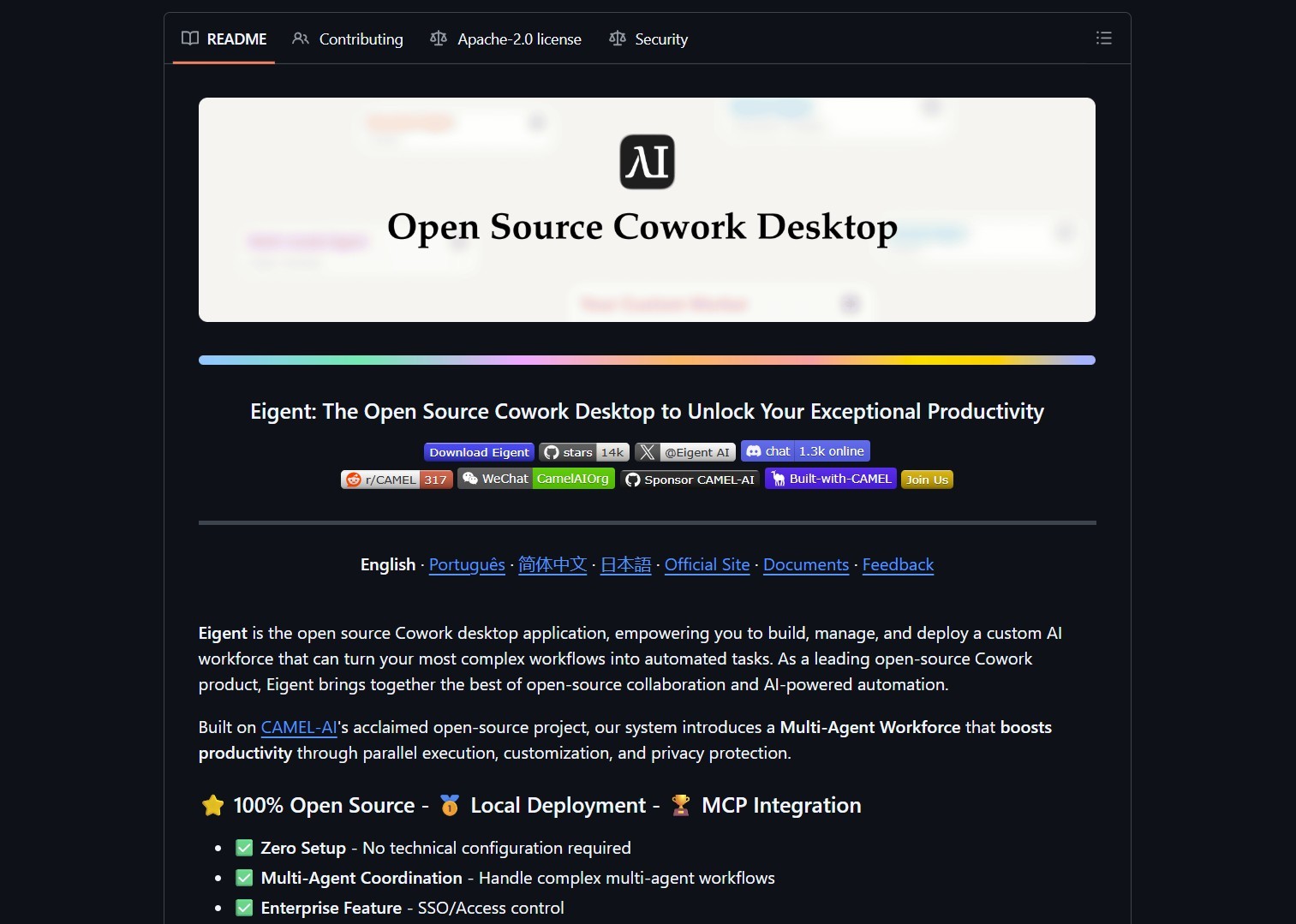
Repository snapshot and app overview.
Eigent targets local deployment and multi-agent coordination, but because agents operate on your machine, validate and sandbox workflows before granting broad permissions.
What it is
Eigent is an open-source desktop Cowork application that exposes multi-agent coordination primitives, planners, and a desktop UI to manage teams of agents. It claims zero setup and local deployment, and it integrates MCP so agents can use standardized tool surfaces and UIs.
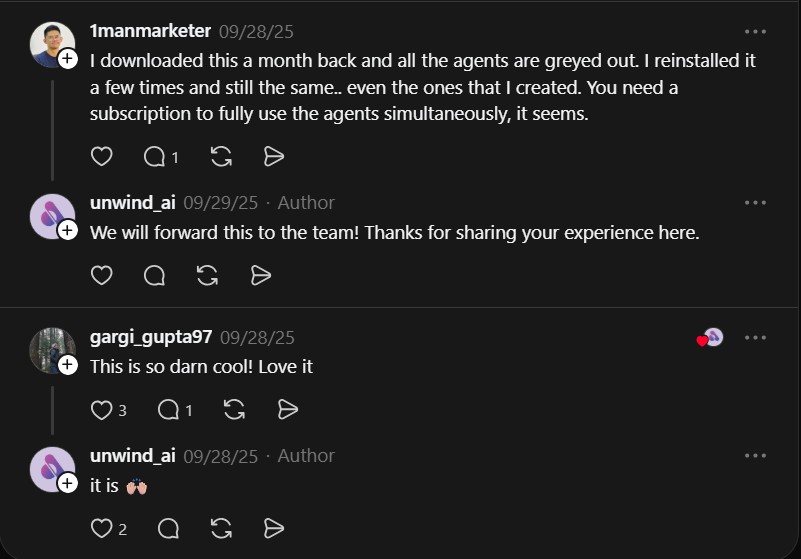
Community threads and initial reactions.
How it works
At a high level, Eigent provides:
- A desktop runtime that launches multiple agents in parallel, with lifecycle controls and a supervisor.
- MCP integrations so agents can exchange structured context, receive UI inputs, and call host tools.
- Options for custom models, local-only execution, and enterprise features like SSO and access control.
For hardening agent runtimes in production, review
NVIDIA NemoClaw
practices.
# quick start
git clone https://github.com/eigent-ai/eigent.git
cd eigent
# follow README to run the desktop app and provision local agents
| Feature | Notes |
|---|---|
| Local multi-agent | Run multiple agents in parallel on your desktop |
| MCP support | Standardized interfaces for UI and tool access |
| Enterprise options | SSO, access control, team management |
| Zero setup claim | Quick start, but verify agent permissions before enabling production flows |
Start with a single, simple agent workflow, then add parallel workers and observe interactions.
Use a disposable VM or isolated account while you test concurrency and tool access.
Pros and cons
Pros
- Local-first, privacy friendly, easy to inspect agent behavior
- Multi-agent coordination unlocks parallel execution of complex workflows
- MCP integration makes UI and tool patterns portable across hosts
Cons
- High potential for accidental privilege escalation if agents get broad tool access
- Some users report UX issues or gated features that require subscriptions for full parallel use
- Requires careful orchestration to avoid conflicting actions across agents
Warning: Agents with filesystem or shell access can cause damage if misused.
Do not run Eigent on production machines without isolation and strict access controls.
Try it locally
- Clone the repo and follow the quick start.
- Run a test scenario in a sandboxed VM, create one agent that performs a harmless task,
then scale to multiple agents and observe coordination. - Review logs and audit traces to ensure agents behave as expected.
Project link
https://github.com/eigent-ai/eigent
Here are what people are saying:
“I downloaded this a month back and all the agents are greyed out. I reinstalled it a few times and still the same.. even the ones that I created. You need a subscription to fully use the agents simultaneously, it seems.” @1manmarketer
“This is so darn cool! Love it” @gargi_gupta97
If you enjoy articles about top GitHub repositories like this, don’t forget to subscribe to
Technolati.com.
- How to Build an MVP in 3 Hours with Vibe Coding Prompts
Badge Vibe Coding Prompt Template provides structured, copy-paste prompt templates that guide an idea through market research, a PRD, implementation..
- How to Build Safer Agents with Parlant Conversation Modeling
Badge Parlant promises to stop the “roll of the dice” approach by enforcing contextual guidelines that activate based on conversation..
- How to Build Interactive UIs for Agents with MCP Apps
Badge MCP Apps is an extension proposal, SEP-1865, that aims to standardize interactive user interfaces inside MCP hosts. The effort..
- How to Build AI Apps with Genkit and Firebase Studio
Badge Genkit is the open-source framework that powers Firebase Studio, and it provides SDKs for JS/TS, Go, and an alpha..
- How to Build RAG Apps with BRAG LangChain Notebooks
BRAG LangChain provides five notebooks that walk from basic RAG setups to advanced multi-query, routing, indexing, and reranking techniques. This..
- How to Build and Scale AI Agents with OpenHands Development Platform
OpenHands is a community-driven development platform for building and scaling AI agents. It provides a unified ecosystem that includes a..

