

MCP Apps is an extension proposal, SEP-1865, that aims to standardize interactive user interfaces inside MCP hosts. The effort includes contributions and coordination with MCP-UI creators and maintainers from major platforms, and it promises to bring rich, interactive UIs into agent workflows on Claude, ChatGPT, and other MCP hosts.
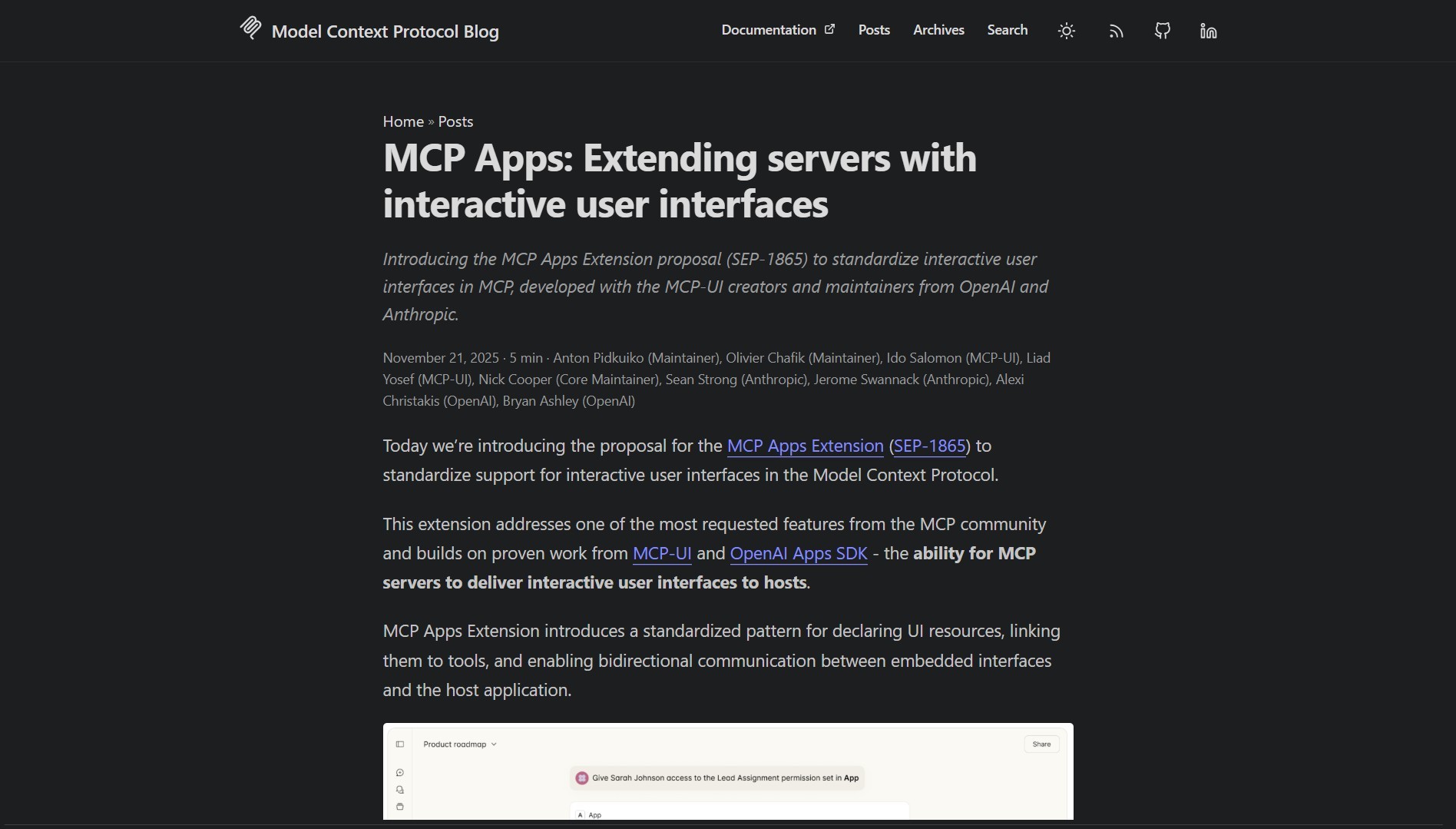
MCP Apps moves beyond text only exchanges, it lets agents surface data visualizations, complex forms, and interactive controls that users can interact with during a session. That raises UX opportunities, as well as new considerations for validation and security.
What it is
MCP Apps is an extension to the Model Context Protocol that defines how interactive components are described, delivered, and rendered inside agent sessions. The goal is to let agentic workflows present rich, stateful UI elements that users or downstream agents can interact with, without custom host-specific hacks. This builds on the same protocol layer that powers Chrome DevTools MCP, extending MCP beyond tool calling into interactive surfaces.
How it works
At a high level the proposal standardizes a UI surface and a small set of interaction primitives that MCP hosts can implement. Hosts render the UI, forward user interactions back to the agent, and the agent reasons over the updated context. This enables patterns like:
- Data visualizations that update in response to agent queries
- Complex forms that gather structured input during a conversation
- Interactive widgets for exploration and approval of tool actions
For a practical example of embedding interactive agent UIs directly into web pages, Page-agent.js demonstrates a similar approach with in-page AI copilot widgets.
# read the SEP and follow examples
xdg-open "https://blog.modelcontextprotocol.io/posts/2025-11-21-mcp-apps/"
| Feature | Why it matters |
|---|---|
| Interactive UIs | Improves clarity and control for complex workflows |
| Standardized primitives | Makes integrations portable across MCP hosts |
| Agent-driven state | Agents can propose UI updates and react to user input |
| Cross-host support | Designed to work on Claude, ChatGPT, and compatible MCP hosts |
If you are building agentic tools, start by prototyping a small interactive widget, then test how it behaves across different MCP hosts before committing to a full integration.
Pros and cons
Pros
- Better UX for complex agent workflows, especially for data heavy tasks
- Encourages a common surface that third party tools can target
- Enables richer, human-in-the-loop automation patterns
Cons
- Adds a new attack surface, UI components must be validated and sandboxed
- Host implementations may vary, subtle differences can affect portability
- Not all agent workflows benefit from interactive UIs, some remain simpler as text only
Interactive UIs can surface actionable controls. Treat them like tool calls, validate inputs, and avoid auto-executing sensitive actions without explicit user approval.
Project link
Here are what peoples are saying:
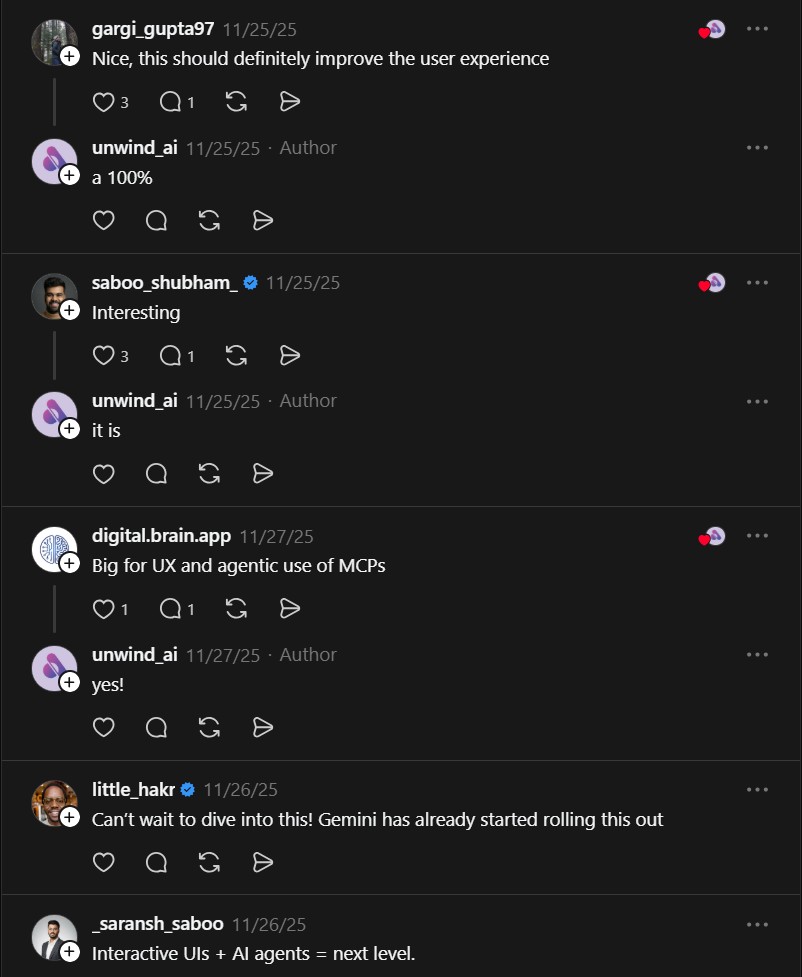
“Nice, this should definitely improve the user experience” @gargi_gupta97
“Big for UX and agentic use of MCPs” @digital.brain.app
“Can’t wait to dive into this! Gemini has already started rolling this out” @little_hakr
Try it locally
- Read the SEP-1865 proposal and the MCP-UI examples on the blog link above.
- Prototype a small widget and test it on one MCP host, then iterate across other hosts to validate portability.
If you enjoy articles about top GitHub repositories like this, don’t forget to subscribe to Technolati.com.
- How to Build an MVP in 3 Hours with Vibe Coding Prompts
Badge Vibe Coding Prompt Template provides structured, copy-paste prompt templates that guide an idea through market research, a PRD, implementation..
- How to Build Safer Agents with Parlant Conversation Modeling
Badge Parlant promises to stop the “roll of the dice” approach by enforcing contextual guidelines that activate based on conversation..
- How to Build AI Apps with Genkit and Firebase Studio
Badge Genkit is the open-source framework that powers Firebase Studio, and it provides SDKs for JS/TS, Go, and an alpha..
- How to Build a Local Multi-Agent Workforce with Eigent
Badge I ran into this project while evaluating desktop-first agent platforms that coordinate many workers in parallel. Eigent is a..
- How to Build RAG Apps with BRAG LangChain Notebooks
BRAG LangChain provides five notebooks that walk from basic RAG setups to advanced multi-query, routing, indexing, and reranking techniques. This..
- How to Build and Scale AI Agents with OpenHands Development Platform
OpenHands is a community-driven development platform for building and scaling AI agents. It provides a unified ecosystem that includes a..

