
VideoSOS is an open-source, browser-first video editor that brings over 100 AI models into your browser. It handles text-to-video, image-to-video, image editing, music composition, and voiceover creation without uploading media to the cloud. The repo bundles integrations with fal.ai and Runware.ai and supports models like Google Veo 3.1, Gemini 2.5 Flash, and Imagen 4.
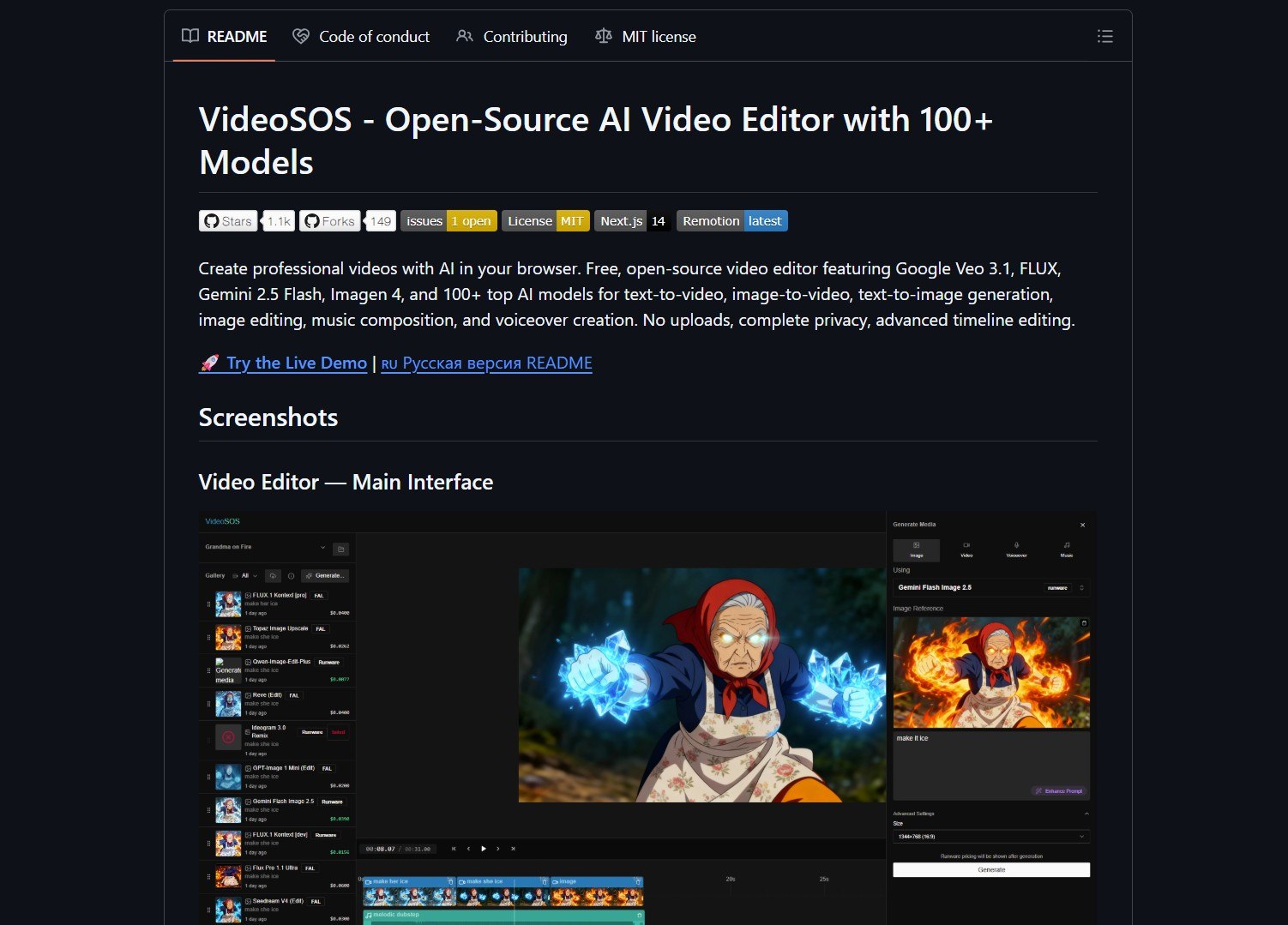
The stated goal is zero uploads and complete privacy by running as much as possible in the client or via local runtimes. You can generate short clips from prompts, edit frames, create voiceovers, and assemble multi-track projects on a standard timeline. This makes it a strong option for privacy-conscious content creation and rapid video prototyping.
Key Features
VideoSOS offers broad model coverage for video, image, and audio tasks. Its timeline editor supports standard NLE workflows for assembling and polishing multi-track projects. The local-first promise means no uploads, subject to which models actually run on your hardware.
It supports text-to-video and image-to-video generation, image editing, text-to-speech with multiple synthesis engines, and music composition. You can also build and scale AI agents for broader automation workflows using a self-hosted offline AI platform alongside your media tools.
Project Link
Project link:
https://github.com/timoncool/videosos
How It Works
VideoSOS wires together model runtimes, a web UI timeline editor, and integration adapters to switch providers. Where local runtimes are not possible, the project provides provider adapters for fal.ai and Runware.ai so generation can still happen without user-managed servers. This is similar to how you can route 1600 AI models with a unified gateway for flexible provider switching.
Start with a single generation pipeline on a local machine with known GPU or CPU capability before attempting a full 100-model experiment. The quick start is straightforward: clone the repo, install local runtimes or configure provider adapters, and test a text-to-image-to-video pipeline.
The Catch
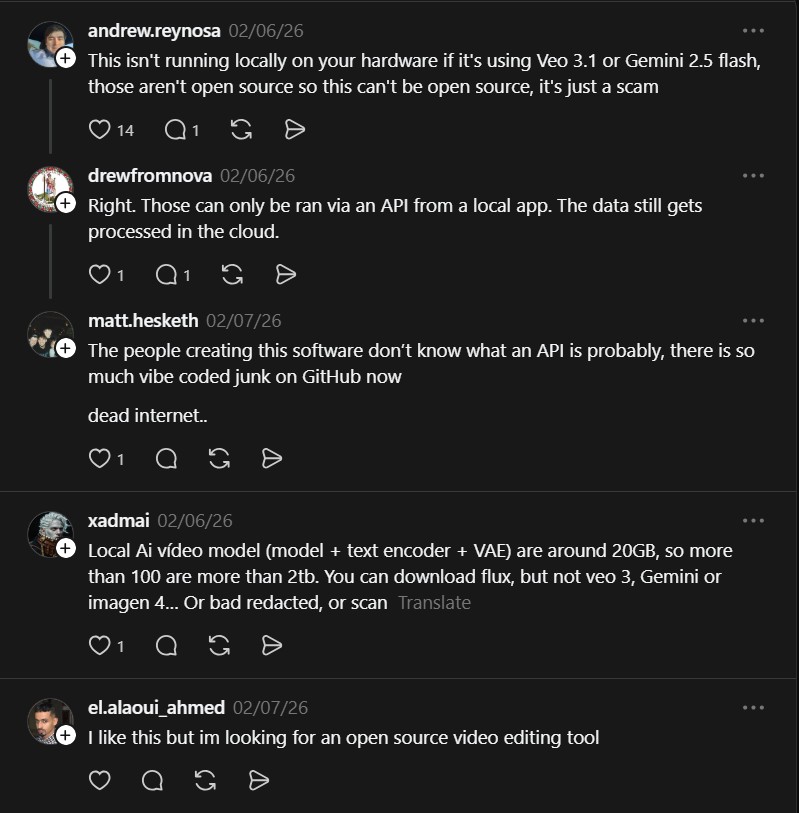
Claims about running proprietary models locally should be validated. Many named models like Gemini and Imagen are not fully open-source or available for local execution without licensing. Large model claims are resource intensive and sometimes conflate remote provider integrations with true local execution. Verify which models the repo runs locally and respect licensing for proprietary models. Evaluate GPU or VRAM requirements and disk capacity before experimenting.
VideoSOS is compelling as a distribution idea: a browser editor that unifies many media models under a single timeline workflow. The practical limits are hardware and model licensing, so validate runtimes and start with a constrained pilot.
- How to Use Velo as a Local-First Desktop Email Client
Velo is a blazing-fast, keyboard-first desktop email client with local SQLite storage Velo is a desktop Gmail client built with..
- How to Use PentAGI for Autonomous AI Red Teaming
PentAGI is an autonomous AI red team system that performs penetration testing with zero human input PentAGI is a fully..
- How to Use Dexter for Autonomous Financial Research
Dexter is an autonomous financial research agent that plans, executes, and validates its own investment analysis Dexter is an autonomous..
- How to Use PageIndex for Vectorless RAG on Complex Documents
Badge PageIndex argues that similarity is not the same as relevance, and it offers a vectorless, reasoning based approach to..
- How to Use OpenWork as a Desktop Interface for DeepAgents
Badge OpenWork is an opinionated desktop interface for deepagentsjs, it exposes filesystem planning, subagent delegation, and direct tool access so..
- How to Use Lightpanda as a Fast Headless Browser for Agents
Badge Lightpanda Browser is a headless browser written from scratch in Zig, built specifically for AI agents and automation workflows…

