
Kilocode is an all-in-one agentic engineering platform for faster coding workflows. It combines code generation, automation, and debugging into a single unified workflow. The platform serves as a practical alternative to using multiple coding tools separately.
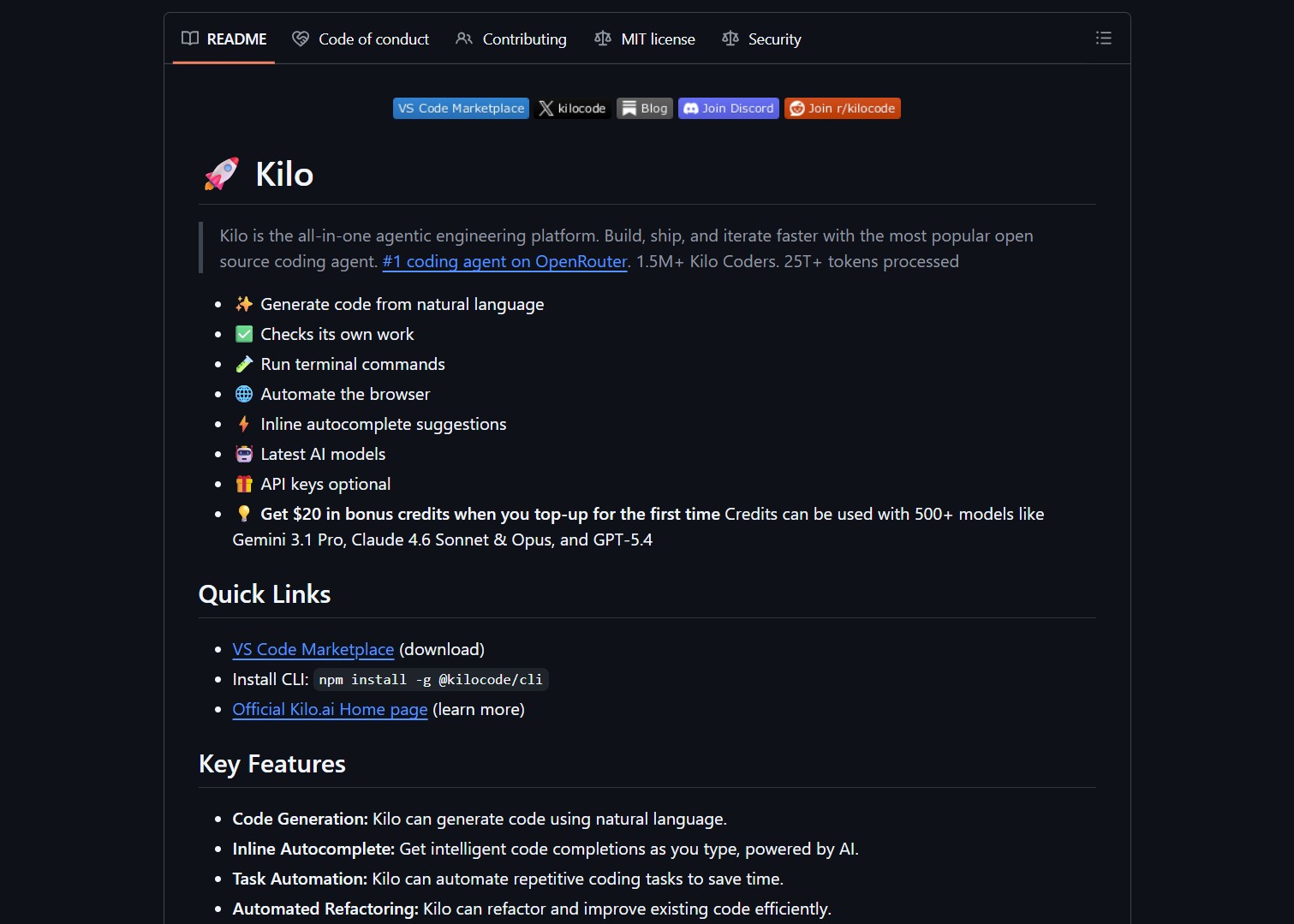
Kilocode targets developers needing cohesive AI assistance across the entire development loop. It offers natural language code generation, inline autocomplete suggestions, and task automation. The platform integrates with 500+ AI models including Gemini, Claude, and GPT. This flexibility allows cost-aware switching between models for different tasks.
Project Repository
Project link:
https://github.com/Kilo-Org/kilocode/
How to Deploy & How It Works
Kilocode operates as an extension for VS Code and JetBrains IDEs. It provides multi-mode workflows for planning, coding, and debugging phases. Users can start without API keys and receive bonus credits for model access.
- Install the Kilocode extension from your IDE marketplace.
- Sign up optionally to unlock bonus credits and model switching.
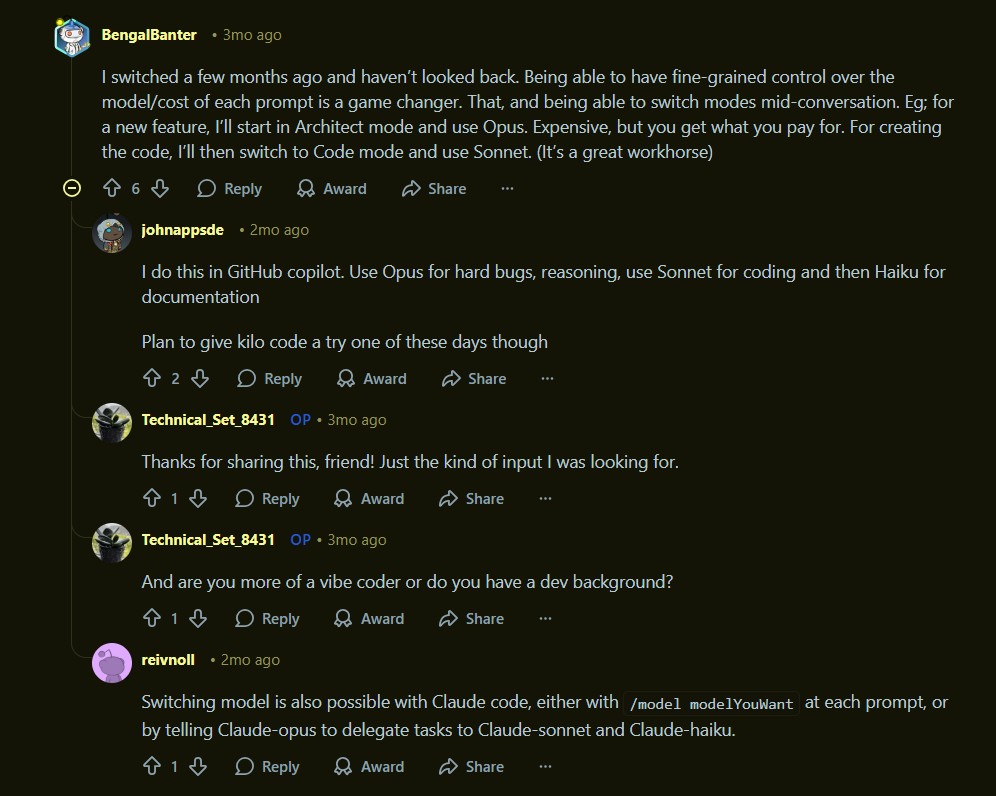
- Choose between Architect, Coder, and Debugger modes for each task.
- Connect API keys for preferred models or use Kilo’s own credits.
- Explore the MCP Server Marketplace to extend agent capabilities.
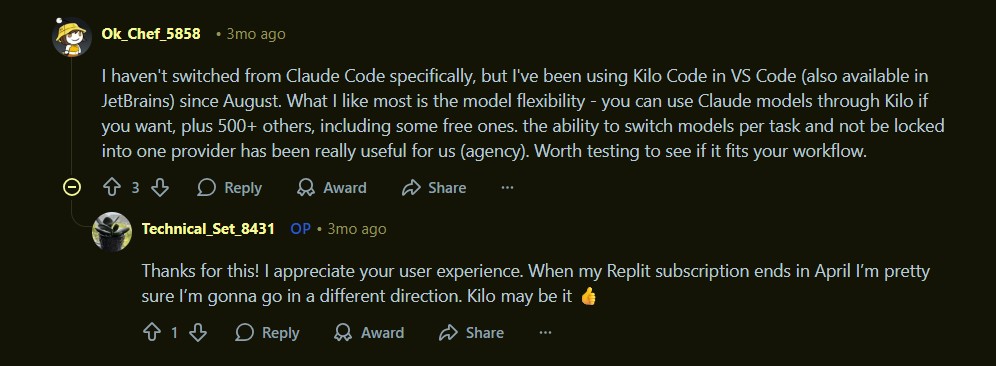
The platform’s design emphasizes granular control over AI assistance. Unlike single-model coding assistants, Kilocode enables per-task model selection. This approach mirrors architectural patterns seen in Claw Code where flexibility and coordination are core features.
The Verdict / The Catch
Kilocode excels at unified coding assistance with cost-aware design. It delivers practical AI agent workflows for development teams. The platform’s model flexibility and multi-mode approach reduce reliance on single providers.
The catch lies in rapid iteration cycles. Some users report UI changes that disrupt established workflows. For personal coding assistant scenarios, consider Cline or Agent Zero. Kilocode is optimized for professional development environments requiring production-grade coordination.

- How to Use Velo as a Local-First Desktop Email Client
Velo is a blazing-fast, keyboard-first desktop email client with local SQLite storage Velo is a desktop Gmail client built with..
- How to Use PentAGI for Autonomous AI Red Teaming
PentAGI is an autonomous AI red team system that performs penetration testing with zero human input PentAGI is a fully..
- How to Use Dexter for Autonomous Financial Research
Dexter is an autonomous financial research agent that plans, executes, and validates its own investment analysis Dexter is an autonomous..
- How to Use PageIndex for Vectorless RAG on Complex Documents
Badge PageIndex argues that similarity is not the same as relevance, and it offers a vectorless, reasoning based approach to..
- How to Use OpenWork as a Desktop Interface for DeepAgents
Badge OpenWork is an opinionated desktop interface for deepagentsjs, it exposes filesystem planning, subagent delegation, and direct tool access so..
- How to Use Lightpanda as a Fast Headless Browser for Agents
Badge Lightpanda Browser is a headless browser written from scratch in Zig, built specifically for AI agents and automation workflows…

