
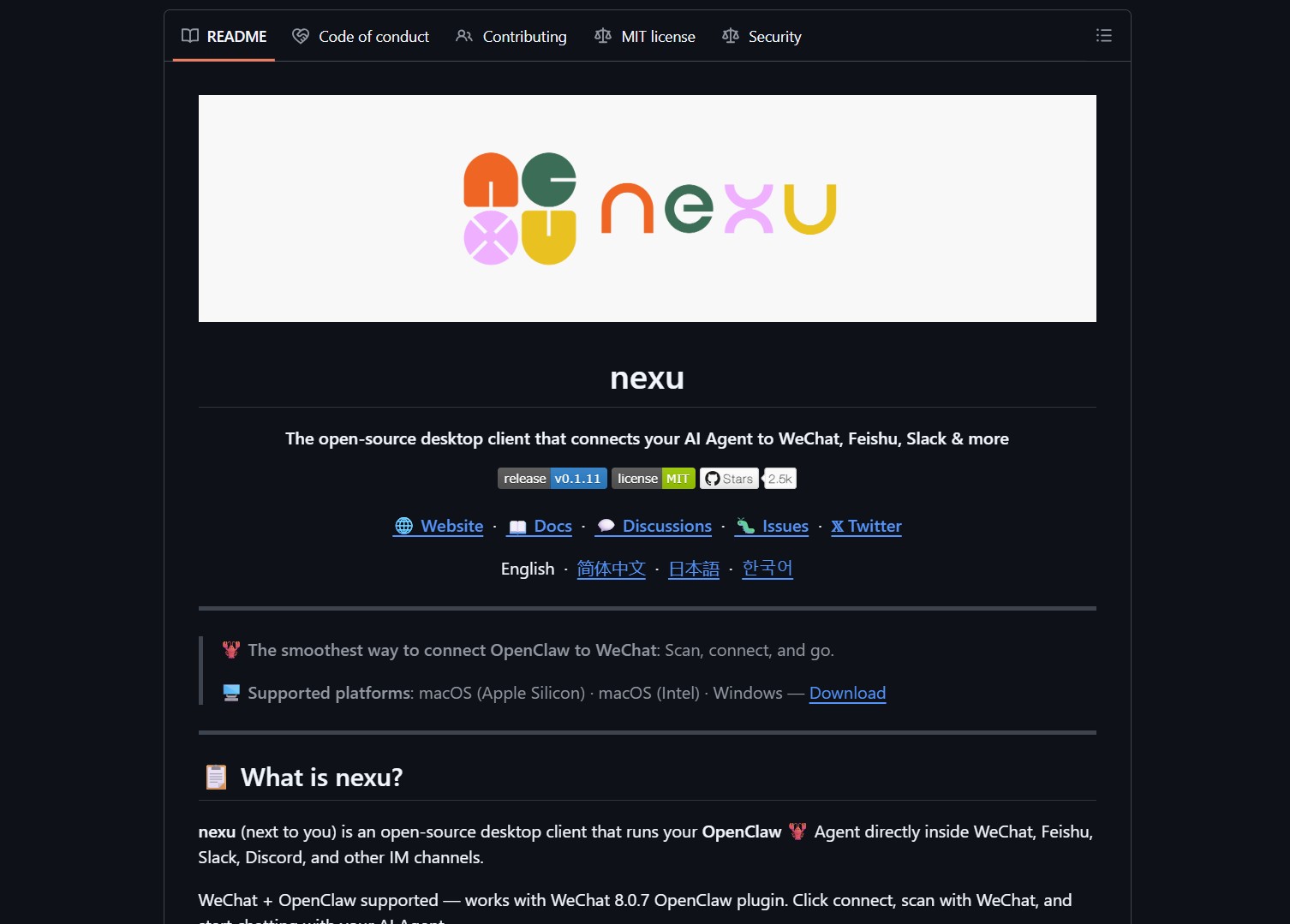
Nexu is an open-source desktop client that runs AI agents inside your favorite messaging apps. It connects tools like OpenClaw directly to WeChat, Slack, and Discord. This solution brings your assistant to the platforms where you already spend your time.
What is Nexu?
Nexu is designed for users who want a persistent AI assistant in their chat apps. It solves the problem of switching between different AI tools and browsers. By embedding an agent into your IM channels, you can access AI features without leaving your conversation.
The core value of this project is its integration capability. It supports WeChat 8.0.7 through the OpenClaw plugin. It also works with Feishu, Slack, and Discord. This approach makes your AI agent available 24/7 on your favorite devices.
Key Features and Capabilities
Nexu offers several technical advantages for developers and casual users. It features a graphical setup process that requires no command-line skills. You can bring your own API keys for models like Gemini or GPT-4. All data stays on your local machine for better privacy.
- Direct integration with WeChat and Slack.
- Support for multiple AI models via API keys.
- Local data storage for enhanced user privacy.
- Built-in skills for Feishu and other platforms.
If you are looking for a way to use AI assistants in a coding environment, you might also want to check out Google Antigravity. While Nexu focuses on messaging, Antigravity brings agents into your IDE. Both tools aim to reduce the friction in your daily digital workflow.
How to Deploy Nexu
Getting started with Nexu is straightforward. First, you download the client from the GitHub releases page. The installation follows a standard graphical process. Once installed, you can link your preferred messaging accounts.
For WeChat users, the connection involves scanning a QR code. This links the Nexu client to your mobile WeChat app. You can then start chatting with your AI agent as if it were a regular contact. The setup process for Slack and Discord follows a similar pattern.
Project link:
https://github.com/nexu-io/nexu
The Verdict
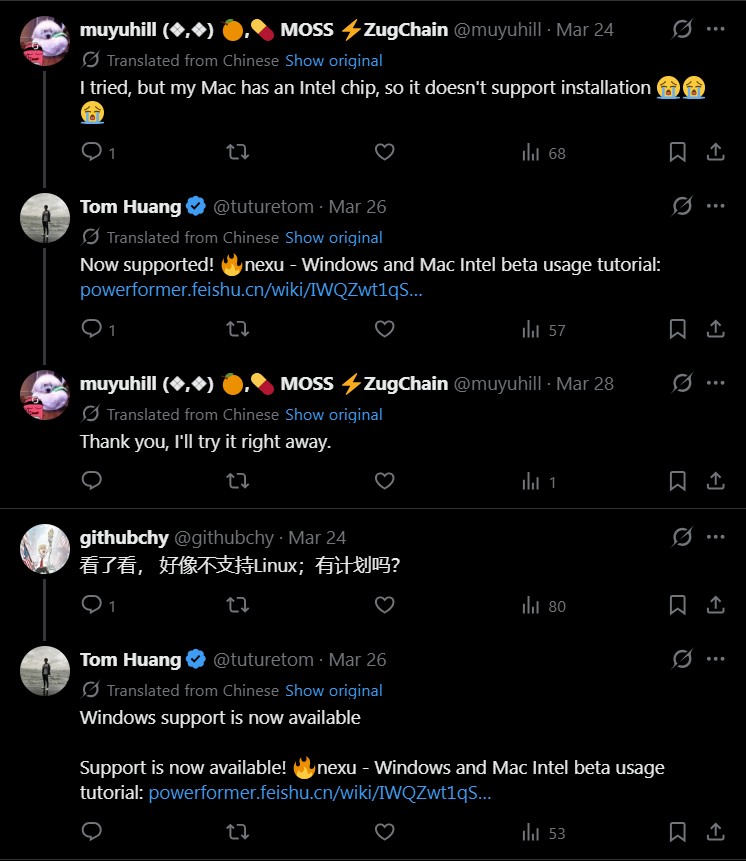
Nexu provides a clever way to keep AI assistants accessible. It eliminates the need to constantly switch between apps. The privacy-first approach is also a major benefit for many users. However, note that macOS users currently need an Apple Silicon chip for installation.
This tool is ideal for teams wanting to introduce AI features without new training. It fits into existing habits naturally. If you have the right hardware, Nexu is a solid choice for personal and professional AI integration.
- How to Use Velo as a Local-First Desktop Email Client
Velo is a blazing-fast, keyboard-first desktop email client with local SQLite storage Velo is a desktop Gmail client built with..
- How to Use PentAGI for Autonomous AI Red Teaming
PentAGI is an autonomous AI red team system that performs penetration testing with zero human input PentAGI is a fully..
- How to Use Dexter for Autonomous Financial Research
Dexter is an autonomous financial research agent that plans, executes, and validates its own investment analysis Dexter is an autonomous..
- How to Use PageIndex for Vectorless RAG on Complex Documents
Badge PageIndex argues that similarity is not the same as relevance, and it offers a vectorless, reasoning based approach to..
- How to Use OpenWork as a Desktop Interface for DeepAgents
Badge OpenWork is an opinionated desktop interface for deepagentsjs, it exposes filesystem planning, subagent delegation, and direct tool access so..
- How to Use Lightpanda as a Fast Headless Browser for Agents
Badge Lightpanda Browser is a headless browser written from scratch in Zig, built specifically for AI agents and automation workflows…

