
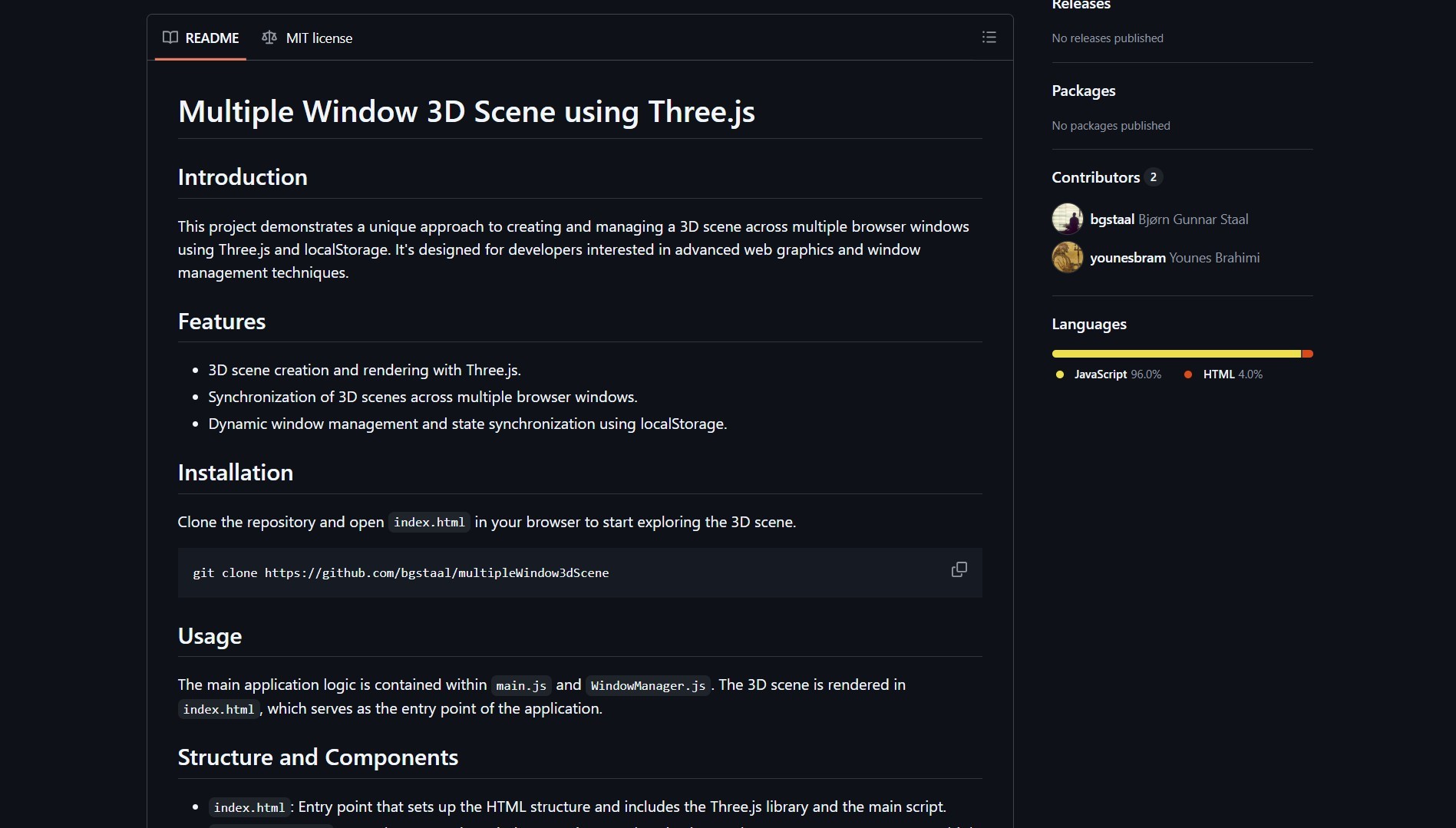
MultipleWindow3dScene is a demo that synchronizes a single 3D world across infinite browser windows or screens in real time using Three.js and localStorage. It is a playful developer-focused experiment that shows what you can do when you coordinate window state across contexts.
The project by bgstaal renders a Three.js scene and synchronizes state across multiple browser windows using localStorage events and shared state, so each window becomes a view into the same 3D world. This approach is similar in spirit to how MapToPoster lets you create and customize printable map art from geographic data — both are open-source projects that push browser capabilities in unexpected directions.
How It Works
The app runs a Three.js renderer in each window, then shares serialized scene updates via localStorage events. When one window changes the scene, others pick up the change and update their local renderers, creating the illusion of a single shared, real-time 3D world.
git clone https://github.com/bgstaal/multipleWindow3dScene.git
cd multipleWindow3dScene
# open index.html in multiple tabs or windows
| Feature | Notes |
|---|---|
| Rendering | Three.js based 3D scene |
| Sync | localStorage or cross-window messaging |
| Window management | Dynamic window creation and state sharing |
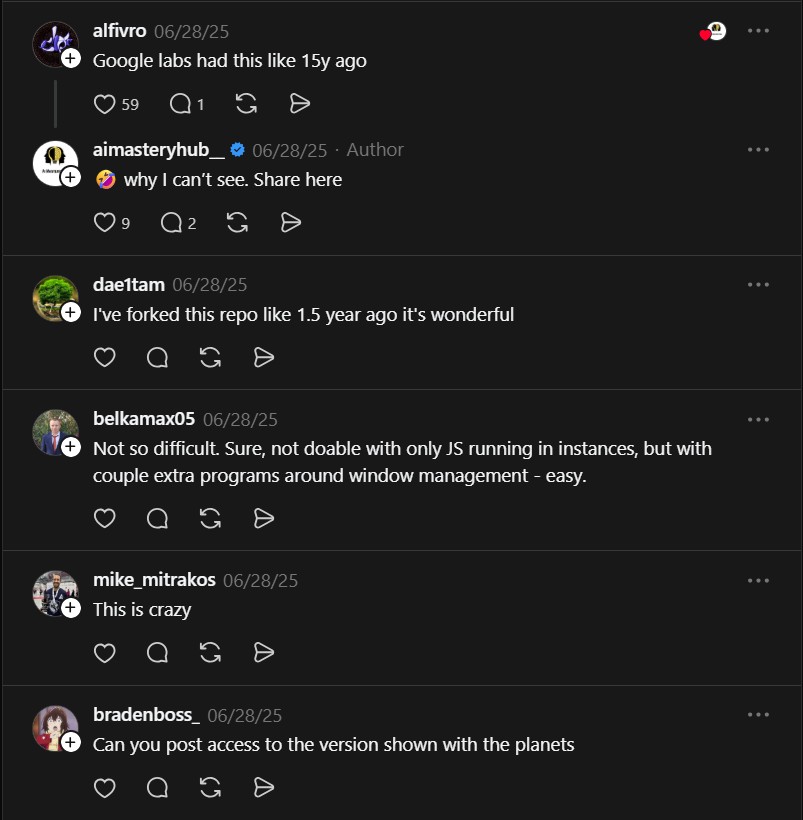
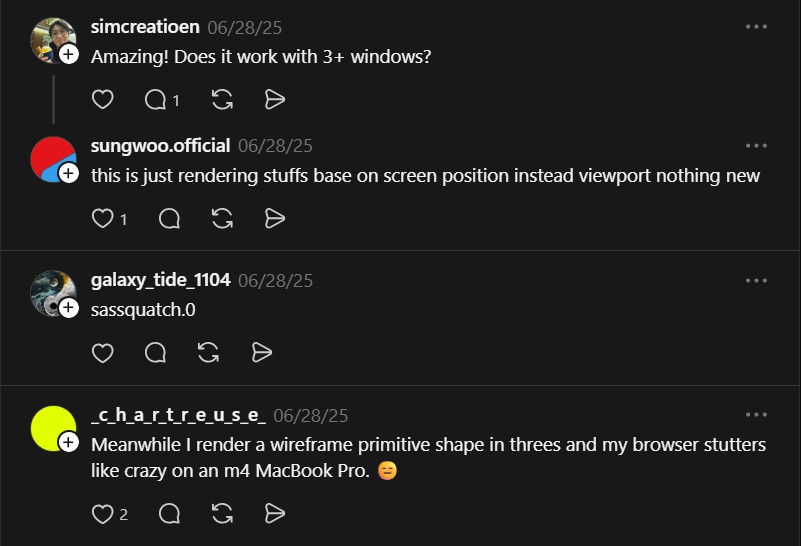
Open the demo in several tabs or separate displays, interact in one, and watch the others reflect changes in real time. For a different take on cross-platform open-source tooling, check out how BitNet.cpp runs 1-bit LLMs directly on CPU without dedicated hardware — another project that makes complex technology accessible to anyone.
Implementation Notes
- The project serializes minimal scene state to keep updates lightweight.
- localStorage events are used for cross-window notification with careful debouncing.
- This works well for small scenes but needs robust conflict resolution for multi-user apps.
Try It Yourself
- Clone the repo and open index.html in multiple windows.
- Interact with one window to see updates propagate.
- Inspect the code to learn the serialization and event approach.
Project link:
https://github.com/bgstaal/multipleWindow3dScene
“I’ve forked this repo like 1.5 year ago it’s wonderful” — @dae1tam

