

Genkit is the open-source framework that powers Firebase Studio, and it provides SDKs for JS/TS, Go, and an alpha Python SDK. The goal is a single, unified interface for building production AI apps, with support for multimodal inputs, structured outputs, RAG, MCP, memory, and agentic workflows you can run locally or in production. For building RAG pipelines specifically, compare Genkit with Brag which focuses on LangChain-based notebook workflows.
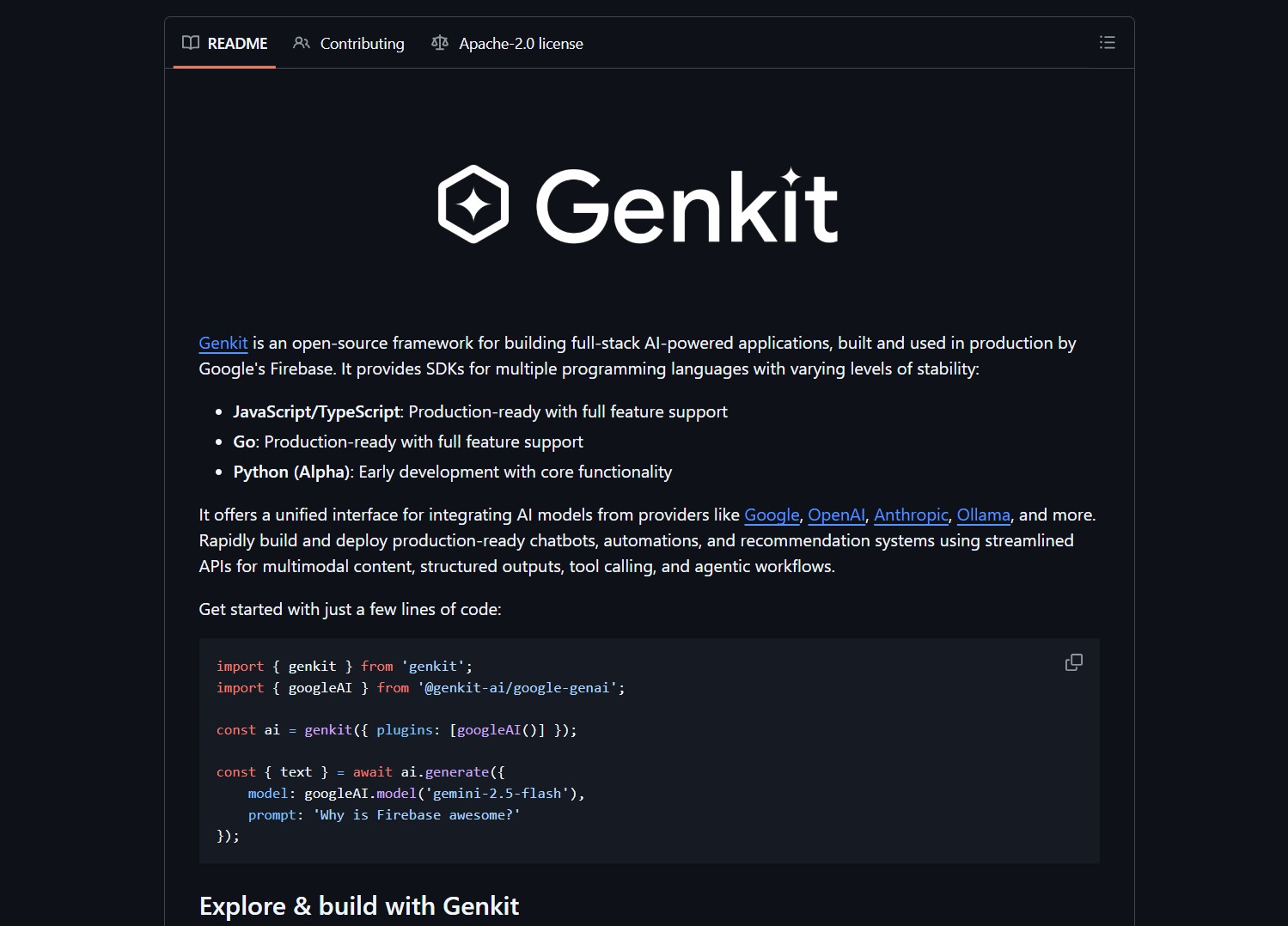
Genkit aims to reduce fragmentation by offering opinionated SDKs and integrations for models like Gemini, Claude, GPT-5, and local runtimes such as Qwen. Evaluate the SDK maturity per language, Python is currently alpha.
What it is
Genkit is an open-source framework for building full-stack AI applications. It bundles SDKs, runtime integrations, and primitives for multimodal I/O, structured tool calling, and agent orchestration. Because it is used by Firebase Studio, it targets production readiness and developer ergonomics across languages. For no-code agent automation workflows, Activepieces provides an alternative visual orchestration layer.
How it works
At a high level, Genkit exposes:
- SDKs for JavaScript/TypeScript and Go that are production ready, and a Python alpha SDK.
- Connectors to model providers including Google, OpenAI, Anthropic, Ollama, and local model runtimes.
- Primitives for multimodal inputs, structured outputs, RAG pipelines, MCP UIs, memory layers, and agent orchestration.
# quick start
git clone https://github.com/genkit-ai/genkit.git
cd genkit
# follow the README for language specific SDK setup and examples
| Feature | Notes |
|---|---|
| Multi-language SDKs | JS/TS and Go are production ready, Python is alpha |
| Model agnostic | Integrates Gemini, Claude, GPT-5, Qwen, and more |
| Full-stack primitives | Multimodal I/O, RAG, MCP, memory, agents |
| Production focus | Designed for apps like Firebase Studio that need stability |
Start with the JS/TS SDK to evaluate production workflows, then test Python examples if you prefer Python for orchestration. Measure provider integrations and local runtime performance early.
Pros and cons
Pros
- Unified framework reduces integration overhead across model providers and runtimes
- Production oriented SDKs, used in a real product (Firebase Studio)
- Supports modern app features like structured outputs, MCP UIs, and agent teams
Cons
- Python SDK is alpha, expect API changes and stability work
- Framework scope is large, you may only need a subset for simple apps
- Production usage requires careful dependency and runtime management
Genkit exposes high privilege features like tool calling and MCP UIs. Do not run untrusted examples against production data, and sandbox runtimes when you evaluate new integrations.
Project link
Here are what peoples are saying:
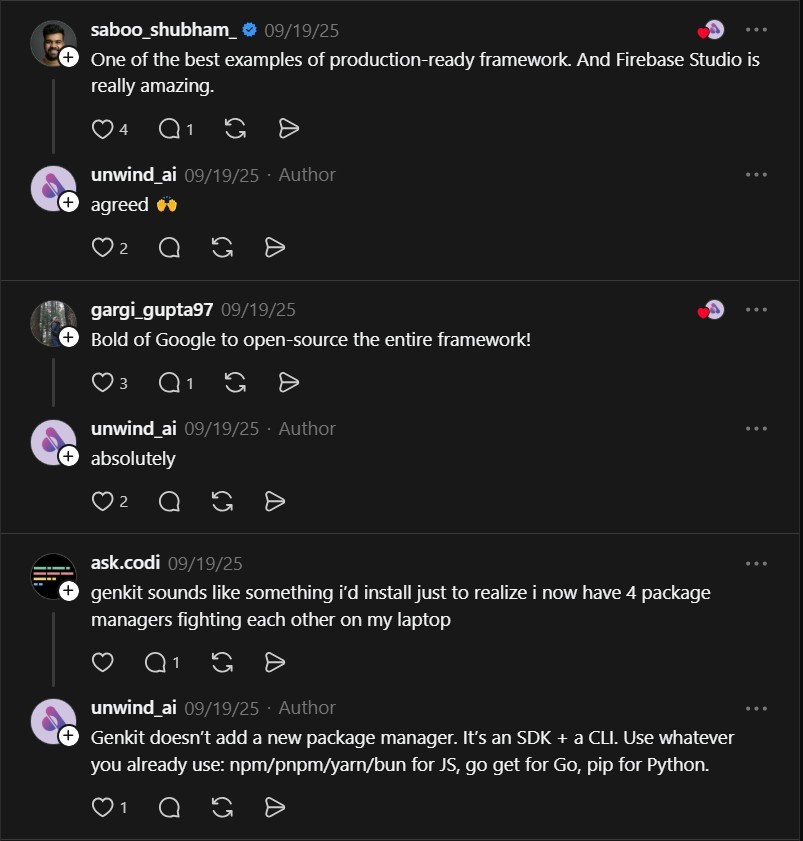
“One of the best examples of production-ready framework. And Firebase Studio is really amazing.” @saboo_shubham_
“genkit sounds like something i’d install just to realize i now have 4 package managers fighting each other on my laptop” @ask.codi
Quick commands and examples
# clone and run examples for your chosen SDK
git clone https://github.com/genkit-ai/genkit.git
cd genkit/examples/js
npm install
npm run dev
If you enjoy articles about top GitHub repositories like this, don’t forget to subscribe to
Technolati.com.
- How to Build an MVP in 3 Hours with Vibe Coding Prompts
Badge Vibe Coding Prompt Template provides structured, copy-paste prompt templates that guide an idea through market research, a PRD, implementation..
- How to Build Safer Agents with Parlant Conversation Modeling
Badge Parlant promises to stop the “roll of the dice” approach by enforcing contextual guidelines that activate based on conversation..
- How to Build Interactive UIs for Agents with MCP Apps
Badge MCP Apps is an extension proposal, SEP-1865, that aims to standardize interactive user interfaces inside MCP hosts. The effort..
- How to Build a Local Multi-Agent Workforce with Eigent
Badge I ran into this project while evaluating desktop-first agent platforms that coordinate many workers in parallel. Eigent is a..
- How to Build RAG Apps with BRAG LangChain Notebooks
BRAG LangChain provides five notebooks that walk from basic RAG setups to advanced multi-query, routing, indexing, and reranking techniques. This..
- How to Harden AI Agent Runtimes with NVIDIA NemoClaw
NemoClaw is an early preview reference stack from NVIDIA that wraps an agent runtime with guided onboarding, a hardened blueprint,..

