
Activepieces is an open source alternative to Zapier that provides a visual canvas to build AI agent workflows and exposes hundreds of MCP servers as ready-made connectors. The promise is simple: build automations with a type-safe pieces framework, reuse templates, and run everything locally or self-hosted. For another approach to agent-driven automation, see how to automate desktop tasks with UI-TARS GUI agent — a complementary tool for UI-level agent control.
What It Is
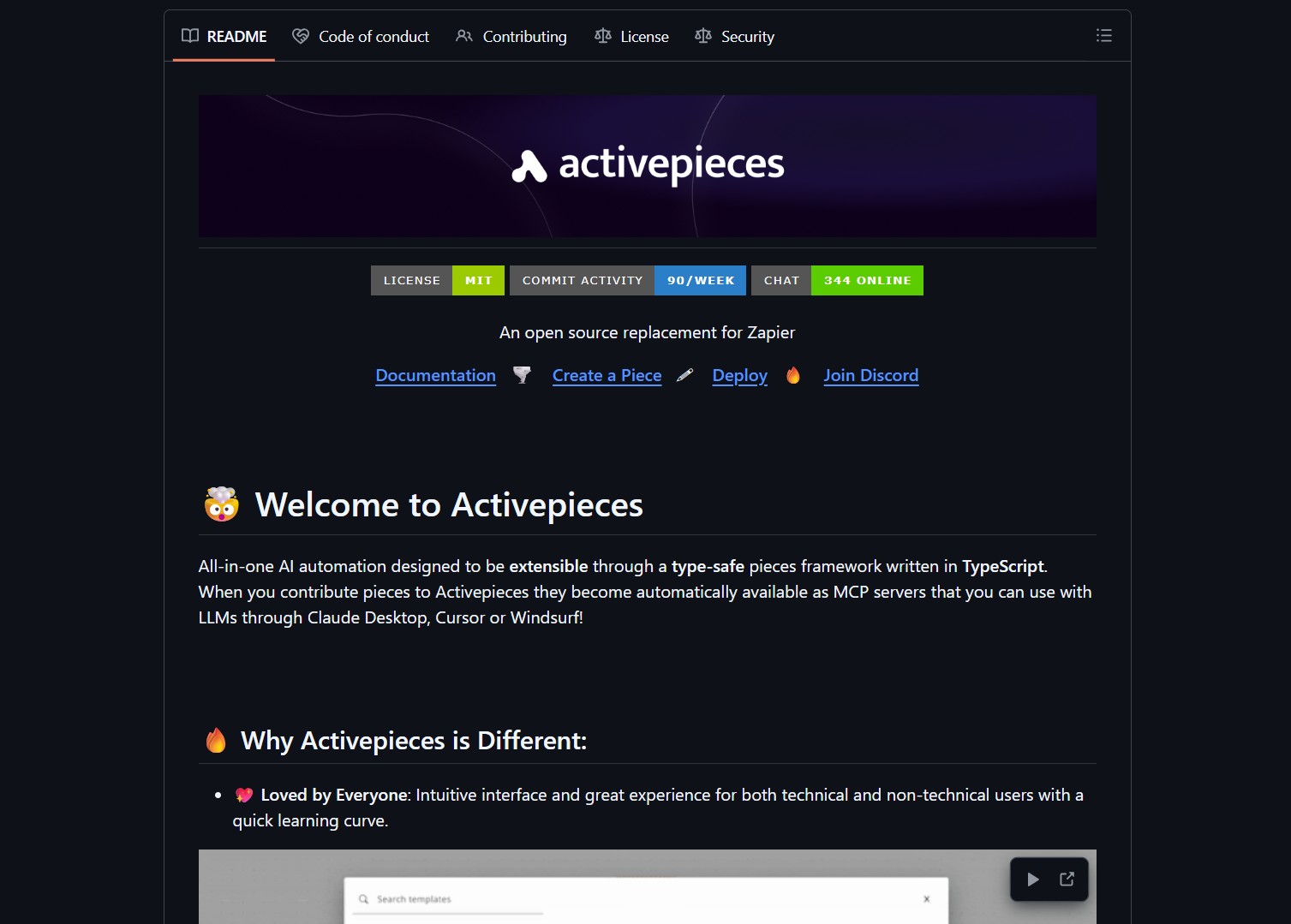
Activepieces is a no-code automation platform built in TypeScript with a type-safe pieces framework that makes new connectors available as MCP servers for model-driven agents. It ships with 55-plus templates, and lets developers contribute pieces so they automatically appear as MCP endpoints consumable by Claude Desktop, Cursor, Windsurf, and other MCP hosts.

How It Works
Activepieces provides a visual flow canvas where users wire triggers, actions, and conditional logic. Pieces are TypeScript modules that declare inputs, outputs, and runtime semantics. When published, pieces are served as MCP servers callable from agentic UIs or LLM hosts. For a deeper look at how retrieval agents work alongside automation tools, check out how to use Chroma Context-1 for local agentic search.
Key Features
- No-code canvas — Visual builder for triggers, actions, and flows
- Pieces framework — Type-safe TypeScript pieces that become MCP servers
- Templates — 55-plus starter templates for common automations
- Integrations — Connectors to many services suitable for agent workflows
Pros and Cons
- Pros: Low barrier for non-technical users, extensible pieces framework, pieces become MCP servers bridging no-code and model-driven agents
- Cons: Connectors require credential management, no-code flows can obscure logic, self-hosting needs ops work
Try It Locally
- Clone the repo and run the local dev server:
git clone https://github.com/activepieces/activepieces.git - Import a template and adapt piece credentials to sandbox accounts
- Connect an MCP-enabled agent UI and test end-to-end interactions
Automations connecting to external accounts can perform destructive actions. Limit scope, use least-privilege credentials, and enable approvals for risky steps.
Project link:
https://github.com/activepieces/activepieces
- How to Use Velo as a Local-First Desktop Email Client
Velo is a blazing-fast, keyboard-first desktop email client with local SQLite storage Velo is a desktop Gmail client built with..
- How to Use PentAGI for Autonomous AI Red Teaming
PentAGI is an autonomous AI red team system that performs penetration testing with zero human input PentAGI is a fully..
- How to Use Dexter for Autonomous Financial Research
Dexter is an autonomous financial research agent that plans, executes, and validates its own investment analysis Dexter is an autonomous..
- How to Use PageIndex for Vectorless RAG on Complex Documents
Badge PageIndex argues that similarity is not the same as relevance, and it offers a vectorless, reasoning based approach to..
- How to Use OpenWork as a Desktop Interface for DeepAgents
Badge OpenWork is an opinionated desktop interface for deepagentsjs, it exposes filesystem planning, subagent delegation, and direct tool access so..
- How to Use Lightpanda as a Fast Headless Browser for Agents
Badge Lightpanda Browser is a headless browser written from scratch in Zig, built specifically for AI agents and automation workflows…

