
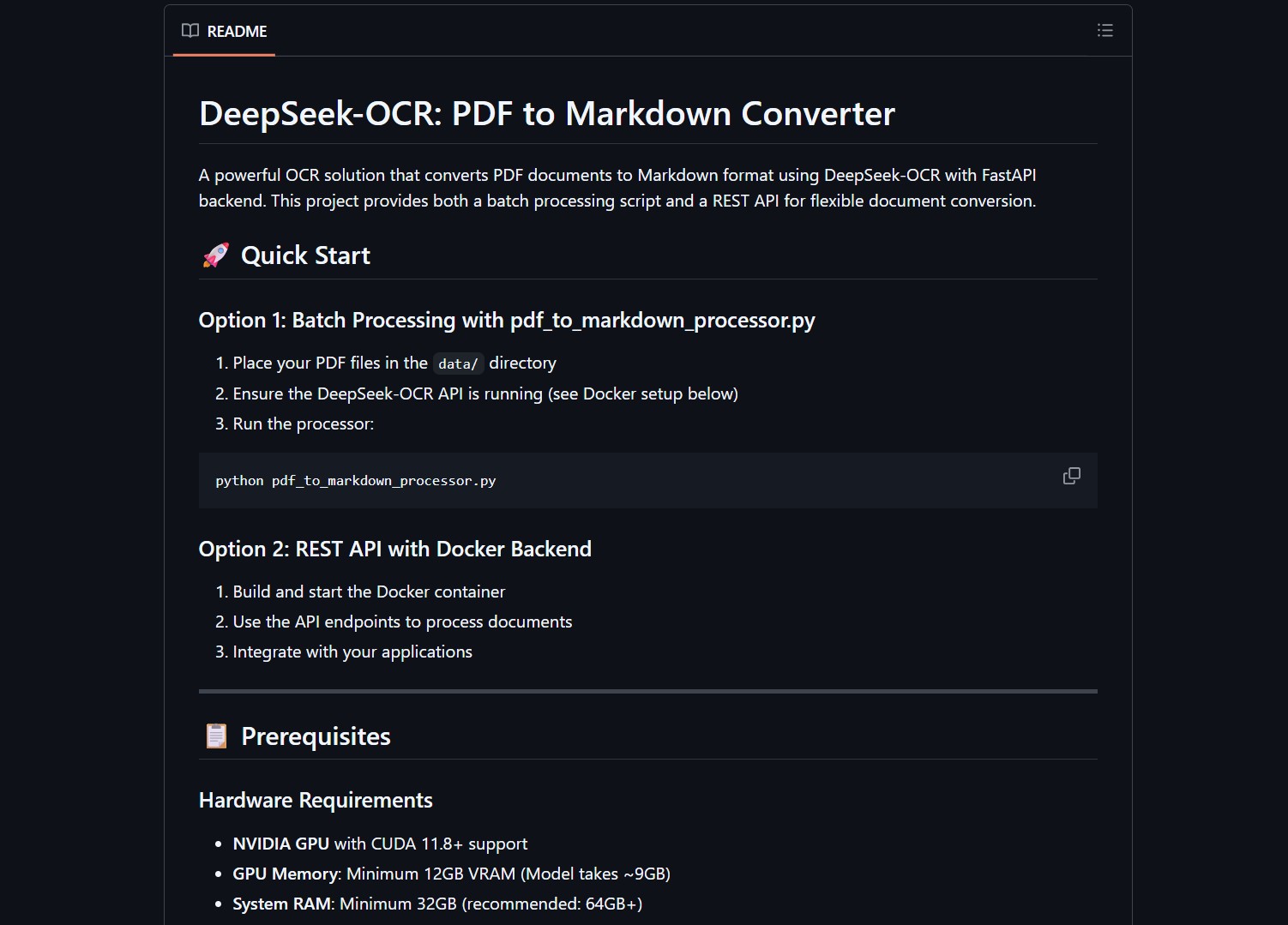
This tool converts PDFs into clean, fully structured Markdown files with images included, all running locally on your machine. No API keys, no data leaving your machine, no usage fees.
DeepSeek OCR Dockerized API converts PDF documents to Markdown using DeepSeek’s OCR model with a FastAPI backend. It preserves layout, formatting, and extracts visuals automatically. Supports standard Markdown conversion, pure OCR extraction, and custom prompt processing.
Why Local OCR Matters
Cloud OCR services charge per page and store your documents on their servers. For sensitive documents like contracts, medical records, or internal reports, that is a non-starter. This tool runs everything locally through Docker, giving you enterprise-grade OCR without the privacy tradeoffs.
| Feature | DeepSeek OCR Docker | Cloud OCR Services |
|---|---|---|
| Privacy | 100% local | Uploads to cloud |
| Cost | Free | Per-page pricing |
| Speed | GPU-accelerated | Network-dependent |
| Document Types | PDF, images | PDF, images |
| Layout Preservation | Yes | Varies |
Two Ways to Use It
The project provides both batch processing and a REST API, so you can integrate it into your workflow however you prefer.
Batch Processing Script
For one-off conversions or bulk document processing:
python batch_process.py --input ./documents/ --output ./markdown/
REST API
For integration into automation pipelines and web applications:
curl -X POST http://localhost:8000/convert \
  -F "file=@document.pdf" \
  -F "mode=markdown"
Available processing modes
- markdown: Standard PDF to Markdown conversion with layout preservation
- ocr: Pure OCR extraction without formatting
- custom: Process with custom prompt for specific extraction needs
What People Are Saying
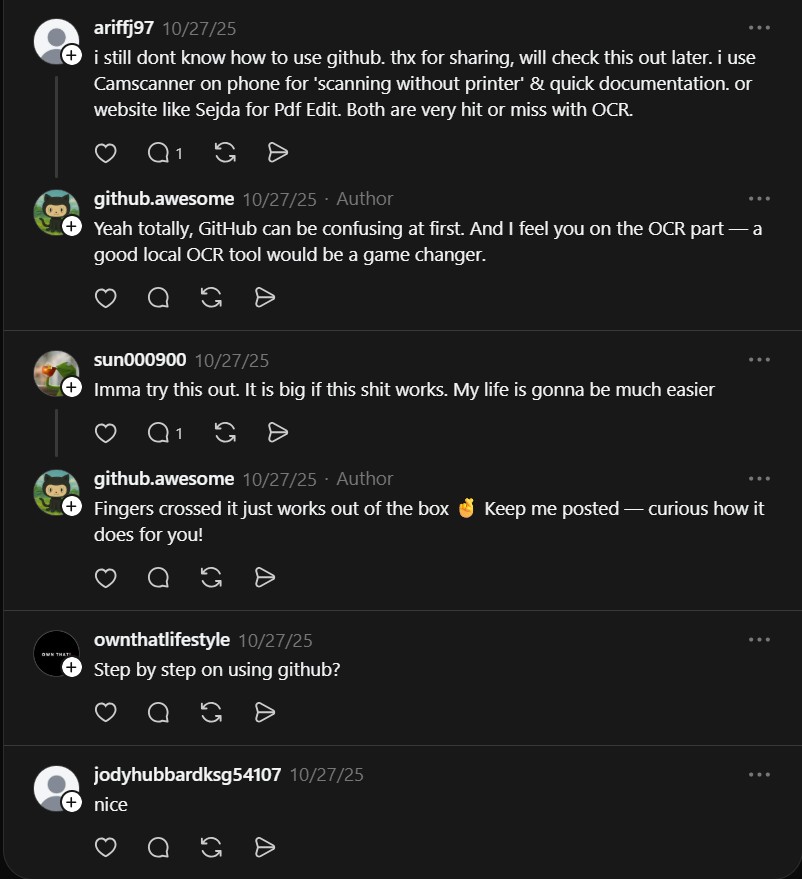
“Imma try this out. It is big if this shit works. My life is gonna be much easier.” – @sun000900
“I still dont know how to use GitHub. Thx for sharing, will check this out later.” – @ariffj97
Project Link



For anyone dealing with document processing workflows, having a local OCR API that actually preserves layout is a game changer. Spin it up in Docker and forget about cloud OCR bills forever.
If you need more OCR options, GLM-OCR provides local multimodal OCR on Ollama. For handling complex document parsing, PageIndex delivers vectorless RAG for dense documents.
If you enjoy articles about top GitHub repositories like this, don’t forget to subscribe to Technolati.com.

