
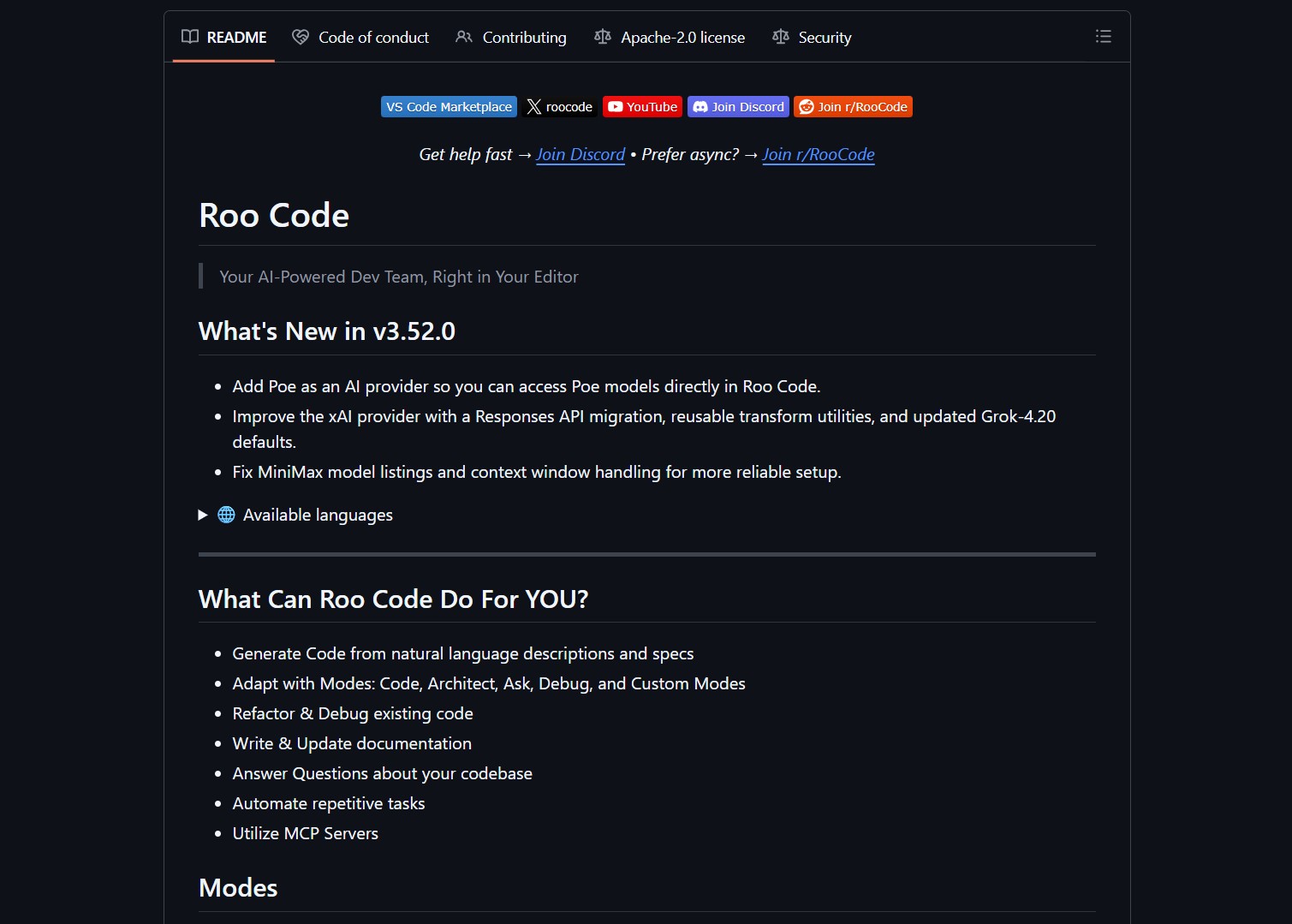
Roo Code redefines editor‑based AI assistance by deploying a multi‑modal dev team directly inside VS Code or JetBrains IDEs. It switches between distinct thinking modes such as Code, Architect, Ask, Debug, and Custom. This approach matches the right AI mindset to each phase of software development. The tool is model‑agnostic and can leverage Claude, GPT, Gemini, or open‑source options. A project‑level .roo file provides persistent context and instructions.
Capabilities and Distinct Features
Roo Code generates code from natural‑language descriptions with project‑aware context. It refactors existing code and suggests architectural improvements. The assistant writes and updates documentation automatically as the codebase evolves. It debugs issues by analyzing stack traces and proposing fixes. Custom modes can be created for team‑specific workflows and processes.
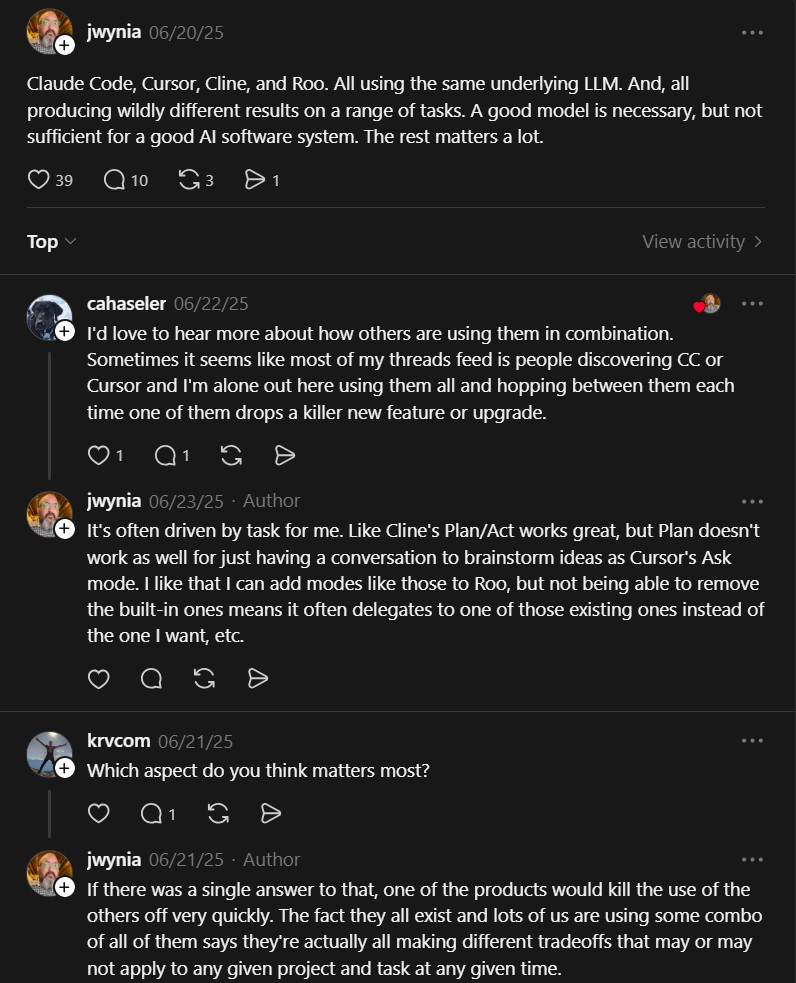
The five built‑in modes cover the complete development lifecycle. Architect mode focuses on system design and component diagrams. Code mode implements functions, classes, and API endpoints. Ask mode answers detailed questions about the codebase. Debug mode identifies bugs and suggests patches. Custom modes let users define specialized workflows and prompts.

Customer Persona
Roo Code targets professional developers who juggle multiple tools for planning, coding, and debugging. Team leads benefit from consistent workflows and shared custom modes across members. Open‑source maintainers use the tool to automate documentation and review tasks. Individual contributors seek to reduce repetitive tasks and boilerplate generation. Organizations with mixed model preferences value the model‑agnostic architecture.
Project link:
https://github.com/RooCodeInc/Roo-Code
How to Deploy and Use Roo Code
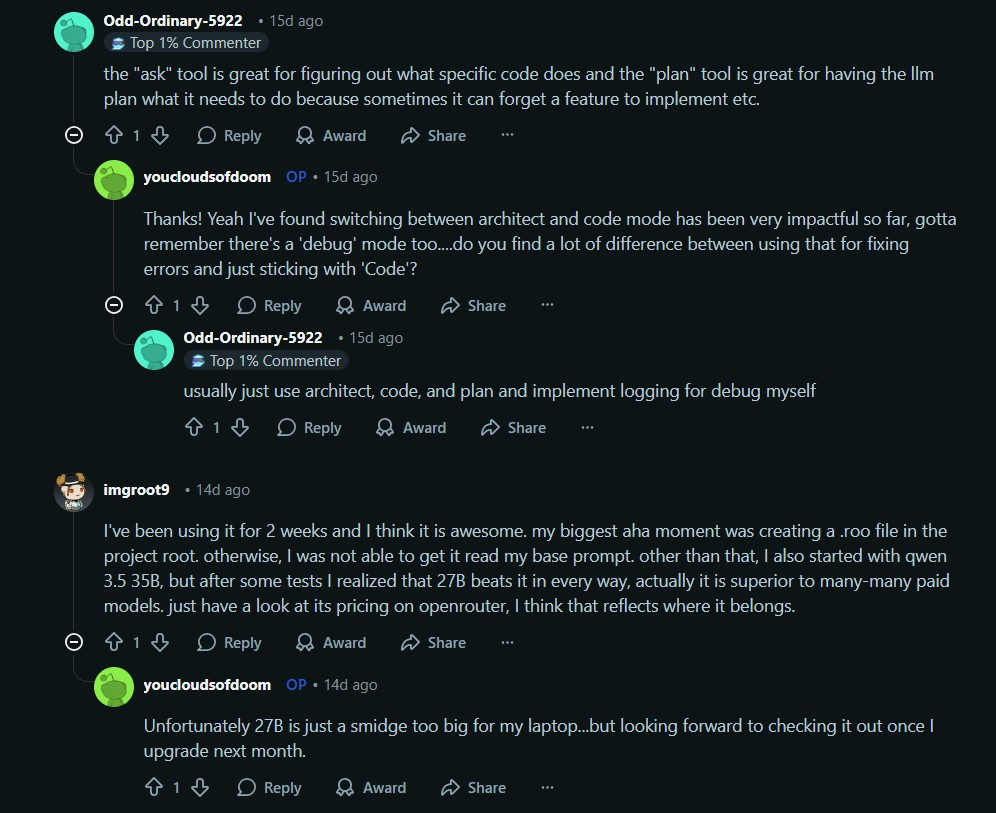
Install the extension from the VS Code Marketplace or JetBrains plugin repository. Configure model providers such as OpenAI, Anthropic, Google, or OpenRouter. Create a .roo file in the project root to define base prompts and preferred models. Experiment with different modes using the built‑in hotkey system. Browse the MCP marketplace for servers that add database access and API integrations.
A sample .roo file might look like this:
---
base_prompt: |
  You are assisting with a Next.js + TypeScript project using Tailwind CSS.
  Follow our established patterns: components in /src/components,
  API routes in /src/pages/api.
  Always write tests for new functionality.
preferred_model: claude-3-5-sonnet
architect_mode_model: claude-3-5-opus
debug_mode_model: gemini-2-0-flash
Advanced users can create custom modes for documentation, testing, or deployment workflows. This flexibility is similar to what Cline provides for CLI coding assistance but with deeper IDE integration.
Market Analysis
The AI coding assistant market is crowded with tools like GitHub Copilot, Cursor, and Cody. Roo Code stands out by structuring interactions into distinct modes rather than offering generic autocomplete. Its model‑agnostic design allows cost‑conscious teams to mix cheaper models for simple tasks and powerful models for complex planning. This approach reflects the broader trend of AI‑powered coding assistance tools moving beyond mere code completion toward full‑cycle development support.
Our platform provides additional resources on integrating AI tools into your development workflow. Explore our tutorials on optimizing AI model performance and deploying self‑hosted AI interfaces. Subscribe to receive updates about new open‑source AI projects and practical guides.
Verdict
Roo Code delivers a genuinely unified assistant that feels like a dedicated dev team. The multi‑modal design matches the mental shifts between planning, coding, and debugging. While the initial setup requires configuring models and writing a .roo file, the payoff is a context‑aware collaborator that reduces tool‑switching overhead. For teams already using multiple AI models, Roo Code’s flexibility makes it a compelling addition to the editor.
- How to Get Better AI Answers with LLM Council Multi-Model Debate
LLM Council sends your query to multiple models and synthesizes the best answer Instead of asking just one LLM for..
- How to Get Native AirPods Integration on Windows with MagicPods
MagicPods is a free open-source Windows application that adds native AirPods integration to Windows 10 and 11. It provides real-time..

