
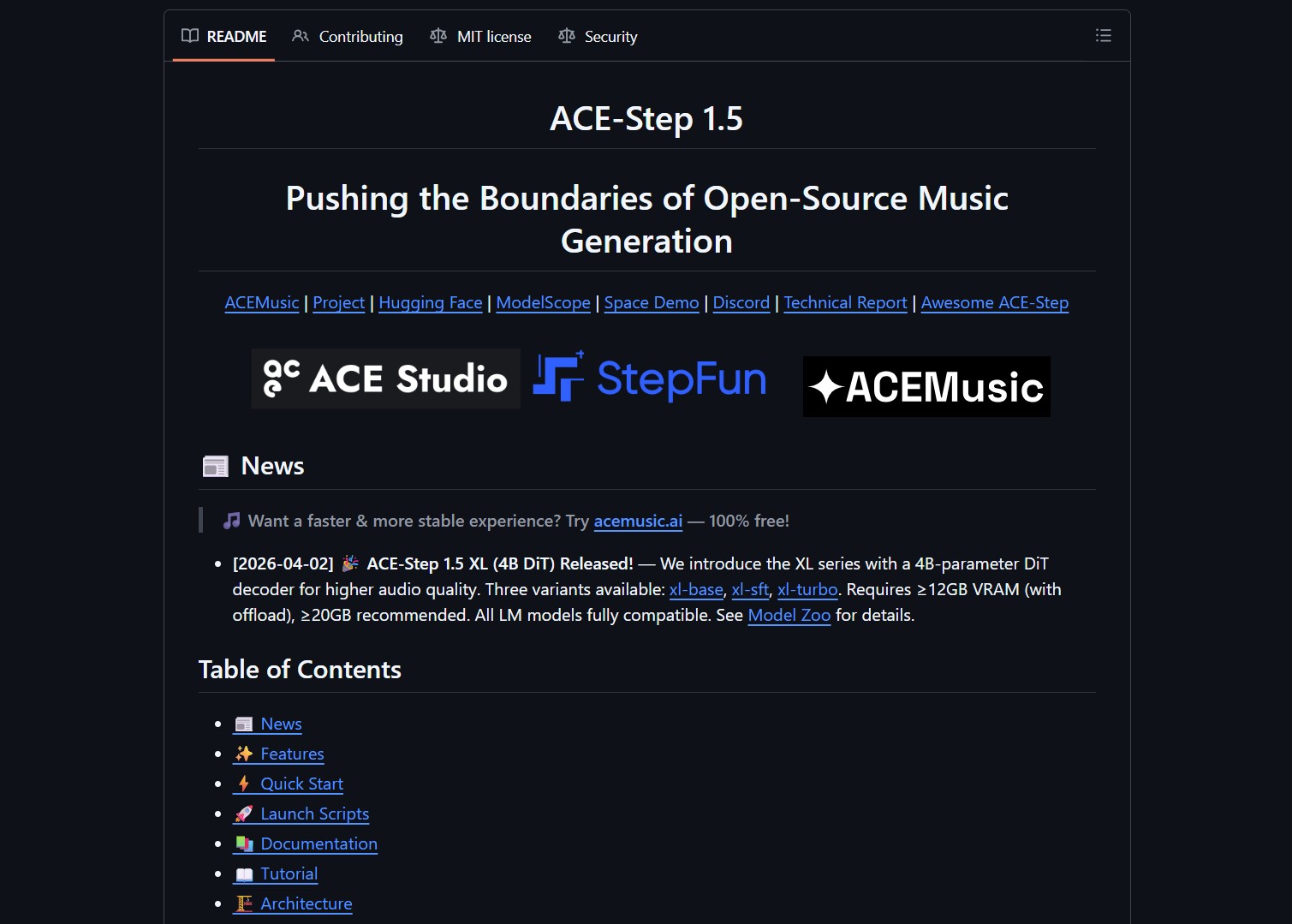
ACE-Step 1.5 is an open-source music foundation model that generates commercial-quality full songs in under two seconds on an A100 and under ten seconds on an RTX 3090. Just like BitNet.cpp runs efficient AI on consumer CPUs, ACE-Step 1.5 brings music generation to local hardware with less than 4GB of VRAM. It supports lightweight personalization through LoRA.

- Project link: github.com/ace-step/ACE-Step-1.5
Performance Comparison
ACE-Step 1.5 achieves quality beyond most commercial music models while being dramatically faster and running on far cheaper hardware.
| Metric | Suno / Udio (Cloud) | ACE-Step 1.5 (Local) |
|---|---|---|
| Cost | $10/month subscription | Free |
| Hardware required | Cloud servers | 4GB VRAM GPU (RTX 3090, A100) |
| Generation speed | 30-60 seconds | <2 seconds (A100), <10 seconds (3090) |
| Maximum length | ~2-4 minutes | Up to 10 minutes |
| Languages | Limited | 50+ languages |
| LoRA personalization | No | Yes |
| Covers, stems, repaint | No | Yes |
Architecture
At its core lies a novel hybrid architecture where the Language Model functions as an omni-capable planner. It transforms simple user queries into comprehensive song blueprints, scaling from short loops to 10-minute compositions, while synthesizing metadata, lyrics, and captions via Chain-of-Thought to guide the Diffusion Transformer.
User Prompt: "Upbeat pop song in C major, 120 BPM"
     ↓
LM Planner generates comprehensive song blueprint
  → Lyrics, chord progression, arrangement, metadata
     ↓
Diffusion Transformer (DiT) generates audio
  → Guided by blueprint from LM Planner
     ↓
Output: Full song with precise stylistic control
The alignment between the LM and DiT is achieved through intrinsic reinforcement learning relying solely on the model’s internal mechanisms, eliminating biases inherent in external reward models or human preferences.
Key Capabilities
| Feature | Details |
|---|---|
| Full songs | Up to 10 minutes in a single generation |
| Batch generation | Generate multiple songs simultaneously |
| 50+ languages | Maintains quality and accent fidelity |
| Covers | Reinterpret existing songs in new styles |
| Stem separation | Isolate vocals, instruments, drums |
| Repaint | Replace sections of generated audio |
| Vocal-to-BGM conversion | Extract background music from vocals |
| Metadata control | Set BPM, key, genre, mood explicitly |
| LoRA personalization | Fine-tune on a few songs for custom style |
Installation
Prerequisites
- NVIDIA GPU with 4GB+ VRAM (RTX 3060 minimum, RTX 3090 recommended)
- CUDA 12.4+
- Python 3.10+
Setup
git clone https://github.com/ace-step/ACE-Step-1.5.git
cd ACE-Step-1.5

# Create conda environment
conda create -n acestep python=3.10
conda activate acestep

# Install dependencies
pip install -r requirements.txt

# Download pretrained model
python scripts/download_model.py
Quick Start
from acestep import ACEInference

model = ACEInference.from_pretrained("ace-step/ace-step-1.5")

# Generate a full song
result = model.generate(
    prompt="An energetic electronic dance track with a driving beat",
    duration_seconds=120,
    bpm=128,
    key="C#m"
)

# Save output
result.save("output.wav")
Batch Generation
prompts = [
    "Calm piano ballad, 70 BPM",
    "Aggressive rock guitar riff, 140 BPM",
    "Lo-fi hip hop study beat, 85 BPM"
]

results = model.generate_batch(prompts, duration_seconds=60)
LoRA Personalization
Train a custom style LoRA from just a few reference songs:
python scripts/train_lora.py \
    --reference_songs /path/to/songs/ \
    --output_dir ./lora-checkpoints
Editing Features
ACE-Step 1.5 unifies precise stylistic control with versatile editing capabilities:
| Feature | Description |
|---|---|
| Cover generation | Reinterpret a song in a different genre or style |
| Repainting | Replace specific sections while preserving the rest |
| Vocal-to-BGM | Extract isolated background music |
| Extension | Extend a short loop into a full composition |
All while maintaining strict adherence to prompts across 50+ languages.
Hardware Support
| GPU | VRAM | Generation Speed | Quality |
|---|---|---|---|
| A100 (80GB) | 4GB minimum | <2 seconds per song | Commercial-grade |
| RTX 3090 | 24GB | <10 seconds per song | Commercial-grade |
| RTX 4090 | 24GB | <5 seconds per song | Commercial-grade |
| RTX 3060 | 12GB | ~30 seconds per song | Good |
| RTX 3060 (6GB) | 6GB | ~45 seconds per song | Decent |
[!NOTE]
ACE-Step 1.5 also supports Mac (MPS), AMD (ROCm), and Intel (XPU) devices, though performance varies. CUDA GPUs provide the best experience.
What the Community Is Saying
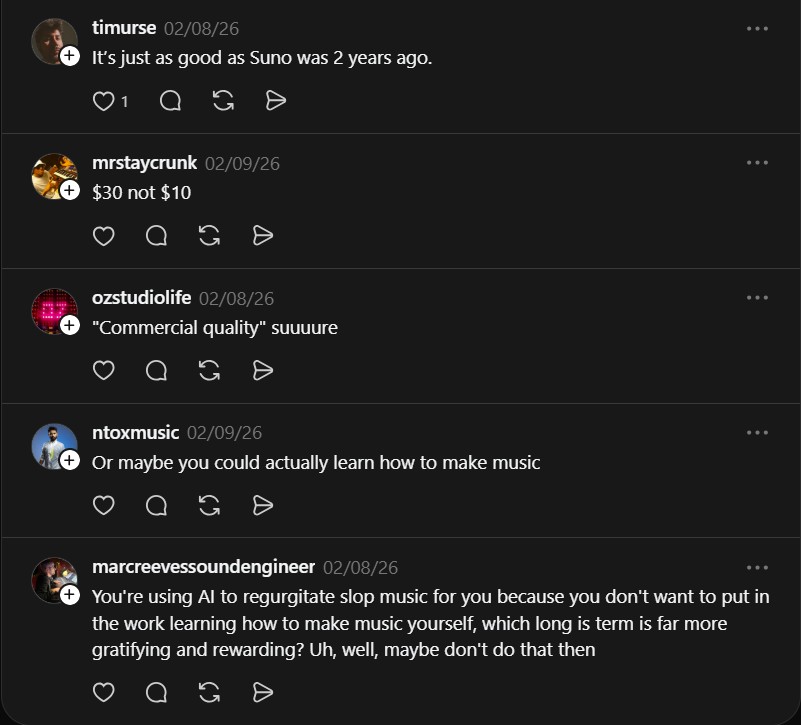
The reactions highlight the divide between AI music enthusiasts and traditional musicians:
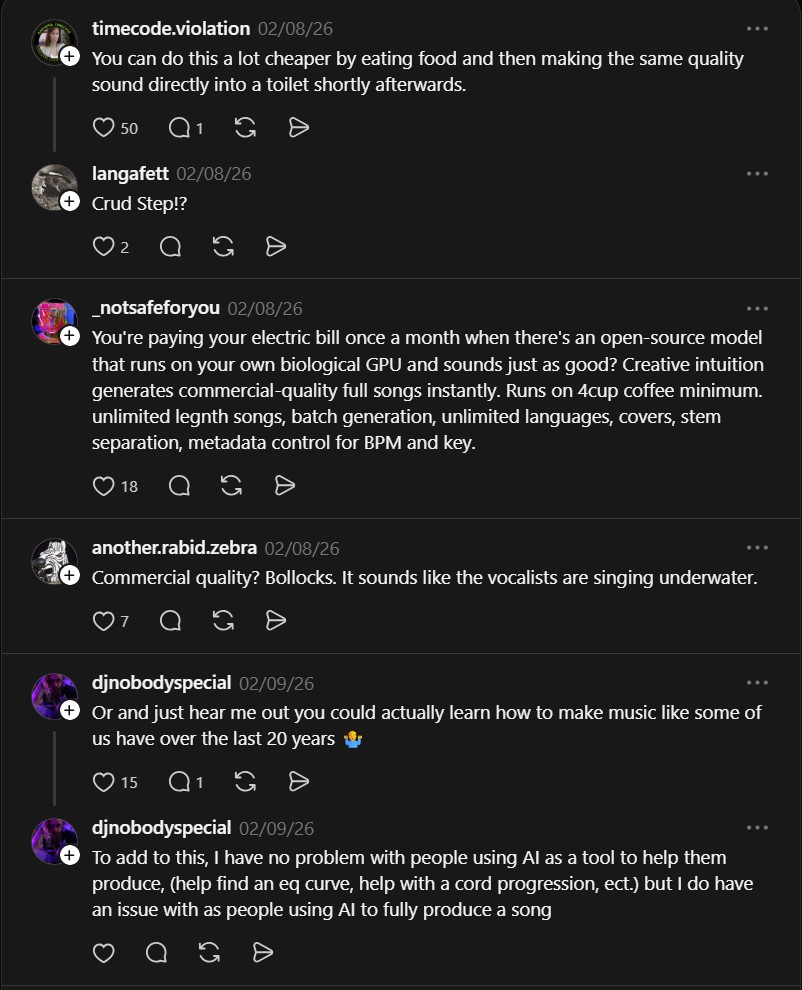
“You’re paying your electric bill once a month when there’s an open-source model that runs on your own biological GPU and sounds just as good? Creative intuition generates commercial-quality full songs instantly. Runs on 4 cup coffee minimum. Unlimited length songs, batch generation, unlimited languages, covers, stem separation, metadata control.” — @_notsafeforyou
“Yeah it’s nowhere near Suno.” — @xmies23
“You’re using AI to regurgitate slop music for you because you don’t want to put in the work learning how to make music yourself, which long term is far more gratifying and rewarding? Uh, well, maybe don’t do that then.” — @marcreevessoundengineer
The polarized reactions mirror the broader debate around AI-generated music. ACE-Step 1.5 is not a replacement for human creativity, it is a tool that lowers the barrier to music production. For producers, the LoRA personalization and precise metadata control (BPM, key, genre) are genuinely useful features that fit into existing workflows. For musicians who value the creative process, it raises valid questions about authenticity.
Use cases for music creators
- Producers: Generate backing tracks, drum loops, and chord progressions at specific BPM and key, then import into your DAW
- Content creators: Generate custom background music for videos with precise mood control
- Songwriters: Use cover and repaint for iterative song development
- Game developers: Batch generate soundtracks with consistent style across tracks
ACE-Step 1.5 by ace-step is for musicians, creators, and AI developers. Like building a local multi-agent workforce with Eigent, it solves the problem of expensive, cloud-based AI by enabling fast, high-quality song creation locally on consumer GPUs with 4GB VRAM minimum, no subscription fees, and full offline access.
If you enjoy articles about top GitHub repositories like this, don’t forget to subscribe to Technolati.com.
- How to Generate Real-World Minecraft Maps from OpenStreetMap with Arnis
Arnis turns real-world locations into playable Minecraft maps. The open-source tool pulls data directly from OpenStreetMap to generate accurate Minecraft..
- How to Make AI Song for Free
Have you ever wanted to create your own music but felt that it was too hard, too expensive, or required..

