
Zed is a high‑performance multiplayer code editor built by the creators of Atom and Tree‑sitter. It tackles the twin problems of sluggish editors and disjointed collaboration. The editor runs on a Rust‑based architecture with GPU‑accelerated rendering. Real‑time multiplayer features are native rather than added as extensions. This makes Zed distinct from Electron‑based editors that treat collaboration as an afterthought.
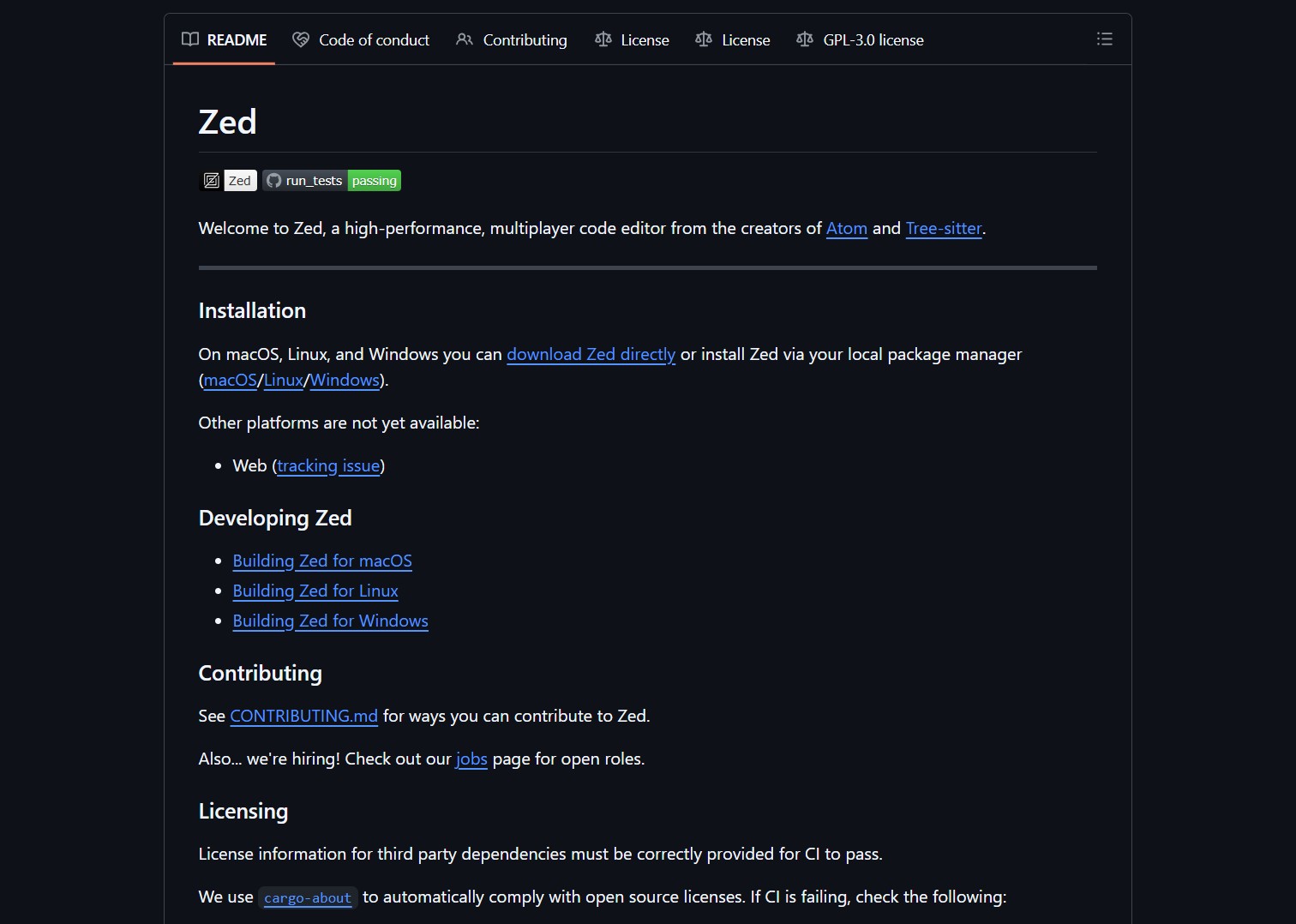
The editor supports over 50 languages via Tree‑sitter grammars for instant syntax highlighting. Built‑in terminal, project‑wide search, and Language Server Protocol integration deliver a complete development environment. Themes and keybindings are fully customizable including Vim mode. Zed’s extension ecosystem is growing but intentionally curated for quality over quantity.
Customer Persona
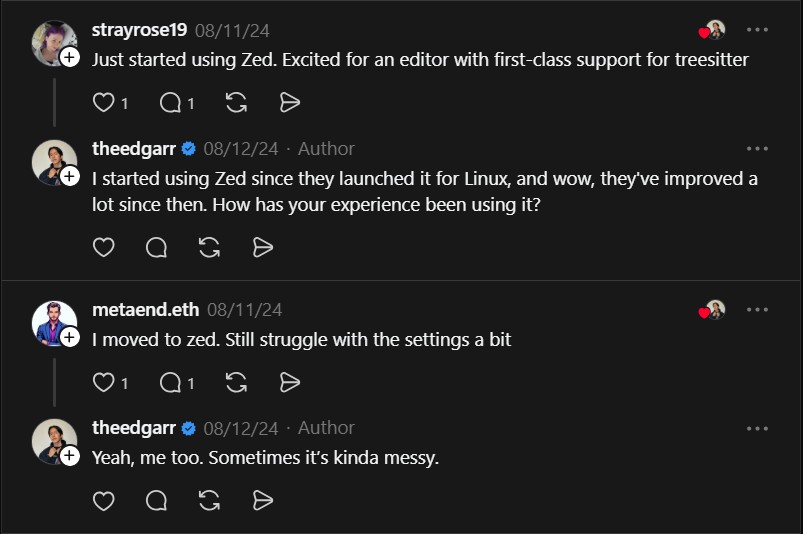
Zed targets development teams that need real‑time collaboration without performance compromises. Remote teams benefit from instant project sharing and pair programming. Developers frustrated with Electron‑based editor lag find immediate relief. Early adopters who follow the Atom and Tree‑sitter creators see Zed as the logical next step. Educators and mentors appreciate the frictionless code review and mentoring sessions.
Project link:
https://zed.dev/
How to Deploy and Use Zed
Download the pre‑built binary from the official website for macOS, Linux, or Windows. For developers who prefer building from source, clone the repository and compile with Rust. Configuration is minimal with sensible defaults out of the box. Connect to a project and invite teammates via built‑in multiplayer functionality.
git clone https://github.com/zed-industries/zed.git

cd zed

cargo build --release
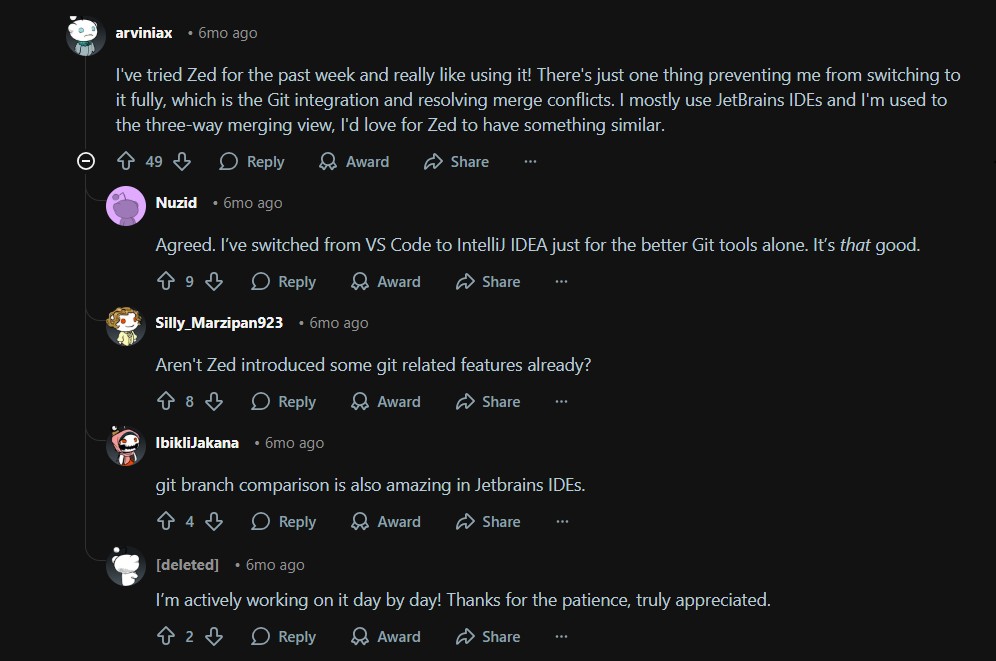
The editor’s Git integration is currently basic but improvements are actively developed. Community feedback highlights the need for advanced merge conflict resolution. For now, many users pair Zed with external Git clients like SourceGit or LazyGit. This mirrors the approach taken by AI coding assistants like Cline which focus on core functionality before peripheral tooling.
Market Analysis
The code editor market is dominated by VS Code with its vast extension ecosystem. Zed competes by offering superior performance and native multiplayer collaboration. Its Rust‑based architecture avoids the memory bloat common in Electron‑based alternatives. The editor’s philosophy aligns with modern AI‑powered dev tools like Roo Code that prioritize seamless integration over feature sprawl.
Our platform provides additional resources on optimizing developer workflows and tool selection. Subscribe for updates on emerging development tools and performance benchmarks. Explore our tutorials on integrating AI assistance into your coding environment.

Verdict
Zed delivers a genuinely high‑performance multiplayer editing experience. The Rust foundation and GPU acceleration make everyday coding noticeably snappier. Native collaboration transforms how teams work together on code. While Git tooling remains a work in progress, the core editor excels at its primary missions. For developers tired of choosing between performance and collaboration, Zed offers the best of both worlds.
- How to Use Velo as a Local-First Desktop Email Client
Velo is a blazing-fast, keyboard-first desktop email client with local SQLite storage Velo is a desktop Gmail client built with..
- How to Use PentAGI for Autonomous AI Red Teaming
PentAGI is an autonomous AI red team system that performs penetration testing with zero human input PentAGI is a fully..
- How to Use Dexter for Autonomous Financial Research
Dexter is an autonomous financial research agent that plans, executes, and validates its own investment analysis Dexter is an autonomous..
- How to Use PageIndex for Vectorless RAG on Complex Documents
Badge PageIndex argues that similarity is not the same as relevance, and it offers a vectorless, reasoning based approach to..
- How to Use OpenWork as a Desktop Interface for DeepAgents
Badge OpenWork is an opinionated desktop interface for deepagentsjs, it exposes filesystem planning, subagent delegation, and direct tool access so..
- How to Use Lightpanda as a Fast Headless Browser for Agents
Badge Lightpanda Browser is a headless browser written from scratch in Zig, built specifically for AI agents and automation workflows…

