
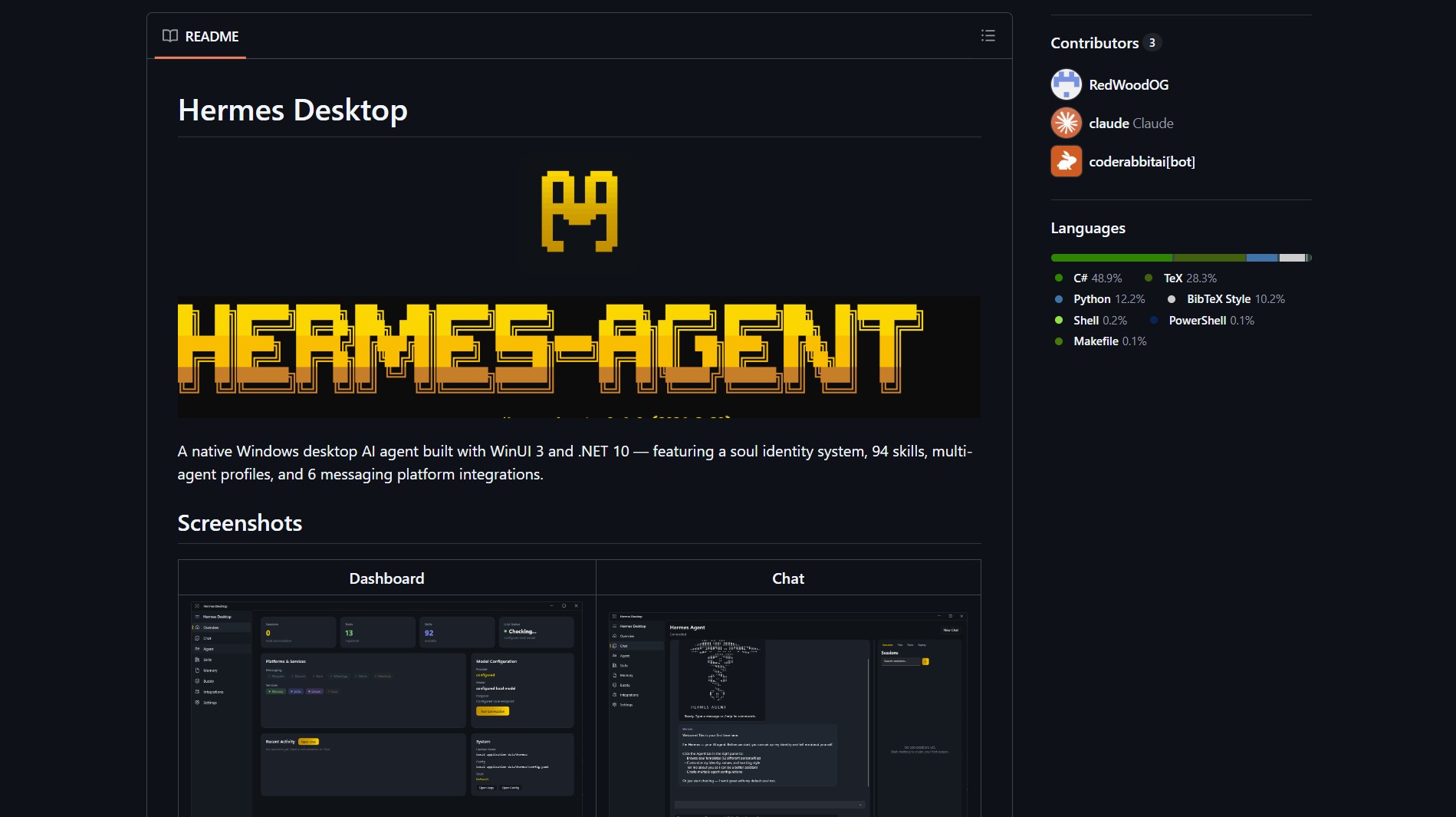
Hermes Agent Desktop by RedWoodOG wraps the NousResearch Hermes Agent in a WinUI 3, .NET 10 desktop app. It gives you a fast, native Windows interface with multi-agent profiles, skill management, and messaging platform integrations. The project is still in active development but the repo is now functional beyond a shell.
The native Windows app includes a soul identity system, 94 skills, eight provider hooks, and six messaging integrations — all without Electron or web views. If you have been running the CLI version of Hermes Agent as a persistent terminal assistant, this desktop client gives you the same agent system with a proper Windows UI.
Key Features
| Feature | Notes |
|---|---|
| Native stack | WinUI 3, .NET 10, Windows App SDK for a responsive native UI |
| Agent system | Multi-agent profiles, soul identity system, skill management |
| Integrations | 6 messaging platform integrations and 8 provider hooks |
| Extensible | Designed for developers to add skills and providers |
Quick start:
git clone https://github.com/RedWoodOG/Hermes-Desktop.git
cd Hermes-Desktop
# follow the README for build steps, requires .NET 10 and WinUI 3
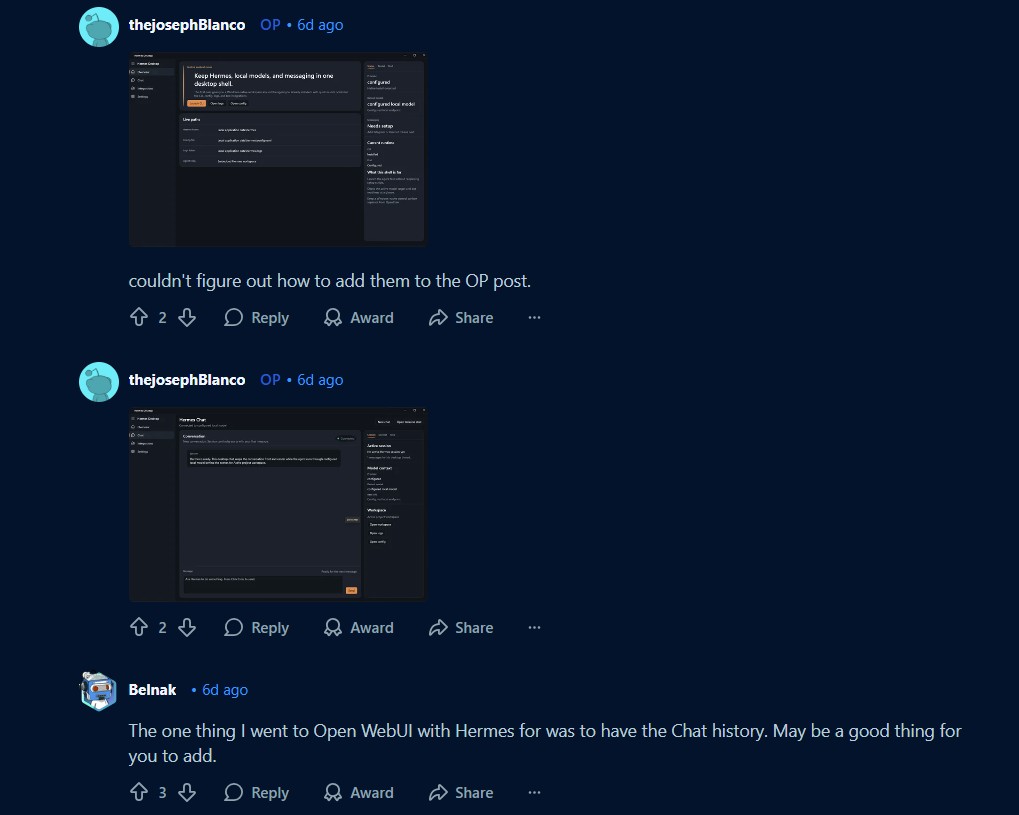
If you value chat history and continuity, check how history is stored and whether the desktop client syncs logs with your existing Hermes backend. The agent memory system is similar to how Acontext provides open skill memory for AI agents across different client interfaces.
Pros
- Native performance and integration with Windows features
- No Electron — smaller runtime surface and more predictable UX
- Rich agent model with many skills ready to test
Cons
- Requires Windows and recent .NET runtime, not cross-platform
- Active development — expect breaking changes or incomplete features
- Desktop access increases the importance of local security and credential management
Try It Locally
- Clone the repo and follow the README to build with Visual Studio or dotnet CLI.
- Run the app on Windows 10/11 with .NET 10 installed, then configure providers and integrations.
Agentic desktop apps can access local resources, so audit providers, secure credentials, and consider running behind least privilege accounts or VM sandboxes.
Project link:
https://github.com/RedWoodOG/Hermes-Desktop
- How to Run PicoClaw as an Ultra-Lightweight AI Assistant
PicoClaw is a Go-based AI assistant that runs on $10 hardware with under 10MB of RAM PicoClaw is an ultra-lightweight..
- How to Run GLM-OCR for Local Multimodal OCR on Ollama
Badge GLM-OCR is a multimodal OCR model designed for complex document understanding, and the maintainers provide an Ollama friendly workflow..
- How to Run Hermes Agent as a Persistent Terminal AI Assistant
Hermes Agent is an open-source, terminal-first AI assistant from Nous Research that lives in your terminal or on a server…
- How to Run 1-Bit LLMs on CPU with BitNet.cpp
BitNet.cpp is Microsoft’s official inference framework for 1-bit LLMs. It enables running very large quantized models on standard CPUs without..
- How to Run Moltbot AI Assistants in Cloudflare Workers
Moltworker is a serverless deployment pattern that runs Moltbot AI assistants inside Cloudflare Workers. It uses R2 for memory storage..
- How to Run Durable Autonomous Agents in Production with Gobii
Gobii is an open-source platform for running durable autonomous agents in production. It solves the problem of unreliable, ephemeral AI..

